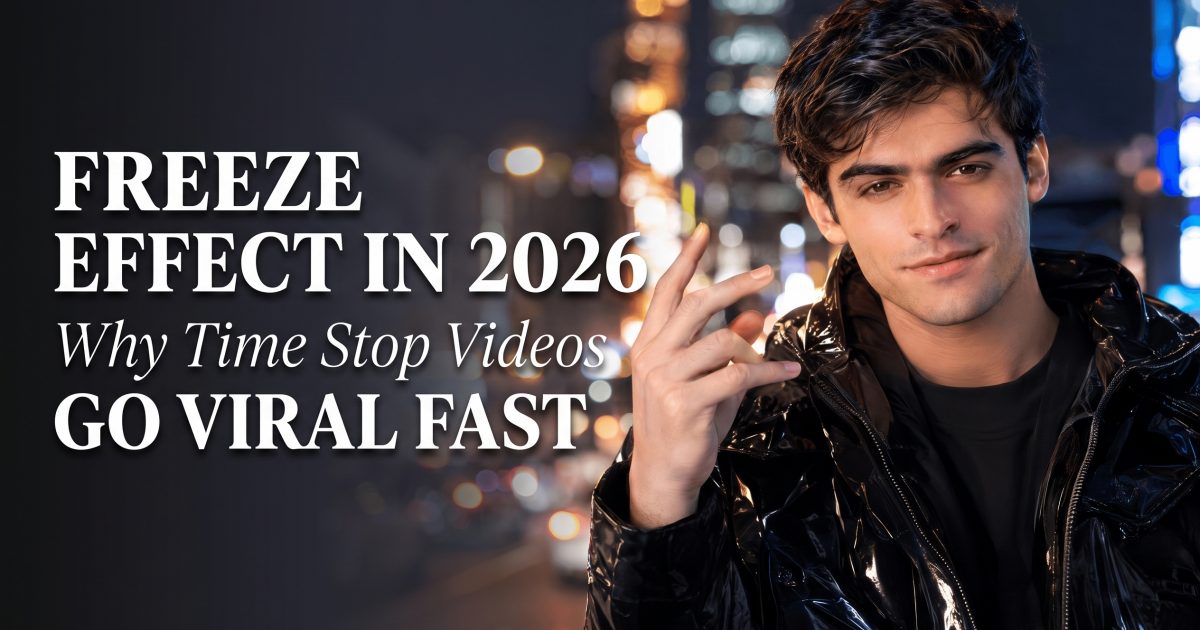
The freeze effect is the easiest way to make a normal portrait look expensive in 2026. One snap, one stop, and the frame suddenly feels like a scene from a music video or a street magic edit. The official Freeze Effect page already shows how far the look can go, with 62 scenarios built around one idea: freeze the world, keep the subject alive.
That is why the trend keeps spreading. It works on selfies, night shots, outfits, sports clips, wedding moments, and almost anything with a clear face in the middle. It also clips cleanly into Reels and Stories, which makes it easy to reuse. A recent time freeze tutorial and the wave of TikTok versions around it show the same thing: the look lands fast because the idea is simple.
In this guide
- What the freeze effect does
- How to make the freeze effect feel real
- Two freeze effect examples
- Prompt angles that keep it sharp
What the freeze effect does
The freeze effect works because it gives the viewer a before-and-after in one shot. The subject stays readable, but everything around them stops. That tension is the hook. It feels like action, even when the clip starts from a simple portrait.
Most viral versions borrow from bullet time, street magic, or cinematic slow motion. The best ones do not overload the frame. They hold one strong pose, one strong light source, and one clear background idea. If the frame gets too busy, the freeze stops feeling magical and starts feeling noisy.
That is also why the look keeps showing up in beauty edits, fashion clips, and event recaps. It does not need a full production team. It needs a sharp subject and one visual payoff. For a darker mood, the Neon Night Effects in 2026 post is a good contrast. That one pushes glow and atmosphere. This one pushes stillness.
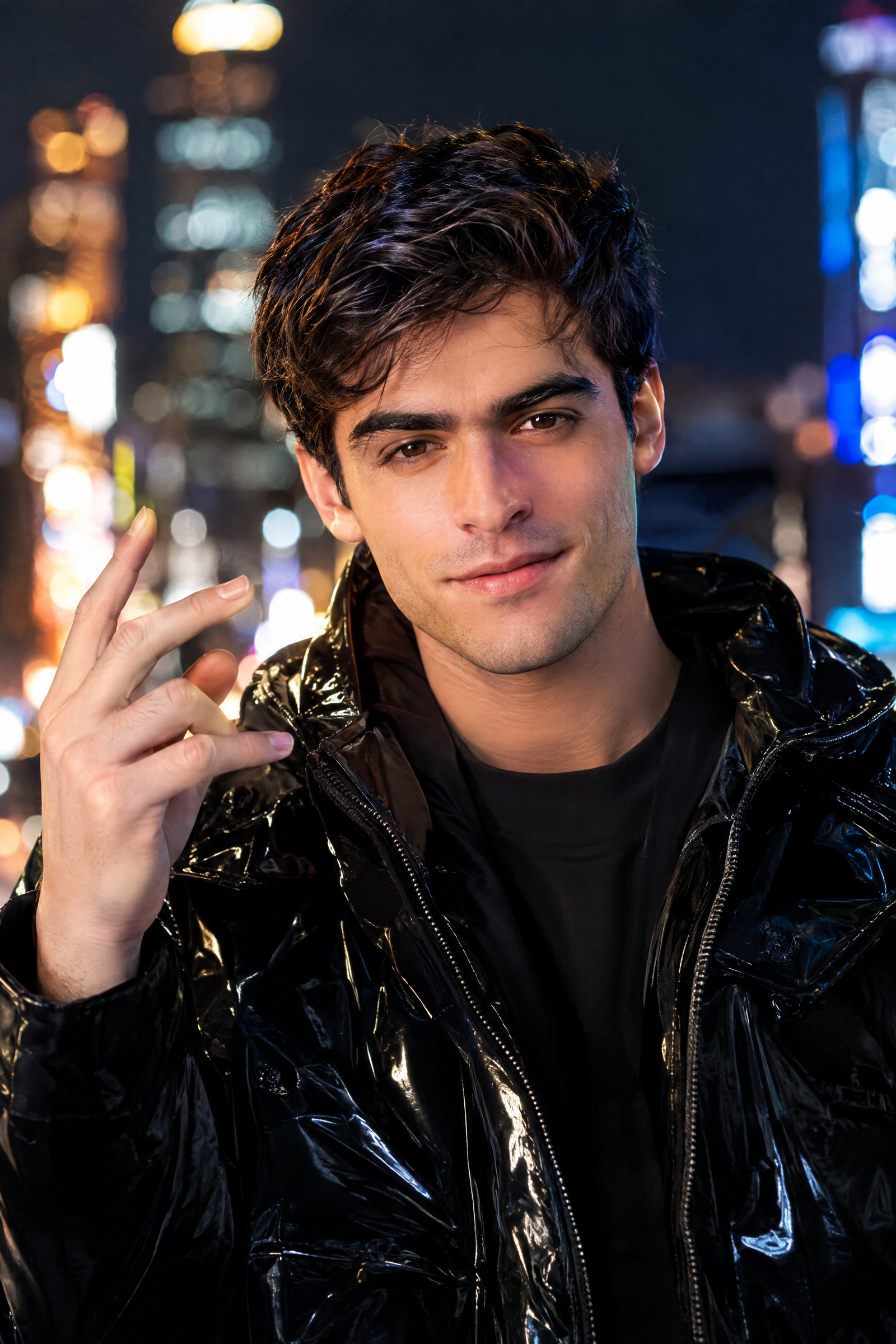
How to make the freeze effect feel real
The easiest mistake is picking a weak source photo. Blur, heavy filters, and low light work against the effect. A clean portrait with a clear face gives the freeze more room to breathe. A hand near the face, a step forward, or a half-turn also helps. The pose gives the stop a reason to exist.
Keep the background readable. A street, alley, station platform, rooftop, or city intersection gives the effect something to freeze. When the background has shape, the stop feels cinematic instead of generic. If the scene is already flat, the effect has to do too much work.
In the edit, keep motion short and decisive. A five-second clip often beats a longer one because the freeze lands faster. Use a clean first second, then let the stop hit hard. That rhythm is what turns a novelty into a scroll-stopper.
- Use one face and one strong pose.
- Choose a background with depth.
- Keep the color story simple.
- Let the stop land early.
- Leave room around the subject so the freeze can spread.
The look also works best when the pose fits the scene. A city snap feels different from a sports freeze or a wedding bouquet stop. That is the part many edits miss. The effect is not just motion. It is the reason the motion stops.
| Look | Energy | Best for | Why it works |
|---|---|---|---|
| City magic freeze | Playful, sharp | Street portraits, creator selfies | Simple pose, clear snap moment, easy to read |
| Shibuya neon freeze | Louder, more cinematic | Night shots, fashion clips, travel posts | Neon gives the stop a stronger frame |
| Bullet time freeze | Big, dramatic | Action shots, sports, high-energy edits | The freeze feels like a movie beat |
Two freeze effect examples
The first version leans playful and direct. It feels like a creator caught the exact second before the world snapped shut. The second version pushes harder on the neon. That one is better for nightlife, fashion, and anything that needs a stronger edge.
Both clips use the same idea. One portrait. One stop. One frame that turns ordinary movement into a scene people want to rewatch. That is the real reason the freeze effect keeps climbing. It is fast to understand and easy to copy.
If a post needs a quick hook, this effect delivers it. It works for a profile refresh, a launch teaser, a birthday recap, or a style post that needs more punch than a normal portrait. The trick is not to chase chaos. Keep one clear subject, one clear stop, and one clear mood.
Prompt angles that keep it sharp
Strong freeze effect prompts stay specific. The scene should tell the model where the stop happens, what the subject is doing, and what should stay visible. A city corner, neon alley, station platform, or sports moment gives the frame structure. The more concrete the setting, the better the stop reads.
A good prompt usually says three things: who is in the frame, what motion starts the clip, and what freezes around them. That keeps the result focused. It also keeps the subject from melting into the background. The best clips feel like one clear moment, not a pile of visual tricks.
For creators, that means the freeze effect is less about complexity and more about control. Pick a pose that reads in a thumbnail. Pick a scene that feels familiar. Then let the stop do the work.
Create this effect in Bloom AI
Recreate these effects on your own photos and videos — free to start.