
Neon night effects give a plain portrait or short clip the charge of a night that ran later than planned. Saturated signs, wet pavement, glossy skin, pool reflections, and a dark frame do most of the work. Start with a clear vertical photo or a steady 5-second clip. Then pick one light story instead of piling on every color.
That restraint matters. A neon edit lands when the subject stays readable and the color has somewhere to bounce. For Reels and Stories, it is a quick way to turn a night-out recap, concert fit, birthday portrait, or getting-ready clip into the frame people stop on.
Neon night effects: four looks to try
Use a clean original. A visible face, one main subject, and a defined edge of light make every version stronger. Avoid images that are already blurry, over-smoothed, or covered in heavy filters. The effect should add atmosphere, not rescue a bad frame.
1. Neon rain
Neon rain gives the frame instant music-video energy. Electric magenta, blue, and violet reflections turn a sidewalk portrait into a late-night scene, while the rain texture adds movement without asking anyone to dance on camera. It suits a dramatic opener, a street-style fit check, or the first slide of a concert carousel.
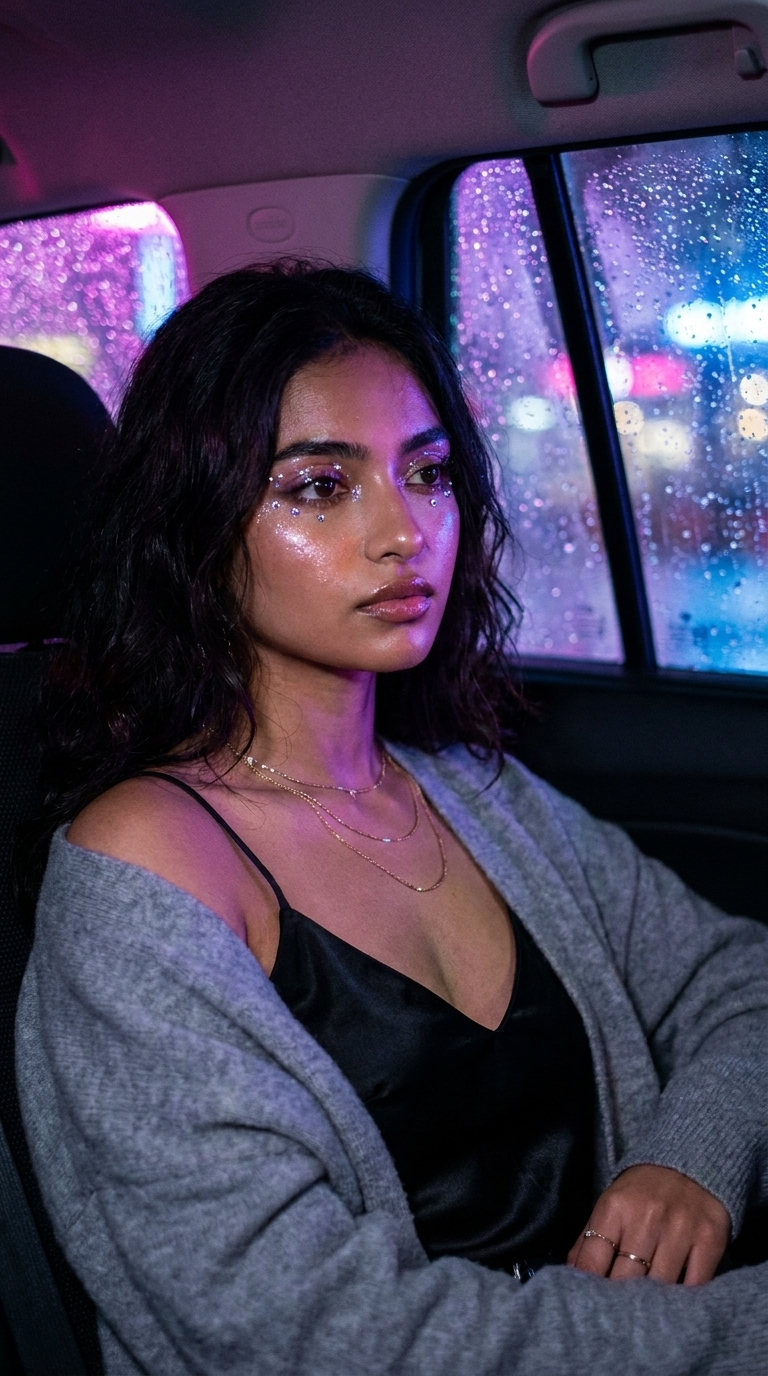
How to make it work: choose a portrait with side light, then leave space around the shoulders so the rain and reflections can show. Wear one reflective detail: a metallic jacket, patent bag, silver jewelry, or gloss. Keep the final clip short and cut from the clean original into the rainy version on a beat.
Prompt idea: “Neon rain at night, wet pavement reflections, violet and cyan signage, glossy editorial portrait, cinematic city mood.” For a softer take, swap “electric signage” for “muted pink storefront glow.”
2. Midnight pool
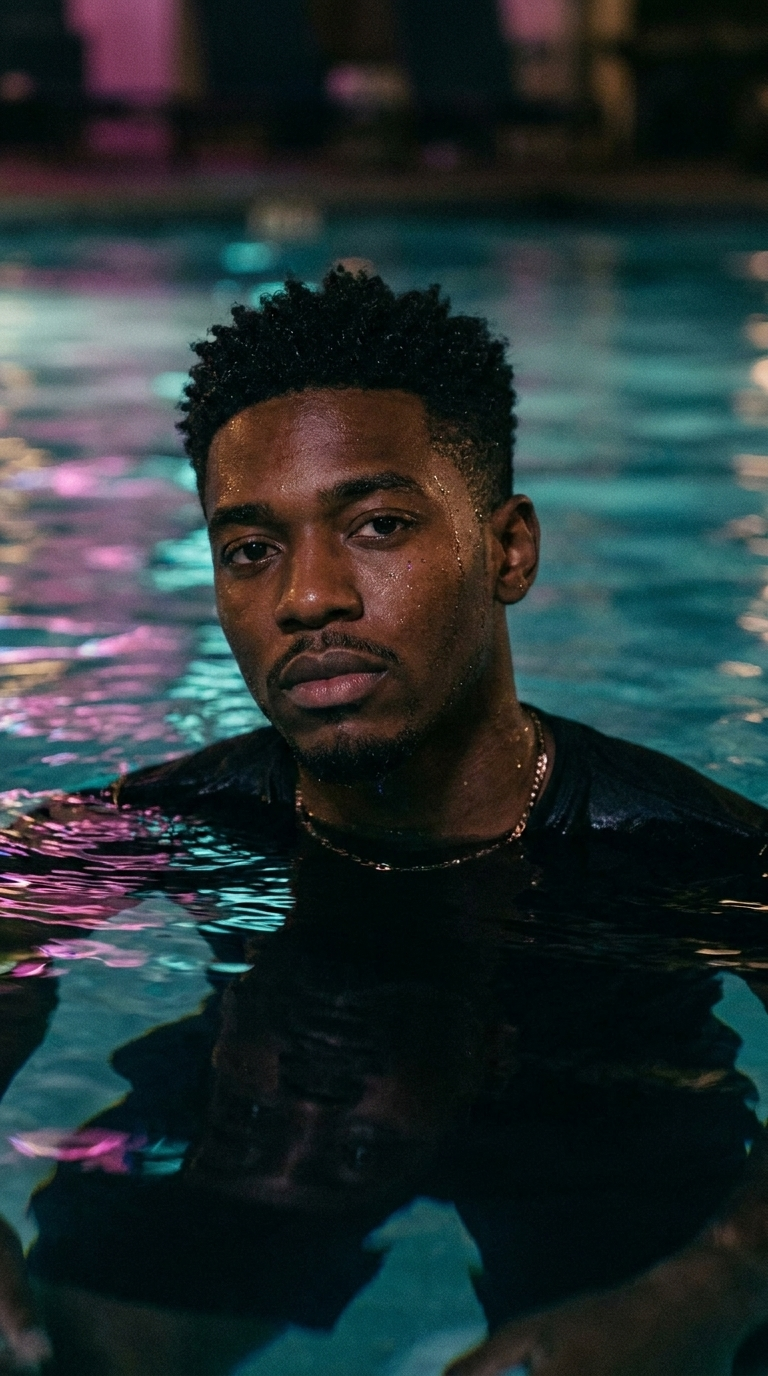
Midnight pool trades hard city light for cool blue reflections. It feels polished but calm, which makes it useful for vacation recaps, hotel looks, satin outfits, or a low-key birthday post. The best versions keep some darkness in the corners, so the water glow does not flatten the face.
How to make it work: start with a photo where the shoulders and face are separate from the background. Dark navy, black, chrome, or a textured top reads well. Use the effect as a single hero frame, then follow it with two unedited clips from the actual night. That contrast makes the edit feel intentional.
Prompt idea: “Midnight pool reflections, deep blue water light across the face, dark luxury setting, soft flash, vertical fashion portrait.” Keep captions spare here. A location, a time stamp, or “after dark” is enough.
3. Glitter grief
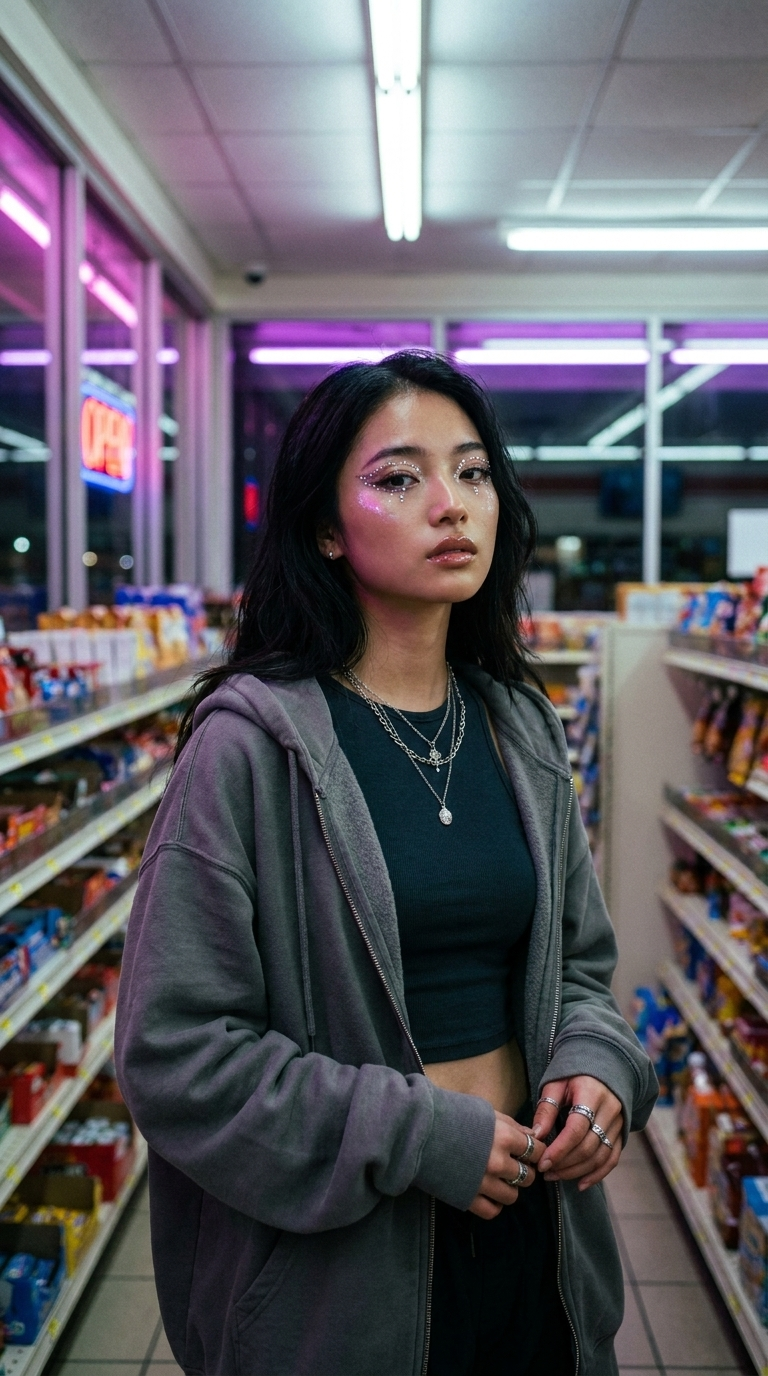
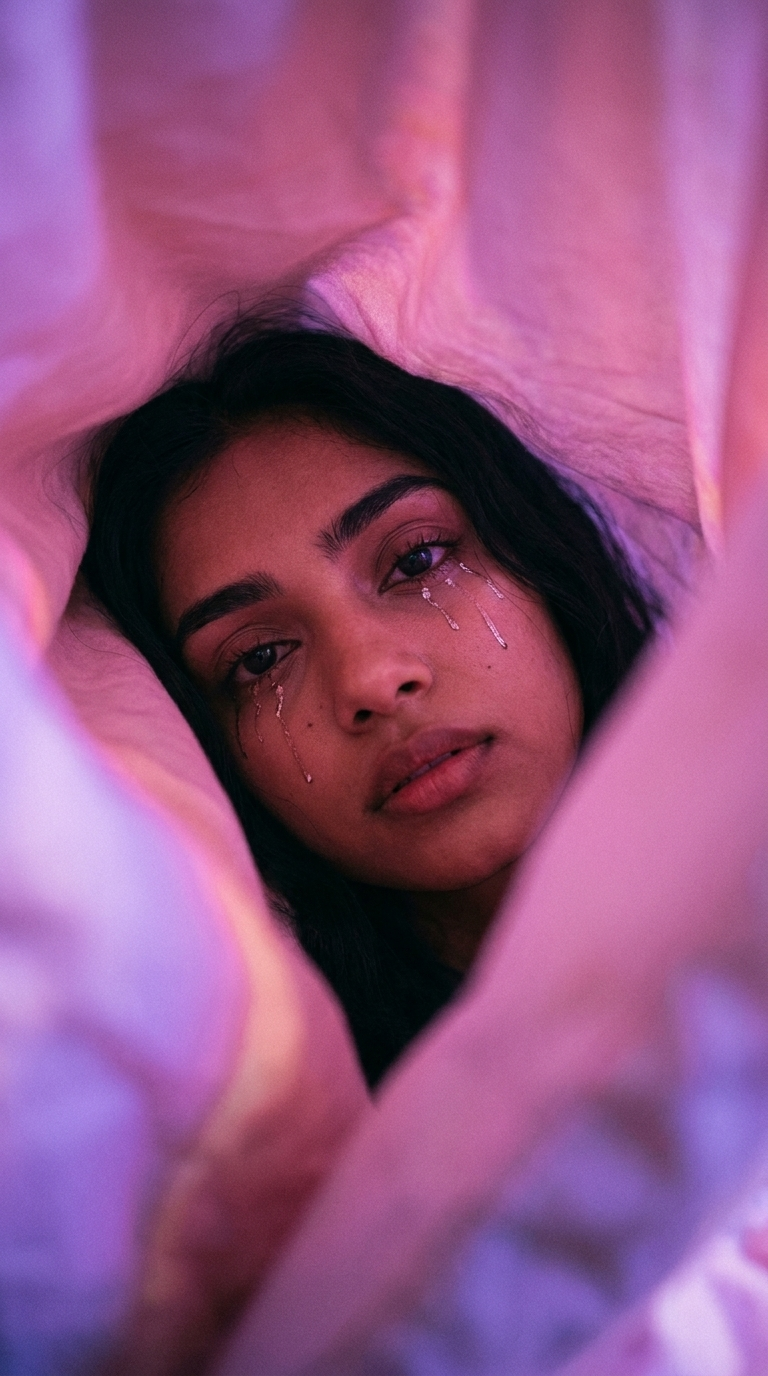
Glitter grief takes a close beauty shot somewhere moodier. Think silver shimmer, a damp shine, a shadowed background, and a face that looks more editorial than party-ready. This is the look for concert makeup, birthday glam, a mirror selfie, or a photo dump cover when a clean flash portrait feels too safe.
How to make it work: crop close. One face and one expression are stronger than a crowded group shot. Use a neutral wall, dark car interior, or plain mirror background. Keep one detail sharp, such as a glitter lid, glossy lip, or crystal earring. If the source has several competing colors, pull back to black, silver, and one electric accent.
Prompt idea: “Dark glitter beauty portrait, silver tears, wet-look skin, black background, flash photography, moody neon edge light.” For a less intense version, replace “silver tears” with “fine silver shimmer beneath the eyes.”
4. After hours
After hours is the flexible option. It gives an ordinary portrait the warm, low-lit feel of the one photo everyone saves from the camera roll. Use it for restaurant lighting, an elevator selfie, a rooftop clip, or a casual friend photo that needs a little more shape before it hits the feed.
How to make it work: choose warmth over brightness. Amber lamps, red booths, and a dark jacket give the frame depth. Keep skin tones natural, and let the warm light live around the edges. This look works well as the closing slide in a carousel because it feels personal rather than staged.
Prompt idea: “After-hours portrait, warm amber practical lights, deep shadows, candid nightlife photo, soft film grain, vertical 9:16.” Pair it with a slow zoom or a simple fade. Fast transitions can fight the relaxed mood.
Production tips for a cleaner night edit
Film vertically and lock focus before moving. A single lamp, window reflection, street sign, or phone screen can act as the source light. Mixed lighting can look great, but give one color the lead. If the face is lit green from one side and orange from the other, the effect has less room to create a clear mood.
For a Reel, open on the least edited frame for half a second, then reveal the effect. Add a second clean clip after it: the laugh, the stage, the drinks, or the walk home. The edit sets the tone, while the real footage makes the post feel like a memory. TikTok also keeps its effects guidance handy if a native effect fits the final cut.
Keep the cover frame simple. A face turned slightly toward the light, one clear color, and room for a short caption will travel better than a frame full of details. Save the strongest neon night effect for the opener, then let the rest of the carousel breathe.
Create this effect in Bloom AI
Recreate these effects on your own photos and videos – free to start.





1 Comment