Rescue video effects work because they turn one portrait into a scene people can read in a second. A frozen road. A desert storm. A flooded subway. A bridge edge. The face stays clear, so the clip feels personal instead of random.
The look hits hard for the same reason direct flash keeps coming back in fashion and social edits: the lighting is blunt, the texture is real, and the subject never gets lost. The core model page is here: Self Training Season Effects. For the same visual energy in still photography, the Direct Flash note and the Editorial Raw Flash guide both explain why hard light keeps winning.
4 rescue video effects to try

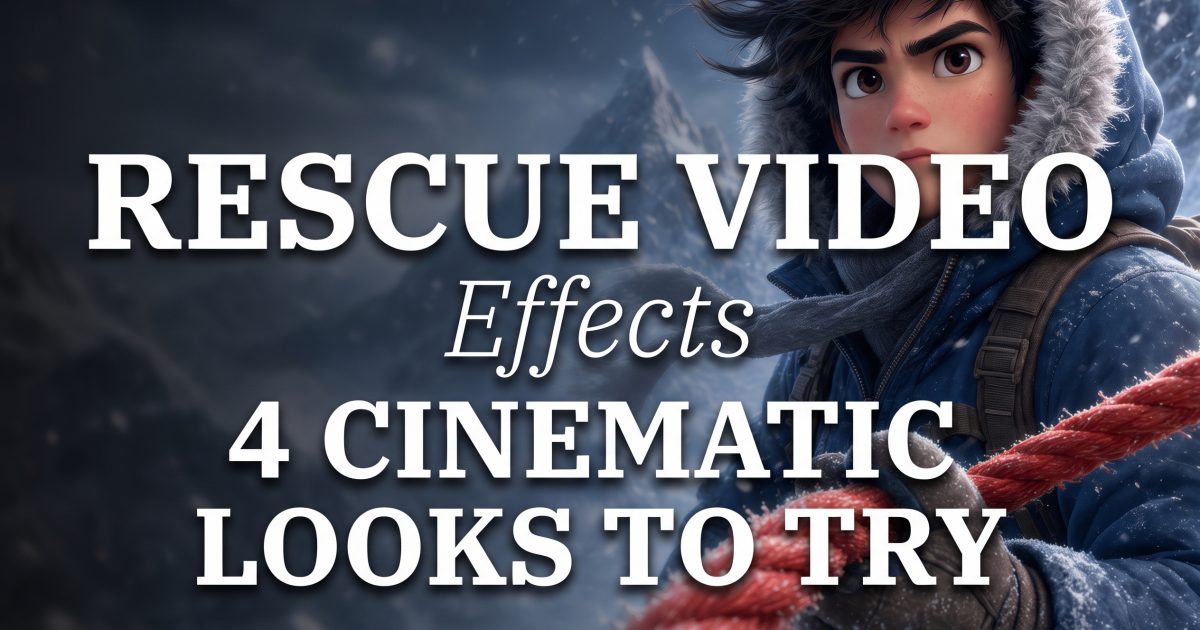
The frozen wilderness version has the strongest instant hook. It feels cold, tense, and cinematic without needing a big cast. A simple jacket, a bright rope, and a clean face line do most of the work. This is the version that reads best as a thumbnail and still feels good in motion.
Use it when the goal is drama with control. The frame says danger, but it does not get messy. That balance is what makes rescue video effects so usable for social posts.

The desert rescue scene pushes warmth and pressure instead of ice and blue shadow. It feels bigger and more open. The subject still reads clearly, but the dust, sun flare, and heat haze make the clip feel like a trailer beat. This version works well for bold profile posts and fast fashion edits.
It also gives the effect a strong color story. Rust, orange, and deep shadow keep the frame lively. That makes the rescue video effects trend feel current instead of recycled.
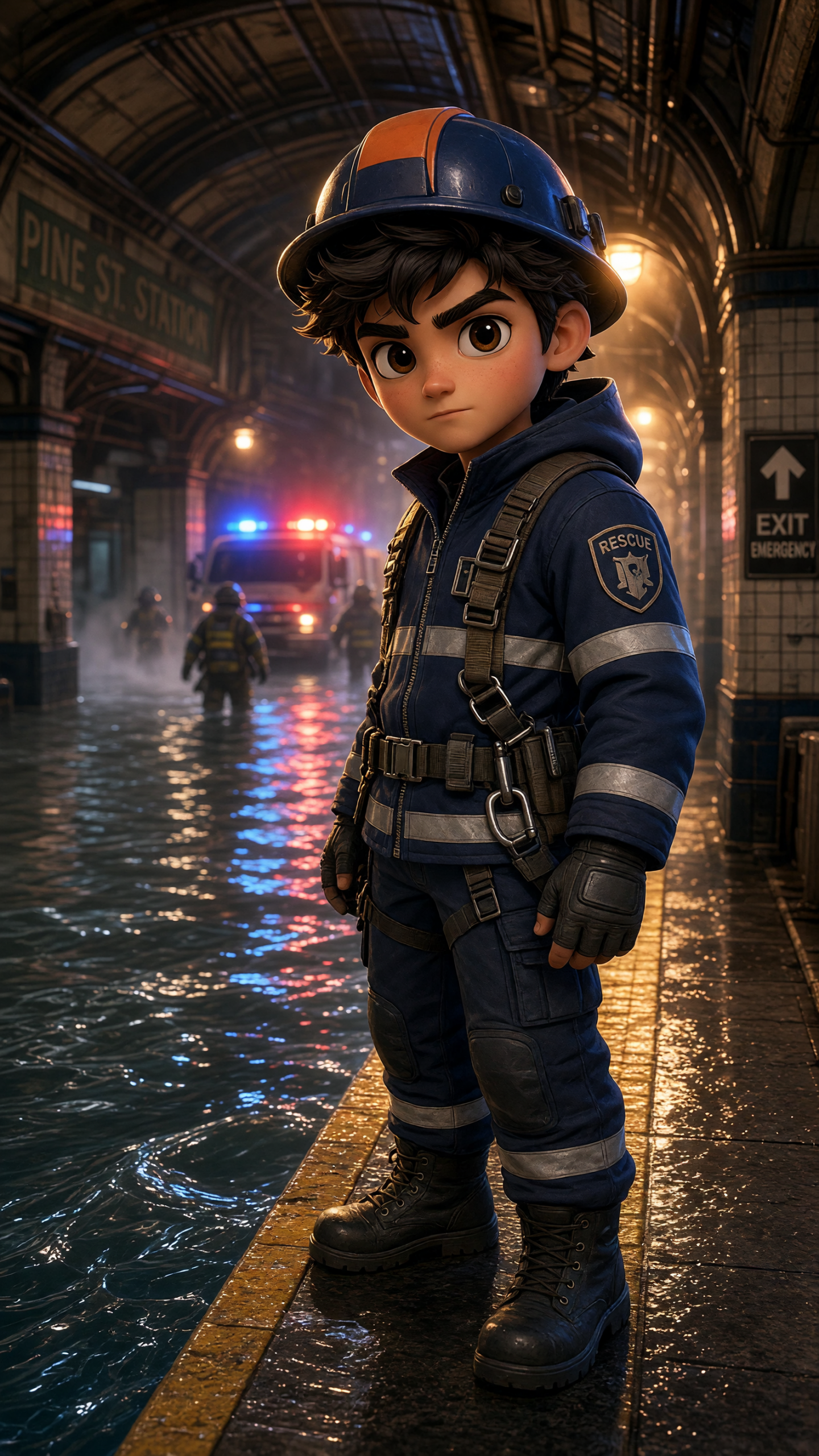
The flooded subway look is the most social-friendly of the group. It has reflections, neon, and a lot of motion baked into one scene. The water gives the image depth, while the emergency lights keep the mood readable on a phone screen. It feels like a big moment, but it still looks easy to post.
This is the one to use when the audience wants something a little more dramatic than a standard portrait edit. It has the same fast payoff as a viral filter, but the scene feels more like a movie still.

The collapsing bridge version is the most intense of the four. It gives the edit a clear edge, both literally and visually. The broken lines, skyline, and high-risk setting make the frame feel expensive. It is the right choice when the post needs more tension than polish.
That said, it still works because the face stays centered and clean. The scene gets wild, but the subject stays easy to follow. That is the trick behind every strong rescue video effect.
Quick look at the four scenes
| Scene | Best for | What it sells |
|---|---|---|
| Frozen wilderness | Cool-toned edits, winter mood, dramatic thumbnails | Cold tension and a clean hero shot |
| Desert rescue | Bold color, heat, outdoor action | Dust, light, and bigger motion |
| Flooded subway | Neon posts, urban drama, short-form video | Reflections and fast visual payoff |
| Collapsing bridge | High-drama teasers, trailer-style posts | Risk, scale, and a stronger edge |
How to make the effect feel real
Start with one clear face. That matters more than almost anything else. If the subject gets too small or the scene gets too crowded, the effect loses its punch.
Keep the color story tight. Ice blue, burnt orange, neon green, and steel gray are easier to read than a frame with six competing tones. One strong color does more work than a noisy palette.
Use a simple pose. A forward gaze, a half-turn, or one hand on the rope makes the scene believable. The frame should feel like one real second from a bigger story.
Choose the scene before the polish. A strong rescue setup beats extra detail every time. That is why the rescue video effects format lands so fast on Reels and Stories.
If a creator wants more variety, the Video Effects category is the easiest place to keep browsing. It collects the looks that turn a plain photo into something people want to replay.
Why this look keeps spreading
Rescue video effects work because they feel bigger than a filter and faster than a full edit. They borrow the language of movie posters, action stills, and high-contrast flash photography, then shrink it down for a phone screen. That makes the look easy to share and easy to understand.
The best part is the range. One setup can feel icy, dusty, wet, or chaotic. That gives creators a lot of room without making the trend harder to use. The effect stays simple. The mood does the heavy lifting.
That is why this format keeps showing up in creator feeds. It sells a moment, and that moment sticks.
Create this effect in Bloom AI
Recreate these effects on your own photos and videos — free to start.