
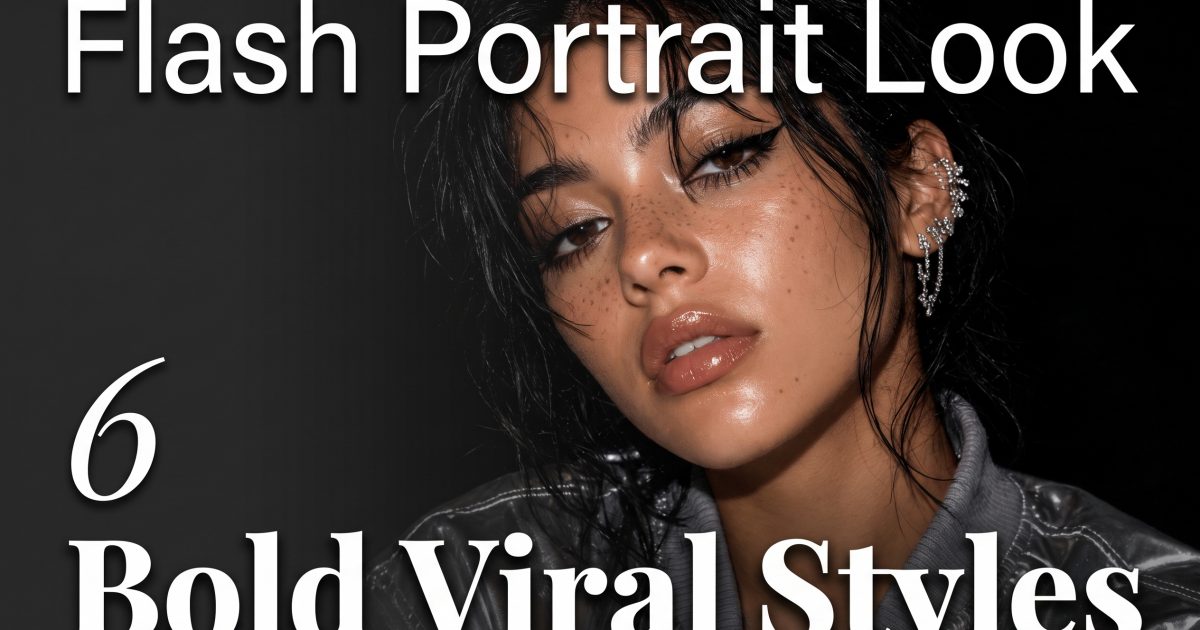
Flash Portrait Look: the fast read
The flash portrait look is built on one idea: make the light hit hard and let the frame feel a little raw. Direct flash, close distance, glossy highlights, and a dark or busy background do most of the work. The result looks like a real post that happened fast, not a polished studio shot.
That is why it keeps showing up in feeds. It feels personal, but it still looks styled. It also fits Bloom AI nicely, because the effect is easy to recreate in a few prompts and then refine until the light looks right. More effect breakdowns live on the Bloom AI blog.
- Hard light gives the face shape.
- Flash hotspots add energy.
- Chrome, satin, and glass make the look pop.
- Small imperfections make it feel current.
Trend watchers have been pointing to the same shift all year. The direct flash sections in Deck.gallery and SLR Lounge both frame it as a move away from over-smoothed visuals and back toward texture, contrast, and personality.
Flash portrait look examples
These four examples show how far the same look can go. The light stays harsh. The mood changes.
1. Finished editorial cover
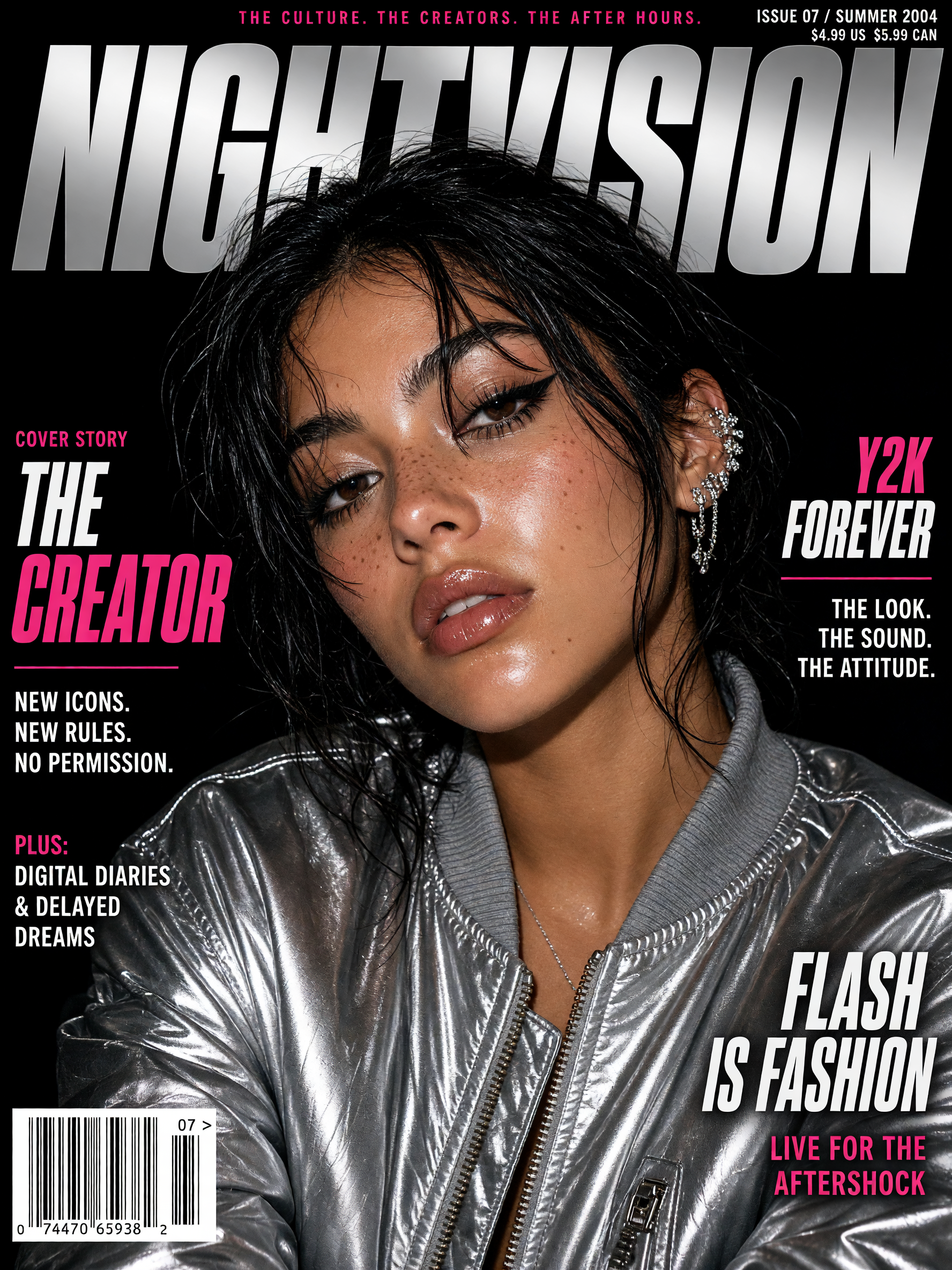
This one leans into a full magazine cover feel. The black background keeps the face front and center. The silver jacket gives the flash something bright to catch. It is the strongest choice when the goal is clickability at thumbnail size.
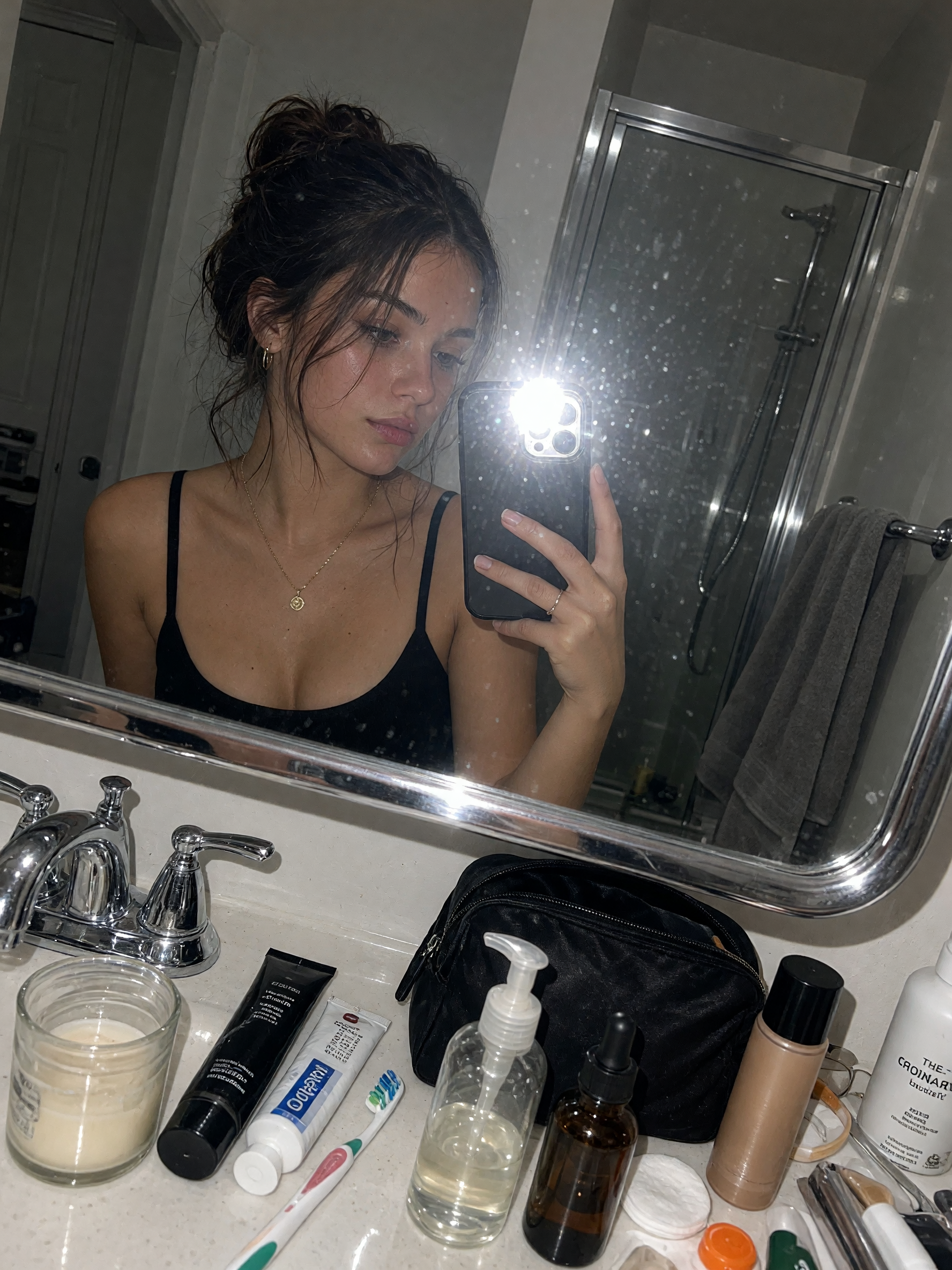
2. Bathroom mirror flash
This is the more casual side of the trend. It feels like a real phone shot from a night out or a late prep session. The clutter helps. It makes the image feel lived in, which is exactly why the look lands.
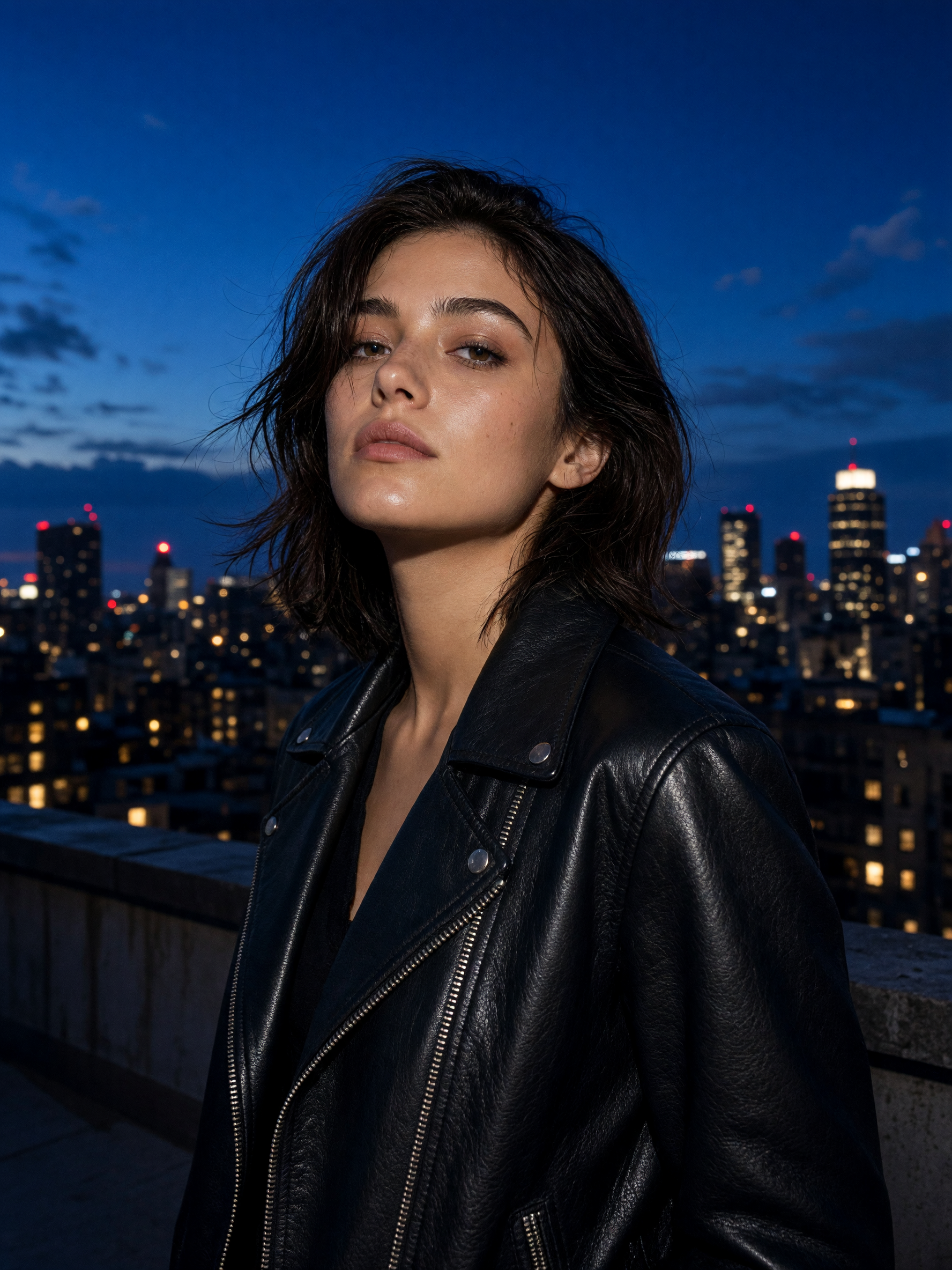
3. Blue hour rooftop flash
This version feels more cinematic. The flash still hits hard, but the skyline gives it scale. It works well for fashion, nightlife, and anything that needs a little more room around the subject.
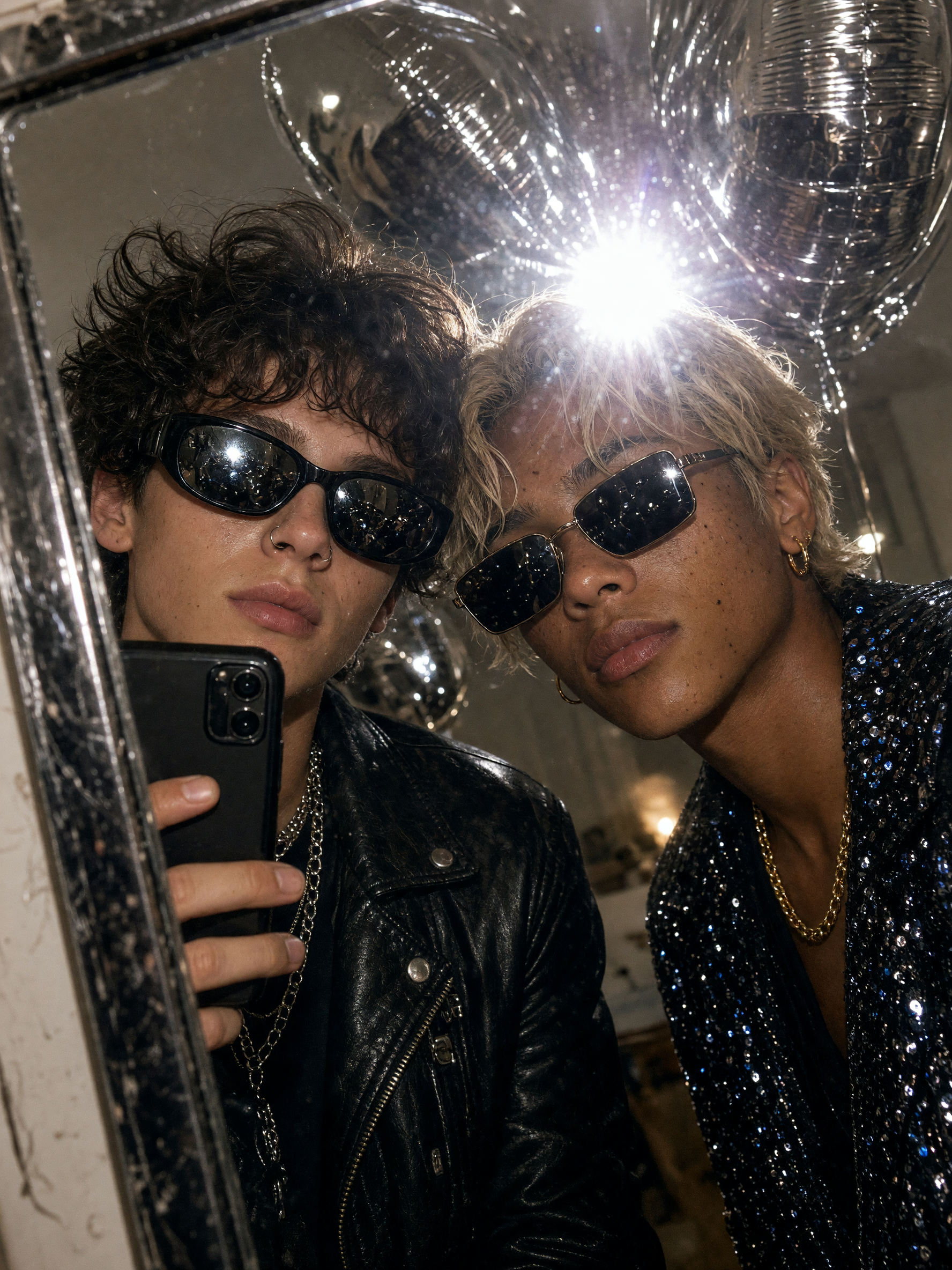
4. Mirror frame group shot
This one pushes the look into social-first territory. The crop is messy on purpose. The reflection flare, the close bodies, and the uneven framing make it feel more like a post pulled from a night out than a studio setup.
How to get the flash portrait look
Start with a simple lighting idea. One harsh source. One subject. One clear surface for the flash to hit. That usually means a dark wall, a night street, a bathroom mirror, or a reflective outfit. Keep the pose close to the camera. The look depends on proximity.
Then choose details that can survive direct light. Silver, black leather, satin, glass, wet hair, glossy makeup, and strong shadows all help. Matte clothing can work too, but it needs a stronger face shape or a more dramatic setting.
- Keep the frame tight.
- Let highlights stay bright.
- Do not soften every skin texture away.
- Use a background with some edge or contrast.
- Leave one part of the image a little imperfect.
In Bloom AI, the safest prompts are the ones that name the light first and the scene second. Say direct flash, then the outfit, then the setting, then the mood. That keeps the image from drifting into generic nightlife art.
Why it keeps trending in 2026
The flash portrait look fits the current feed better than polished studio work. It reads fast. It has texture. It feels like something real happened. That matters when people scroll past dozens of soft, perfect images every minute.
The trend reports behind the look say the same thing in different words. Deck.gallery calls out direct flash as a return to raw texture and personality. SLR Lounge frames it as a tool that never really left. Both are right. The style keeps cycling back because it makes people stop.
For creators, that is the real reason to use it. The flash portrait look gives a post attitude without needing a full set, a big location, or a complicated edit. It just needs strong light and a point of view.
Create this effect in Bloom AI
Recreate these effects on your own photos and videos — free to start.





5 Comments