
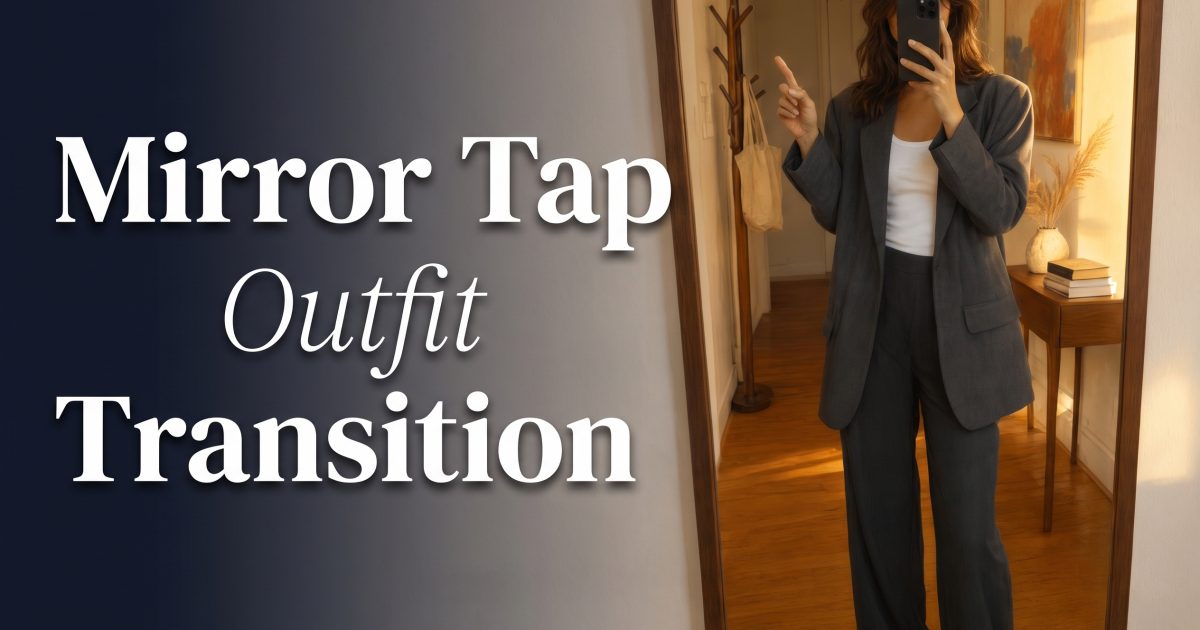
Mirror tap transition videos turn one quick hand move into a full outfit switch. The trick is simple: hold a steady mirror frame, tap or wipe the glass, then land in a new look on the beat. It feels more like a tiny magic trick than a standard outfit check, which is why it works so well for Reels.
This is not the same thing as a mirror selfie carousel. The mirror is the edit point. The phone, body position, and room stay almost still while the clothes change. That contrast makes the reveal read fast, even with a five-second clip.
In this guide
Why a mirror tap transition stops the scroll
A good outfit transition gives the viewer one clear job: wait for the switch. A mirror adds a natural dividing line, so the hand movement has somewhere to go. When the tap hits just before the change, it looks intentional instead of random.
Keep the camera locked. A shifting phone angle is the fastest way to make the two clips feel disconnected. The subject should stand on the same floor mark, keep the same shoulder angle, and leave the phone at the same height. Small movement is fine. Big movement makes the edit look like two unrelated takes.
For a little more drama, start with a plain daytime look and finish with something sharper. A dark jacket, metallic belt, bright shoe, or night-out layer makes the final frame easy to read on a small screen.
Mirror tap transition: the one-beat blazer swap
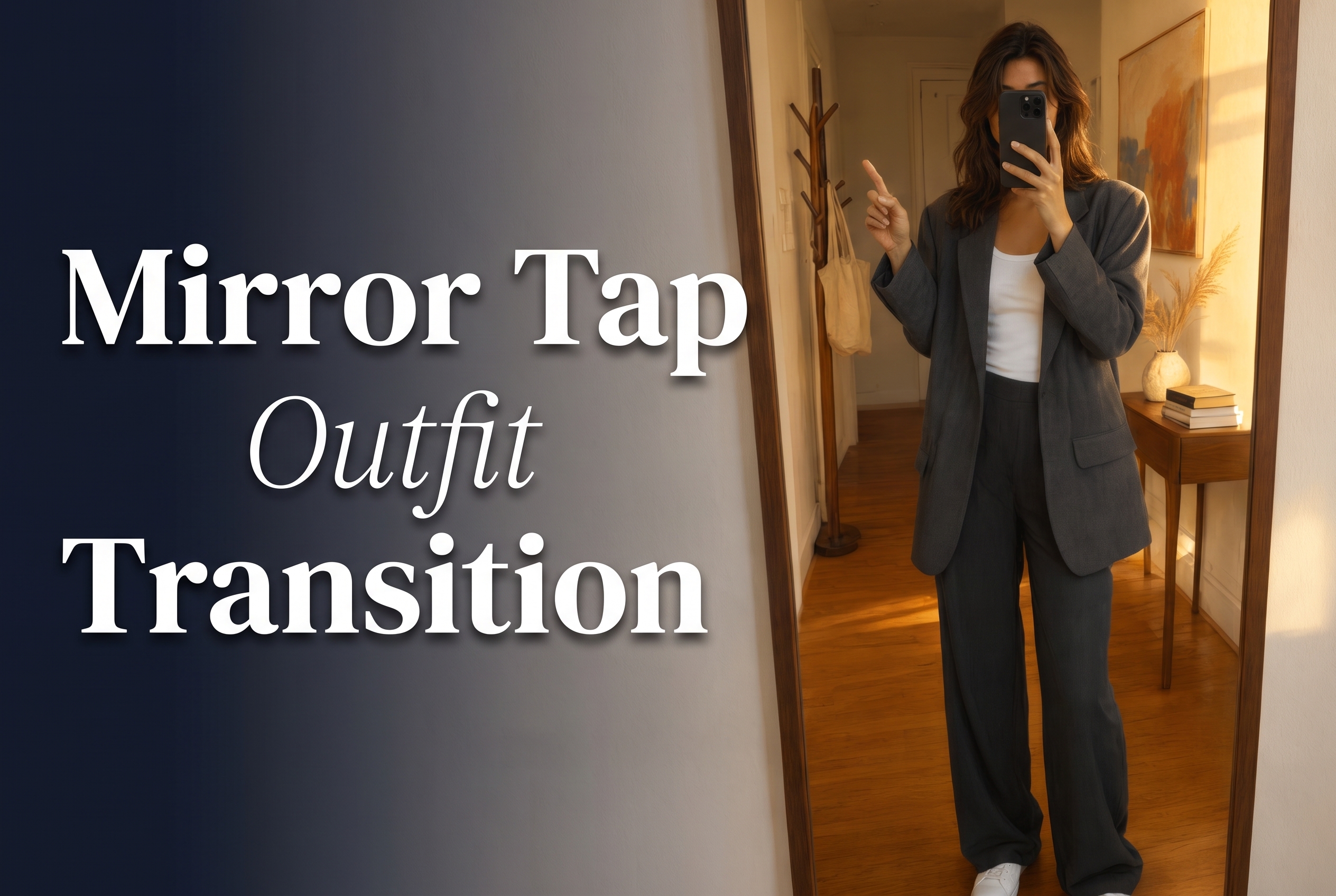
For the tap version, hold the opening pose for half a second. Bring one finger toward the mirror, then make contact on the beat. The outfit should change at the moment the fingertip hides a small patch of reflection. That little bit of cover helps the cut disappear.
Start in a neutral outfit. A charcoal blazer and simple tank give the eye a calm first frame. Then switch to one high-contrast piece, such as cobalt tailoring or a bright accessory. The difference should be obvious before the viewer has time to replay the clip.
Use a short caption that lets the video do the work. Try a date-night cue, a before-and-after line, or one word that matches the audio. Avoid explaining the edit. The reveal is stronger when it gets to happen without a tutorial label sitting on top.
Mirror tap transition with a reflection wipe
The wipe version feels softer. Instead of tapping the glass, lift a jacket, sleeve, or tote across the mirror. Let the fabric cover the center of the reflection for a split second. Cut there, then pull the fabric away in the new look.
This style suits dresses, party outfits, and sharper evening styling because it has a touch more motion. The reveal can use a flash flare or a quick head turn, but only after the main outfit change lands. Too many movements compete with the moment people came to see.
The reflection should still look believable. Leave some space around the body so the mirror frame, tile, or hallway light stays visible. Those background details sell the effect and make the clip feel like something filmed at home instead of on a blank set.
How to film a mirror tap transition without a jumpy cut
- Mark where each foot lands with a small piece of tape outside the frame.
- Lock exposure and focus before recording so the room does not brighten between takes.
- Film both takes back to back. The light changes quickly near windows.
- Use the same hand path in each clip. Match the speed more than the exact pose.
- Cut on the tap, sleeve cover, or phone flash. Those are natural places to hide a switch.
Want a rehearsal version before filming? A short test clip can help find the best hand path and reveal timing. Short-form trends move quickly, so checking the TikTok Newsroom can help keep the audio and post format current. The final post still works best when the look stays personal.
For another move built around one clear action, see the leg swipe transition. Both effects feel better when the action starts cleanly and ends on a held final pose.
Create this effect in Bloom AI
Recreate these effects on your own photos and videos – free to start.