
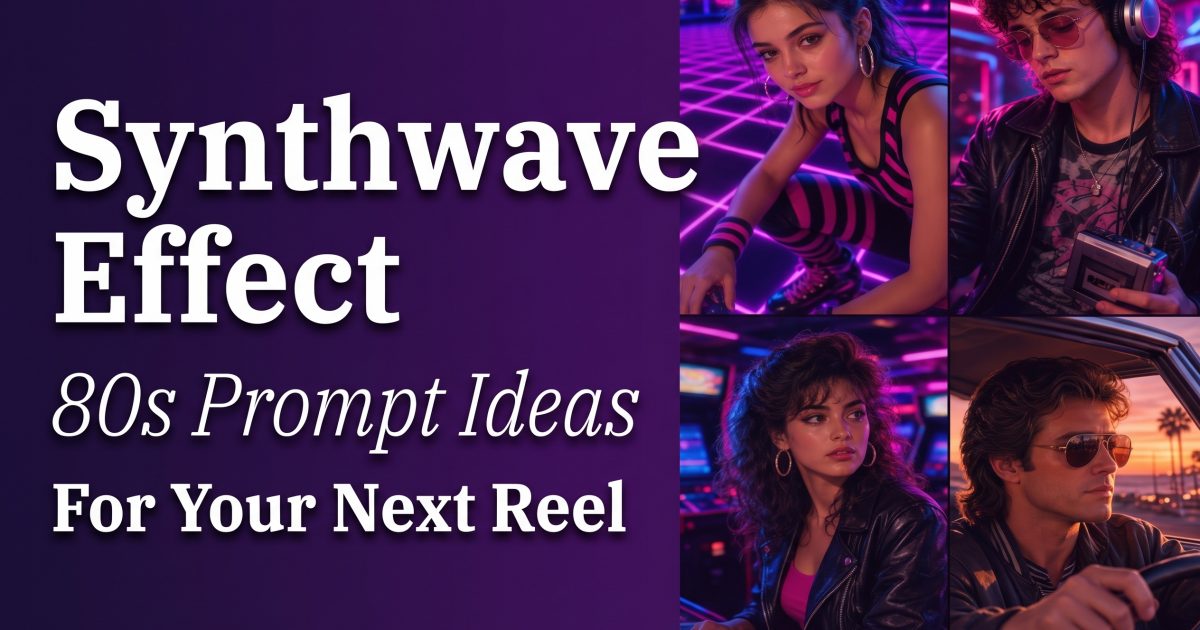
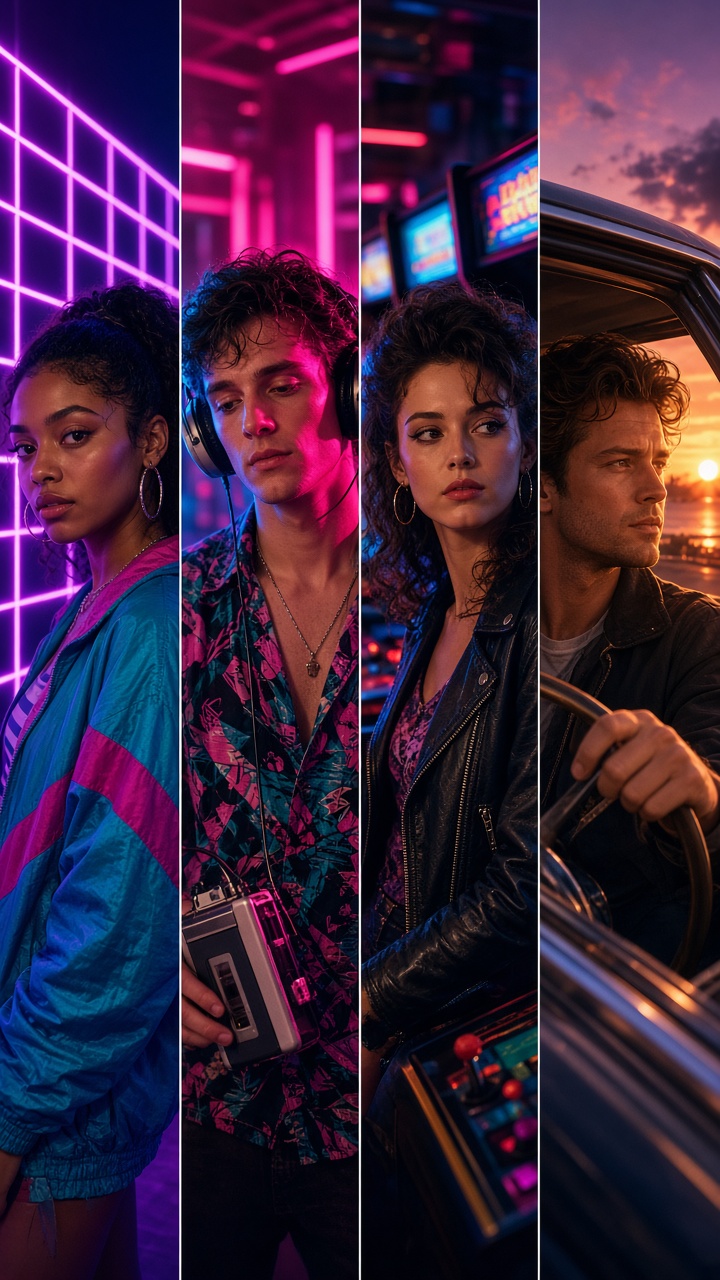
Synthwave photo prompts turn a normal selfie or clip into an 80s night drive: magenta skies, electric-blue shadows, chrome details, and neon that seems to spill across the frame. The trick is not adding every retro reference at once. Pick a clear subject, give it one memorable setting, then let the color and light sell the mood. These four looks work especially well for vertical Reels, Stories, and photo carousels.
80s synthwave prompts to try
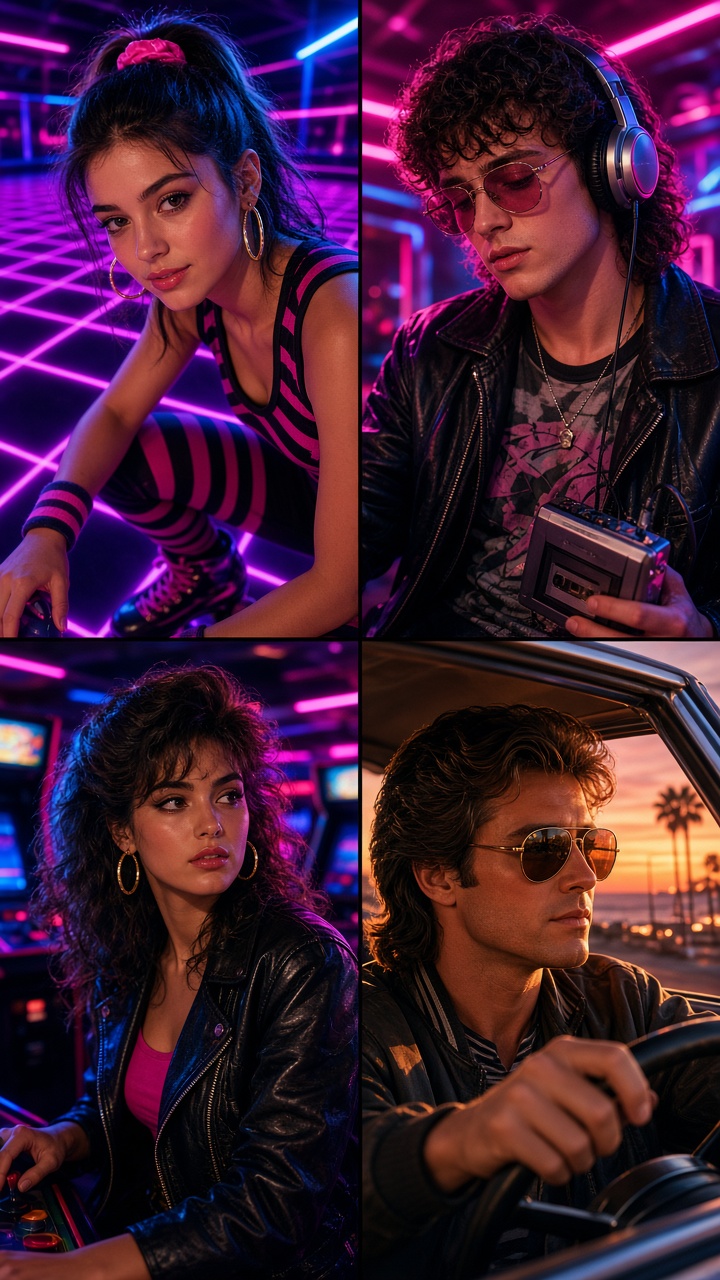
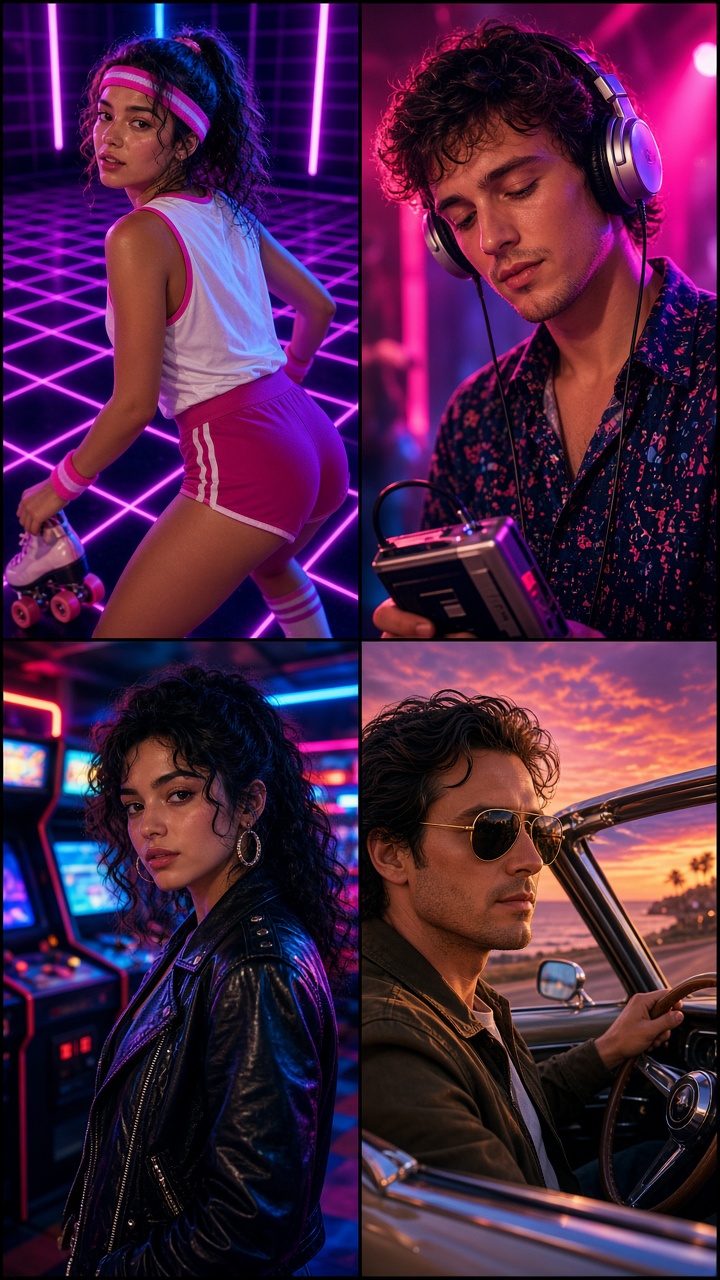
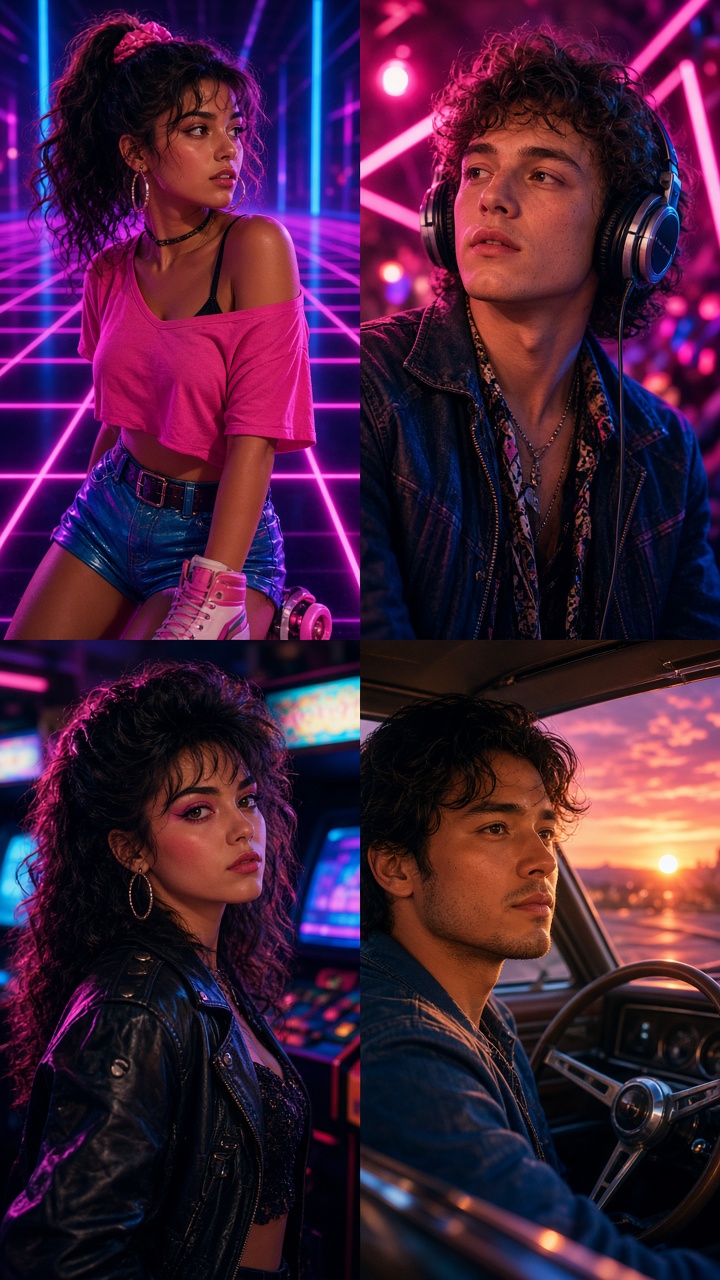
1. Neon-grid roller rink
This look has movement before the video even starts. A skater, a wide stance, and a glowing grid give the eye one simple story to follow. It suits an outfit reveal, a birthday montage, or a Friday-night Reel where the first frame needs to land fast.
Prompt: “full-body roller skater on a black floor beside a purple neon grid, chrome hoop earrings, hot-pink rim light, electric-blue shadows, retro 1980s music-video styling, vertical 9:16 portrait.”
Start with a photo where the body reads clearly from head to toe. Ask for a dark floor and keep the grid behind the subject, not across their face. For video, use a short push-in or a small skate-forward motion. Cut on the beat when the neon appears. If the outfit is busy, use a plain black jacket or metallic top so the pink edge light has room to show.
2. Cassette headphone close-up
A tight portrait makes the era feel personal instead of costume-like. The headphones are the visual anchor. Colored light does the rest. Use this option for lip-sync clips, playlist posts, album-cover-inspired carousels, or a quick glow-up transition from daylight to neon.
Prompt: “close-up portrait wearing oversized cassette headphones, hot pink key light on one side, cobalt-blue shadow on the other, soft film grain, glossy lips, dark studio background, 80s synthwave editorial portrait, vertical frame.”
Take the source photo near a window or plain wall so the face is sharp. Keep both eyes visible if possible. A three-quarter angle gives the headphones shape, while a front-facing pose feels more like an album cover. Avoid adding sunglasses, a cassette deck, lasers, and text in the same prompt. The close-up already has enough information. For a Reel, hold the finished portrait for half a second, then cut to a real clip of the headphones going on.
3. Arcade after dark
Arcade scenes bring instant depth because the game screens act like small colored light sources. They work for night-out recaps, gamer edits, streetwear posts, and a dramatic first slide in a carousel. The best result feels like a moment caught between games, not a crowded theme-park backdrop.
Prompt: “person in a black leather jacket leaning beside a classic arcade cabinet, glowing game screens, deep navy background, pink and cyan reflections, direct editorial flash, slight 35mm film grain, 80s synthwave night scene, vertical portrait.”
Use a waist-up source photo with the shoulders turned slightly toward camera. Keep the jacket dark or neutral. That lets the screen reflections show on the fabric. Request only one or two cabinets in the background, then leave space around the head for on-screen text. A simple caption such as “insert coin” or the name of a weekend playlist can sit in that empty area. For motion, add a hand reaching toward the controls or a slow rack-focus from buttons to face.
4. Sunset drive
The sunset-drive version is softer than the arcade look. Peach light and a cool dashboard glow make it useful for travel recaps, summer photo dumps, couple clips, and a quiet end card after faster footage. A vintage car helps, but the color contrast matters more than the exact vehicle.
Prompt: “cinematic portrait in a vintage car at sunset, peach-orange sky through the windshield, electric-blue dashboard glow, wind-blown hair, subtle chrome details, retro-future 1980s synthwave style, vertical 9:16.”
Choose a source photo with the face lit from the front or side. Heavy backlight can erase the eyes once the sunset is added. Keep the horizon low and the subject near one side of the frame. That composition leaves room for the sky and makes a phone screen feel taller. Pair the final image with a slow road clip, then match the last frame to the still for a clean loop. For a more polished set, keep peach and blue in every slide but change the pose.
Make a synthwave prompt work
Build each prompt in layers: subject first, location second, then two dominant colors. Add the framing last. “Vertical 9:16 portrait” is useful for a Reel cover, while “close-up” helps when the face needs to carry the image. A short prompt with a strong location usually beats a long list of props.
Watch the color balance. Pink needs a darker blue, navy, or black nearby or the result can look flat. Chrome, wet pavement, glass, and vinyl reflect neon well, so one of those textures can add polish without clutter. For a useful primer on the visual ingredients behind synthwave and vaporwave video, see this guide to synthwave visual styles.
Keep the effect personal. Start from your own photo, preserve a clear face, and use a setting that fits the post. A roller rink feels playful. An arcade feels loud. A sunset drive feels nostalgic. Pick the mood before writing the prompt, then make every detail support it.
Create this effect in Bloom AI
Recreate these synthwave effects on your own photos and videos – free to start.




