AI profile picture effects have moved past the flat, over-smoothed avatar. The better looks feel like a real photo with one clear idea: a sharp flash, a wash of window light, a neon edge, or a strange detail that makes someone pause. That is why they work in a tiny circular crop and still give a Reel cover or carousel its own mood.
This roundup keeps the face readable and lets the setting do the styling. Each look started as a different portrait direction, then got a social-ready finish. Pick one that matches the post, not just the trend. A quiet update can do more than a loud filter.
1. Cobalt direct flash
Direct flash has the energy of a photo booth without the crowded frame. The key is contrast. A clean blue background, a bright hit on the face, and one hard shadow make the picture feel immediate. It looks especially good when the outfit has one reflective detail, such as satin, glossy leather, or a tiny silver earring.
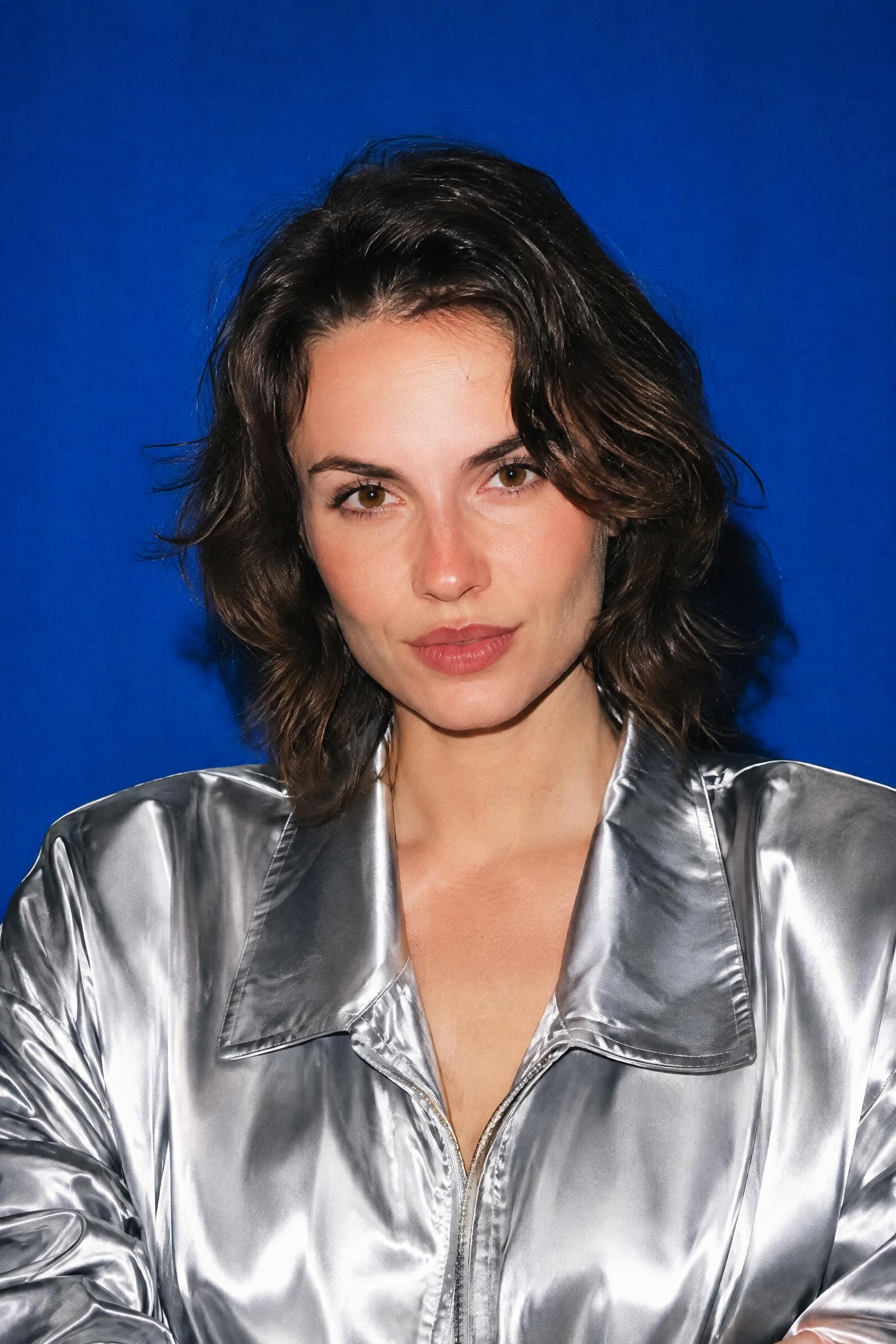
For this version, keep the crop chest-up and avoid a busy background. The profile photo needs a clear face before it needs a story. If the result feels too stiff, ask for a slightly turned shoulder while keeping the eyes on camera. That small shift keeps the flash look from feeling like an ID photo.
2. Soft window stripes
Not every profile update needs party energy. Window-light portraits bring a calmer, warmer look that still reads as styled. Sun stripes from blinds give the wall some shape, while a pale peach or cream backdrop keeps the image from turning muddy in a small crop. This is a strong choice for beauty, book, lifestyle, and morning-routine posts.
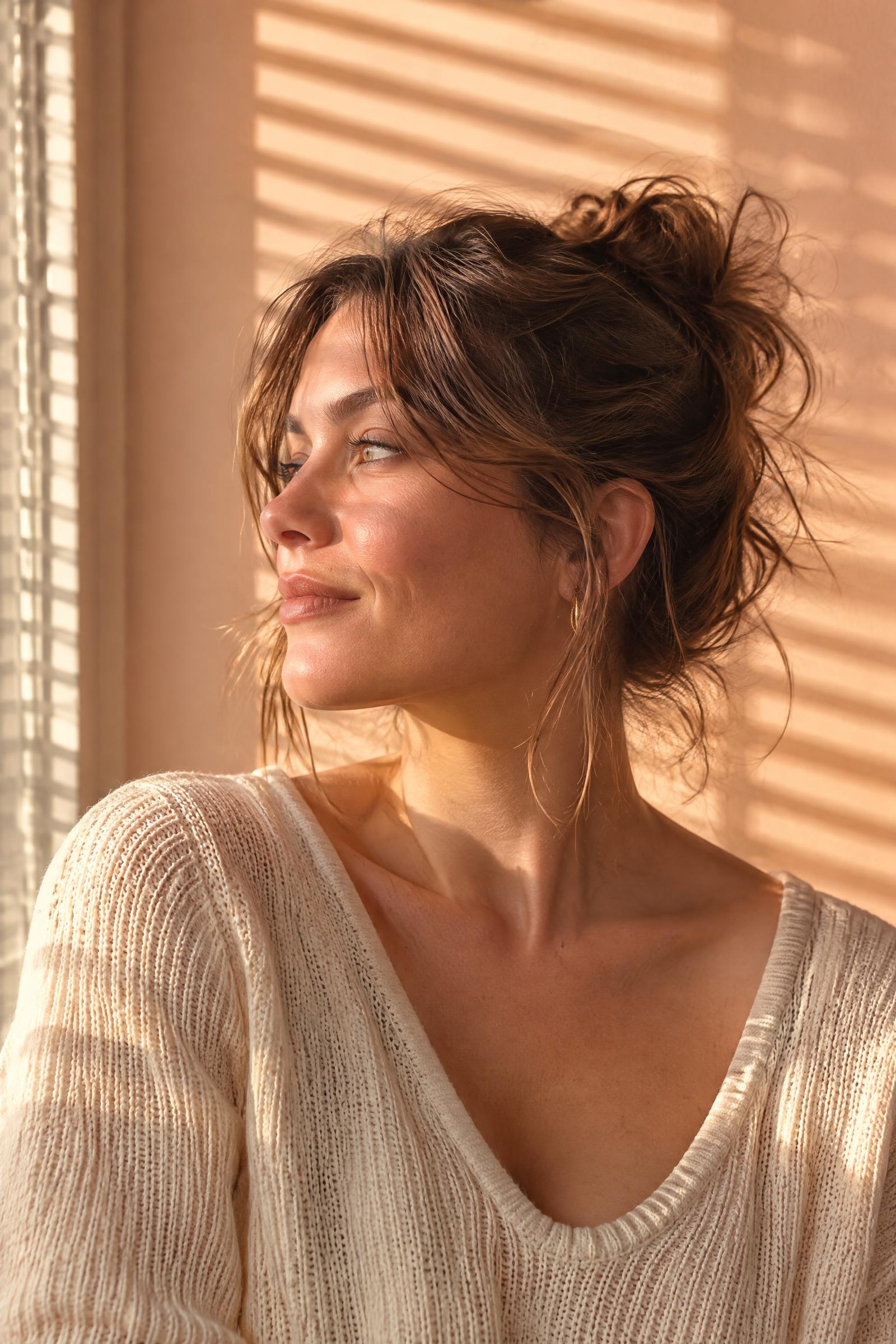
The trick is to ask for texture, not blur. Natural skin detail, a simple top, and a visible catchlight make this feel like a good camera day instead of a generic soft-focus filter. Keep the background simple enough that the stripes stay the only graphic element.
3. Rainy neon after dark
Neon portraits are still a fast way to turn an ordinary selfie into a cover image. The fresh version uses one strong rim color instead of throwing every neon sign into the frame. Here, red light catches the jacket and cheek while wet street bokeh melts behind the subject. It feels cinematic, but the face remains the point.
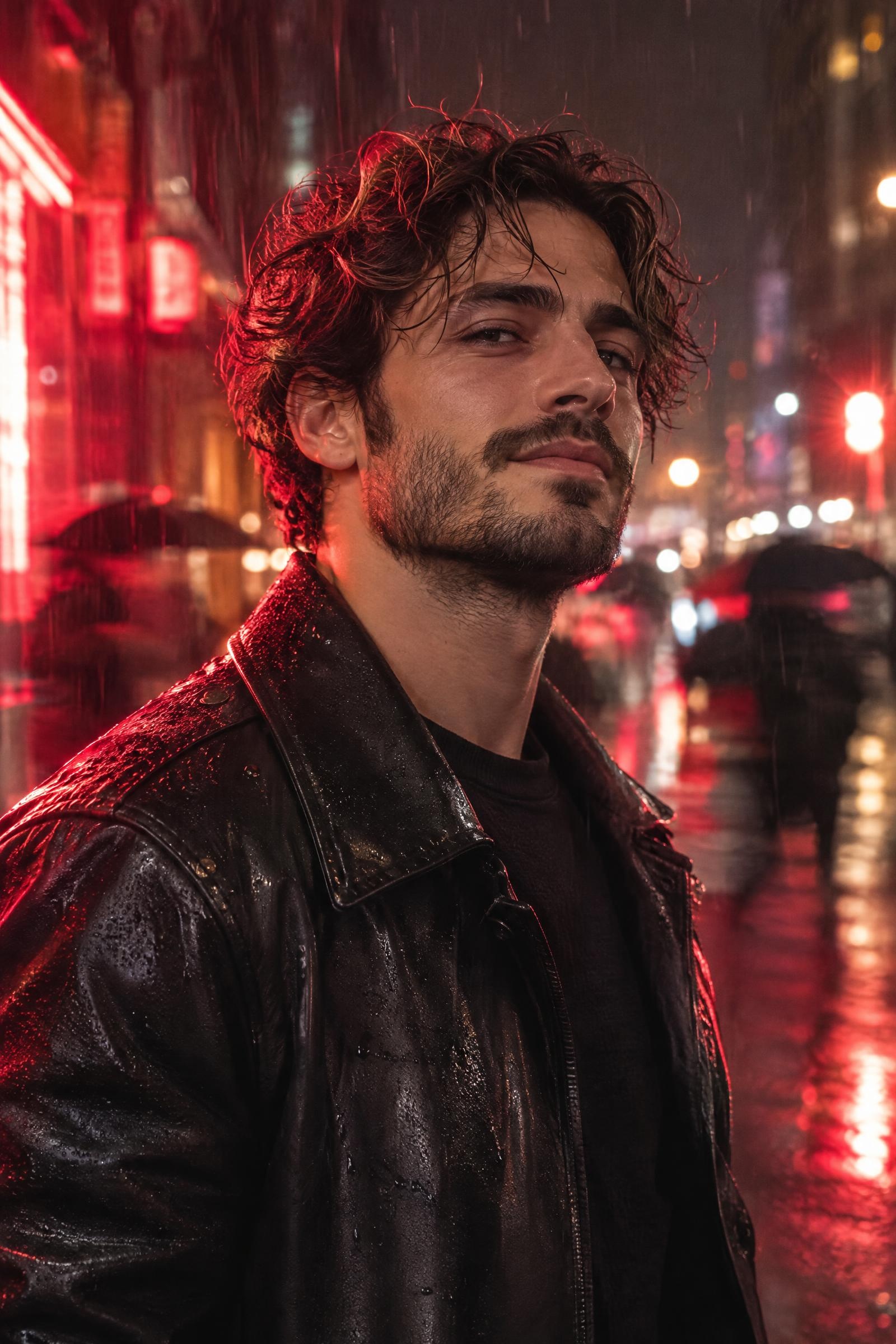
Use this one for night-out edits, music snippets, outfit videos, and a dramatic first carousel slide. Skip readable shop signs and tiny background details. They disappear on a phone screen anyway. A single color story will carry the whole effect.
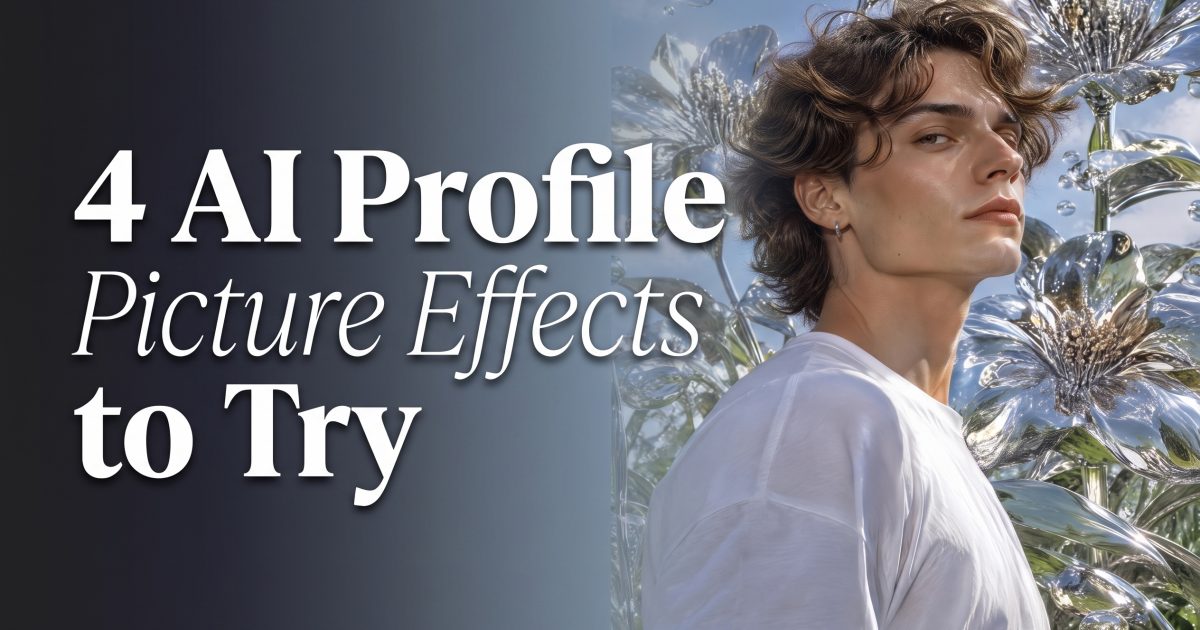
4. Chrome garden surrealism
Chrome details can make a profile photo feel like it belongs in a fashion campaign. The goal is not to turn the person metallic. Let the strange material live in the scene instead: oversized mirrored flowers, glassy dew drops, or a reflective sculptural shape behind the subject. The person stays familiar while the world gets a little impossible.
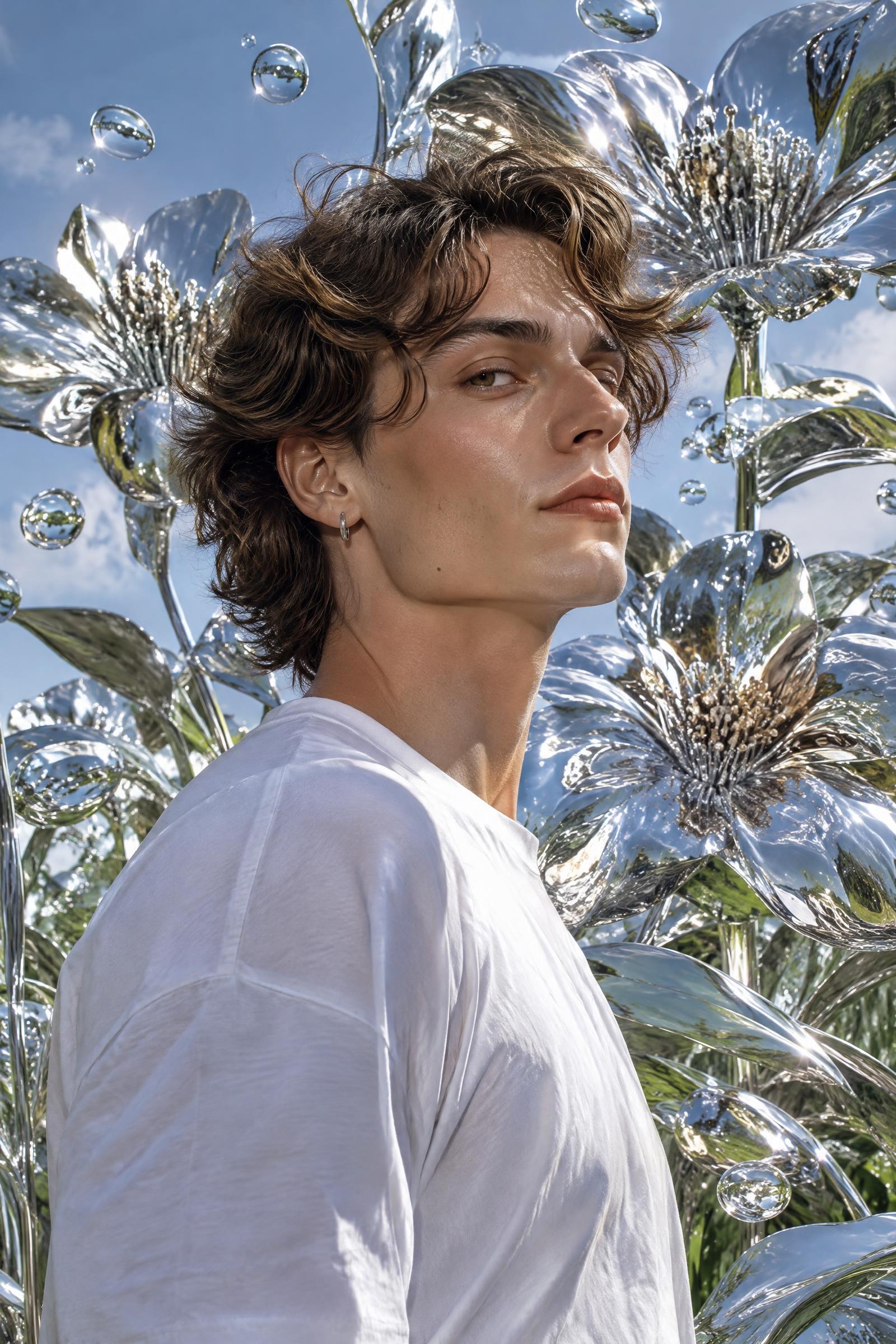
This look lands best with clean daylight and an uncomplicated outfit. Give the surreal detail room to breathe. A plain tee, neat hair, and a close crop stop the final image from becoming costume-heavy. For more polished metallic inspiration, see the site guide to the chrome makeup trend.
How to make AI profile picture effects work
Start with a photo where the face is visible, the lighting is even, and the camera is close enough to preserve expression. One idea per image is enough. Ask for the mood, camera feel, wardrobe note, background, and crop. Then name what must not change: face shape, skin texture, pose, and the basic outfit.
Current image tools make it easier to iterate on a concept instead of settling for the first result. OpenAI’s Images 2.6 announcement describes faster image generation and more precise edit controls, while its image generation guide separates image quality from scene complexity. That distinction matters for profile effects: use a simpler scene for a quick lighting swap, then add planning only when the background has several objects.
Make two or three versions before choosing. Check each at full size, then view it as a small circle. If the eyes, color, and main shape still read, it is ready for a profile refresh. If it needs a paragraph to explain, save it for a full post instead.
These four AI profile picture effects are a good starting point because they each have a different job: flash feels bold, window light feels easy, neon feels dramatic, and chrome feels unexpected. Change the mood with the content. The portrait should look like it belongs on the feed, not like it was dropped in from somewhere else.
Create this effect in Bloom AI
Recreate these effects on your own photos and videos – free to start.