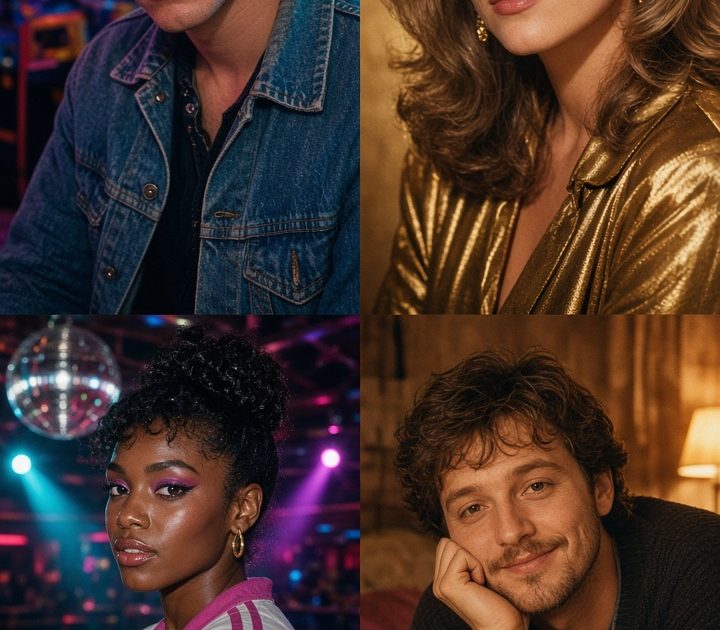
80s photo effect edits turn an ordinary portrait into a tiny time capsule: direct flash, electric color, soft grain, and props that feel pulled from a bedroom shelf or arcade floor. The trick is not piling on every decade detail. Pick one setting, one color story, and one hero prop so the photo still feels like you.
This retro style works because it reads in a second on Stories, Reels, and a carousel cover. A sharp face paired with cyan, magenta, gold, or violet lighting does most of the work. Then the right texture makes the image feel like a scanned print rather than a costume shot.
Why the 80s photo effect still pops
Eighties references are bold enough for a phone screen. Chrome catches colored light. Denim gives a photo texture. A flash can make a close-up feel like it came from a party camera. These visual shortcuts build a scene before someone studies the outfit.
Start with a front-facing or three-quarter portrait where the face is clear. Avoid heavy shadows across the eyes and busy backgrounds that compete with the edit. A simple selfie, mirror photo, or waist-up shot gives the effect room to add the era around you.
4 80s photo effect looks to try
1. Neon arcade
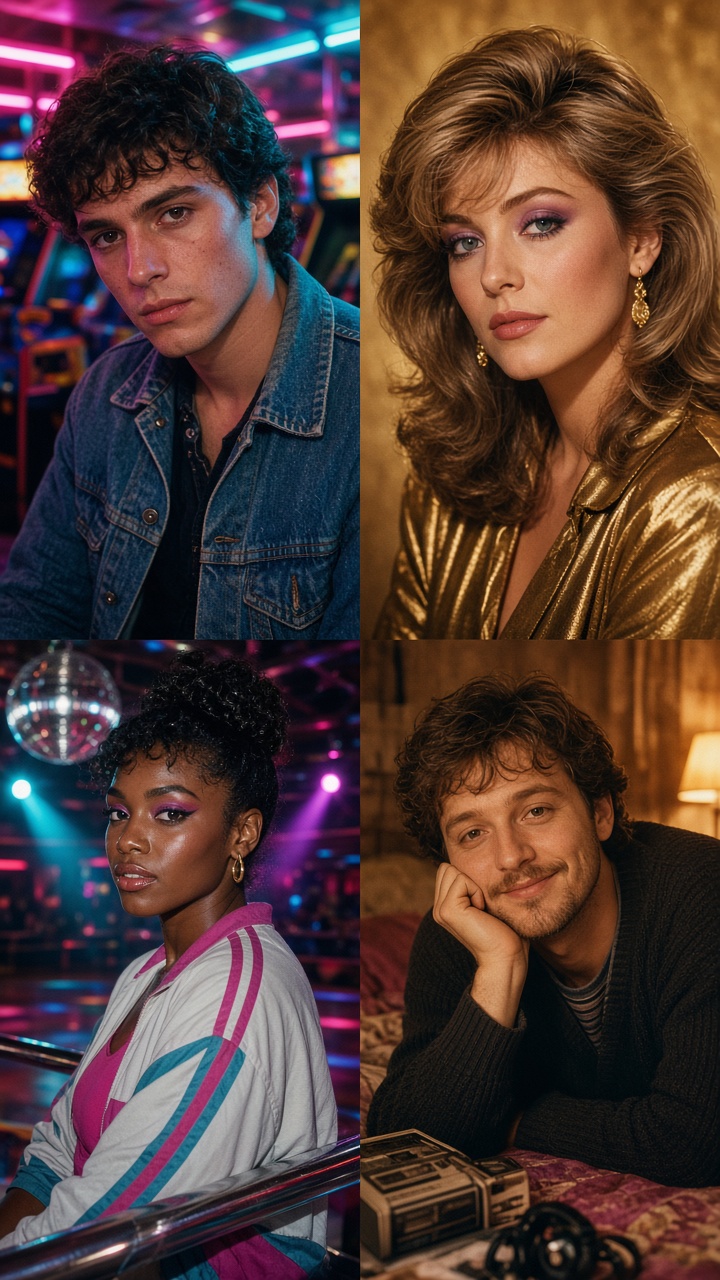
Think game-cabinet light, a dark denim jacket, and a confident expression. Make cyan the main light and add magenta only at the edges. That split-color setup gives the picture depth without making skin look purple.
Try this prompt: “Turn this portrait into an 80s arcade night photo, blue denim jacket, glowing arcade cabinets behind the subject, cyan and magenta neon rim light, direct camera flash, subtle 35mm film grain, candid editorial portrait.”
Keep the crop close enough to show the face and one or two cabinets. If the background gets too busy, remove extra signs and use one glowing machine as the anchor. This look suits a Friday-night carousel, a gaming clip thumbnail, or a quick before-and-after Reel reveal.
2. Studio glam
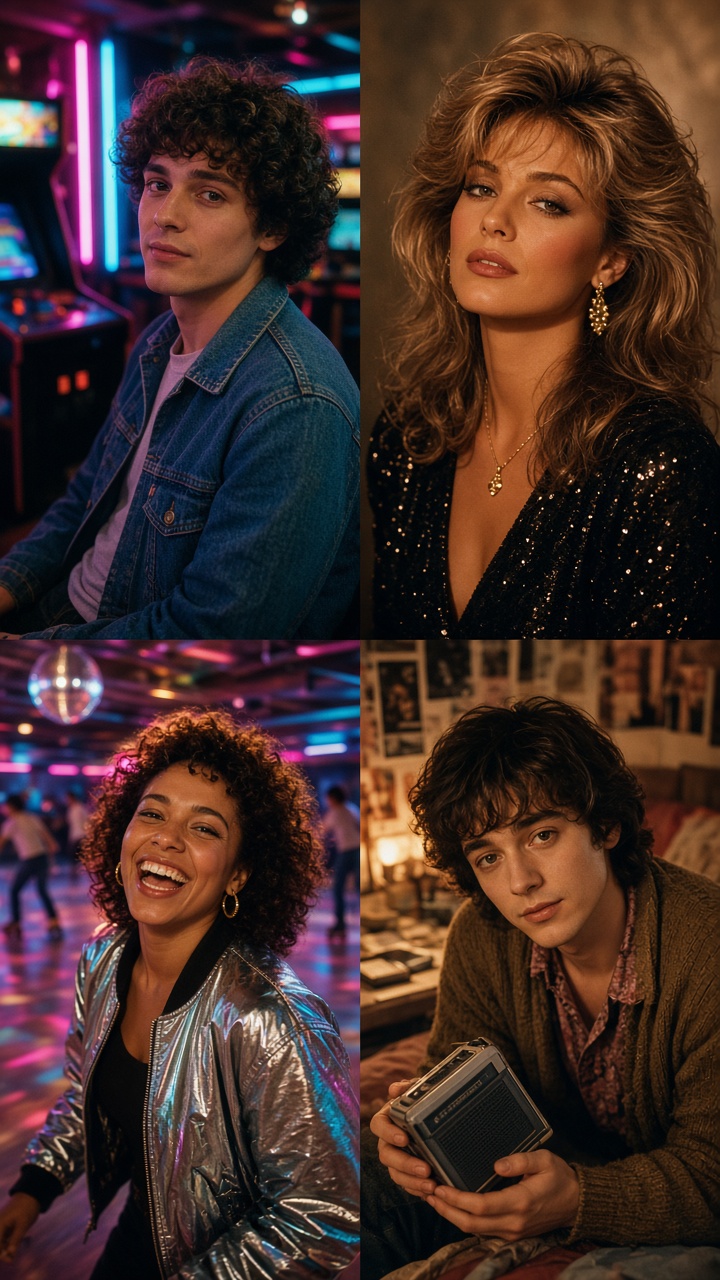
For a cleaner 80s photo effect, trade neon for warm gold, red, and a pale studio backdrop. The mood is glamorous but controlled: soft focus around the edges, clean catchlights in the eyes, and one statement detail such as a blazer, hoop earrings, or a satin collar.
Try this prompt: “Create an 1980s studio glamour portrait from this photo, warm gold and red studio lighting, feathered hair, satin black blazer, soft-focus portrait lens, subtle film grain, polished magazine portrait.”
Use this direction for a profile photo refresh or a birthday-post slide. Keep jewelry simple. Too many accessories make the result read as dress-up. A warm backdrop also helps the image sit neatly beside modern photos in the same post.
3. Roller-rink chrome
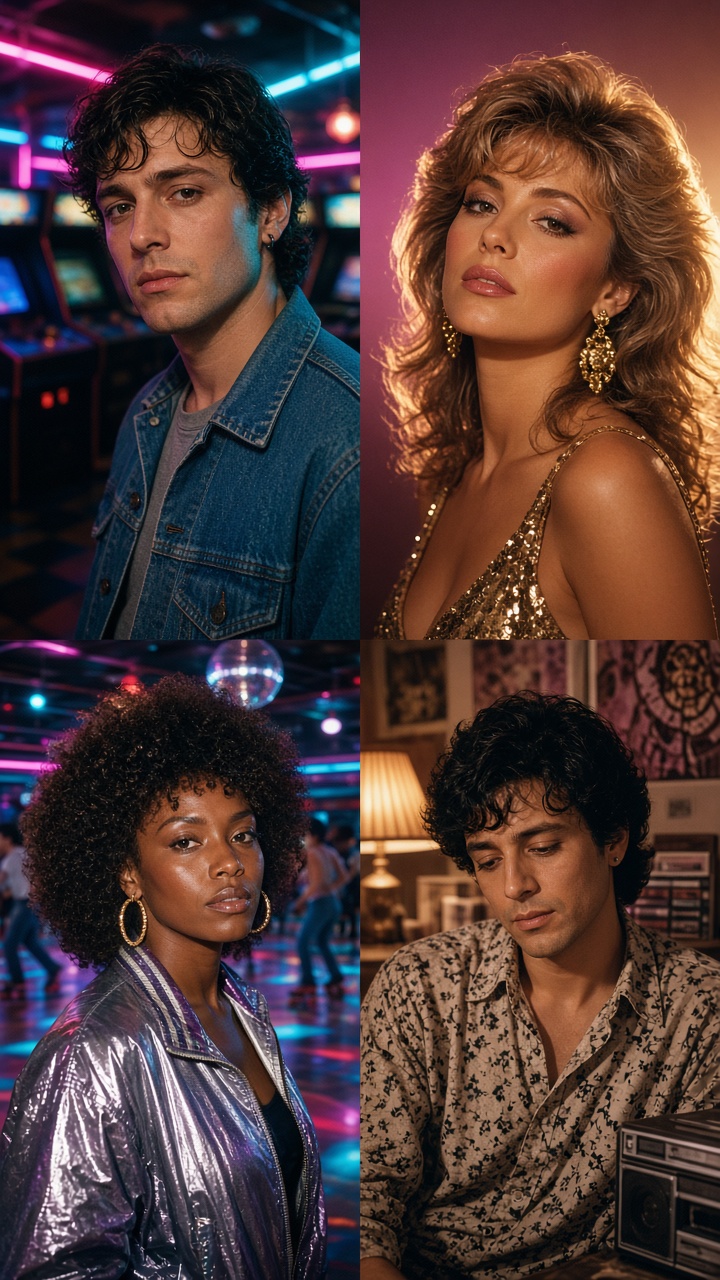
This version needs motion. Use a side step, a shoulder turn, or a hand holding the edge of a jacket. The pose does not need to show skates to suggest a rink. Reflections, a disco ball, and a bright pink floor light can carry the idea.
Try this prompt: “Restyle this image as an 80s roller rink snapshot, reflective chrome details, pink and violet rink lights, disco-ball reflections, candid movement pose, direct flash, lightly faded 35mm print.”
Ask for one clear source of reflection instead of mirrors everywhere. Chrome earrings, a railing, or a disco ball are enough. This is a strong 80s photo effect for outfit transitions: show the plain original for one beat, then cut on a camera-flash sound to the rink version.
4. Mixtape bedroom
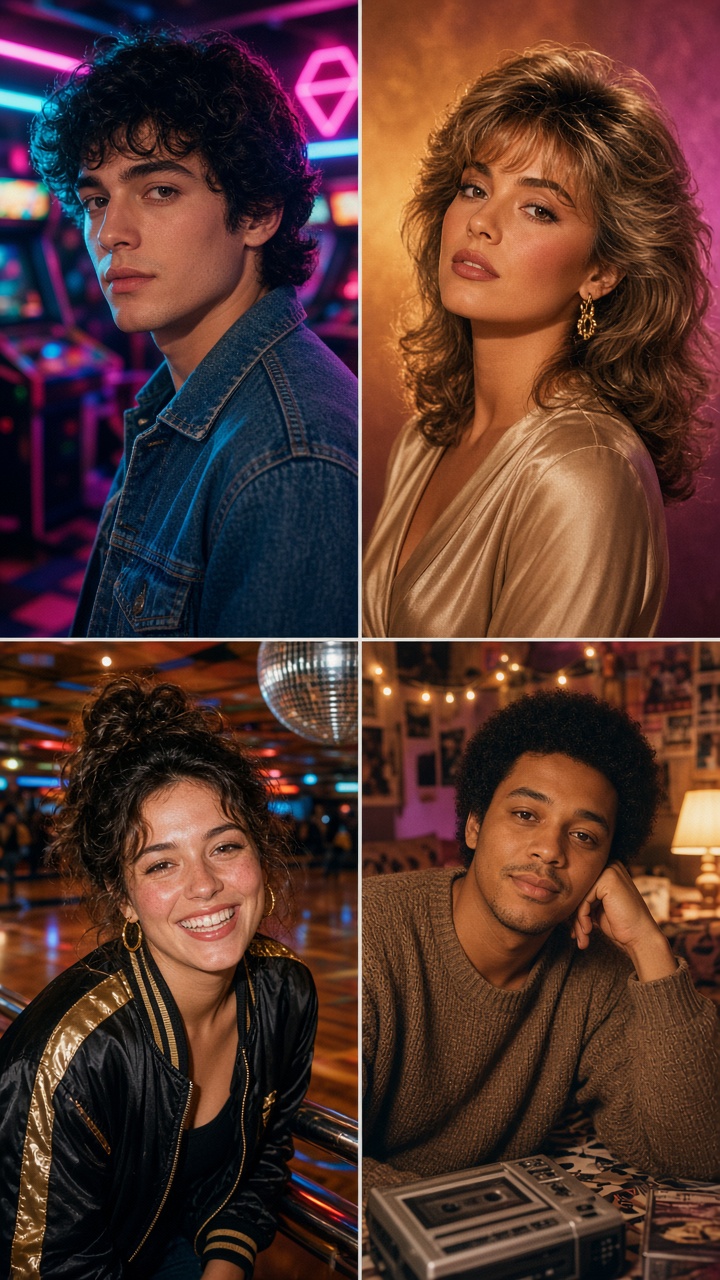
The mixtape setup feels more personal than the club-ready looks. Build it around a bedside lamp, a cassette player, and a poster wall with soft color blocks rather than readable brand names. Choose a seated pose or an over-the-shoulder glance so it feels like a found moment.
Try this prompt: “Make this a cozy 80s bedroom photo, cassette player on the bed, warm table lamp, violet poster wall, washed denim, soft direct flash, gentle film grain, intimate candid snapshot.”
Warm practical light keeps this scene from looking like another neon edit. Use it for a lyric-photo carousel, a nostalgic birthday caption, or a slower intro card before a video transition. One cassette or one lamp is enough. Small details beat clutter here.
How to make an 80s photo effect feel current
Keep one modern detail in the frame. Clean makeup, a current haircut, or a simple phone-photo pose stops the image from looking like a museum set. Let the styling reference the decade while the subject stays recognizably present-day.
Build the edit in layers. First, get the face and pose right. Next, choose the scene. Add color lighting after that, then finish with a light grain pass. Too much blur makes details muddy, while a small amount of grain adds the scanned-print feeling people expect from a retro photo.
For video, make the reveal do the heavy lifting. Hold the original image for half a second, add a flash or shutter sound, then switch to the 80s version. A simple zoom into the finished portrait gives the transition more energy without needing extra effects. For a fresh image-editing direction, Grok Imagine Image V2 supports both new images and photo edits; bring the finished look back into Bloom AI to shape it for your post.
Create this effect in Bloom AI
Recreate these effects on your own photos and videos – free to start.