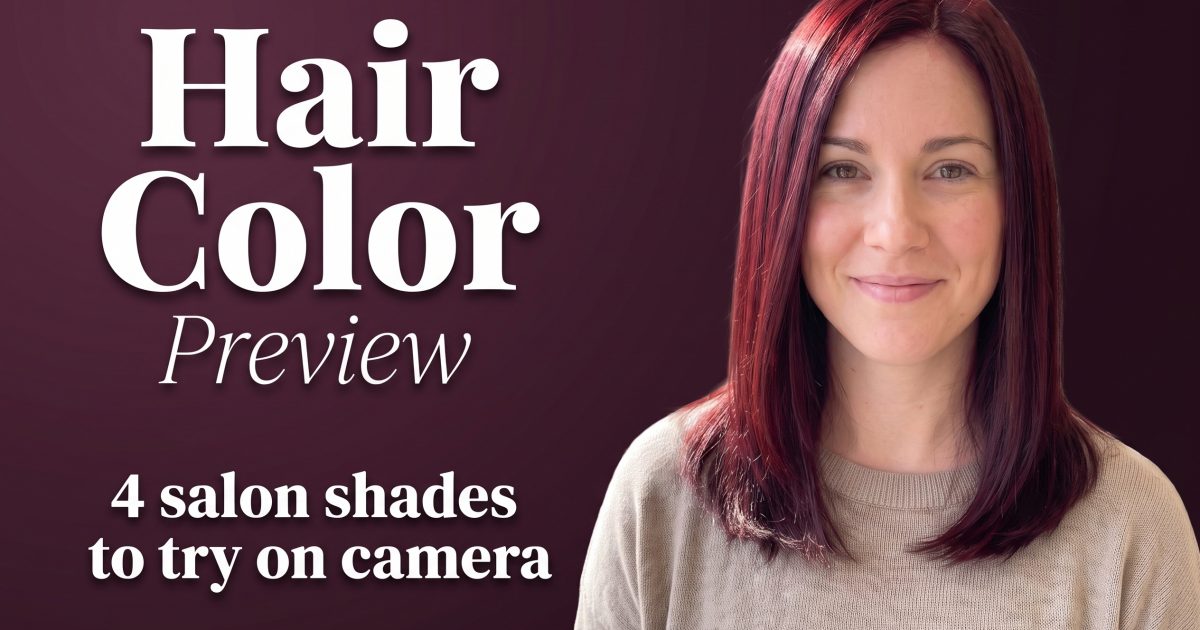
Hair color preview videos let you test the shade before the salon appointment, not after it. Instead of another haircut reveal, this format keeps the face, outfit, and framing steady while the color does the switch. That makes it useful for creators who want a convincing Reel and for anyone who wants a reference to show a colorist.
Think of it as a low-stakes camera test. A deep cherry red can feel dramatic in a mirror but rich and wearable in daylight. Honey brunette can add warmth without reading blonde. A quick hair color preview helps narrow the mood before spending hours in a chair.
Hair color preview: 4 salon shades to test on camera
The most watchable versions have one rule: change one clear thing. Keep the pose close, the light similar, and the background calm. Viewers should spot the shade in one second. These four directions give a strong range without drifting into haircut content.
1. Cherry cola red
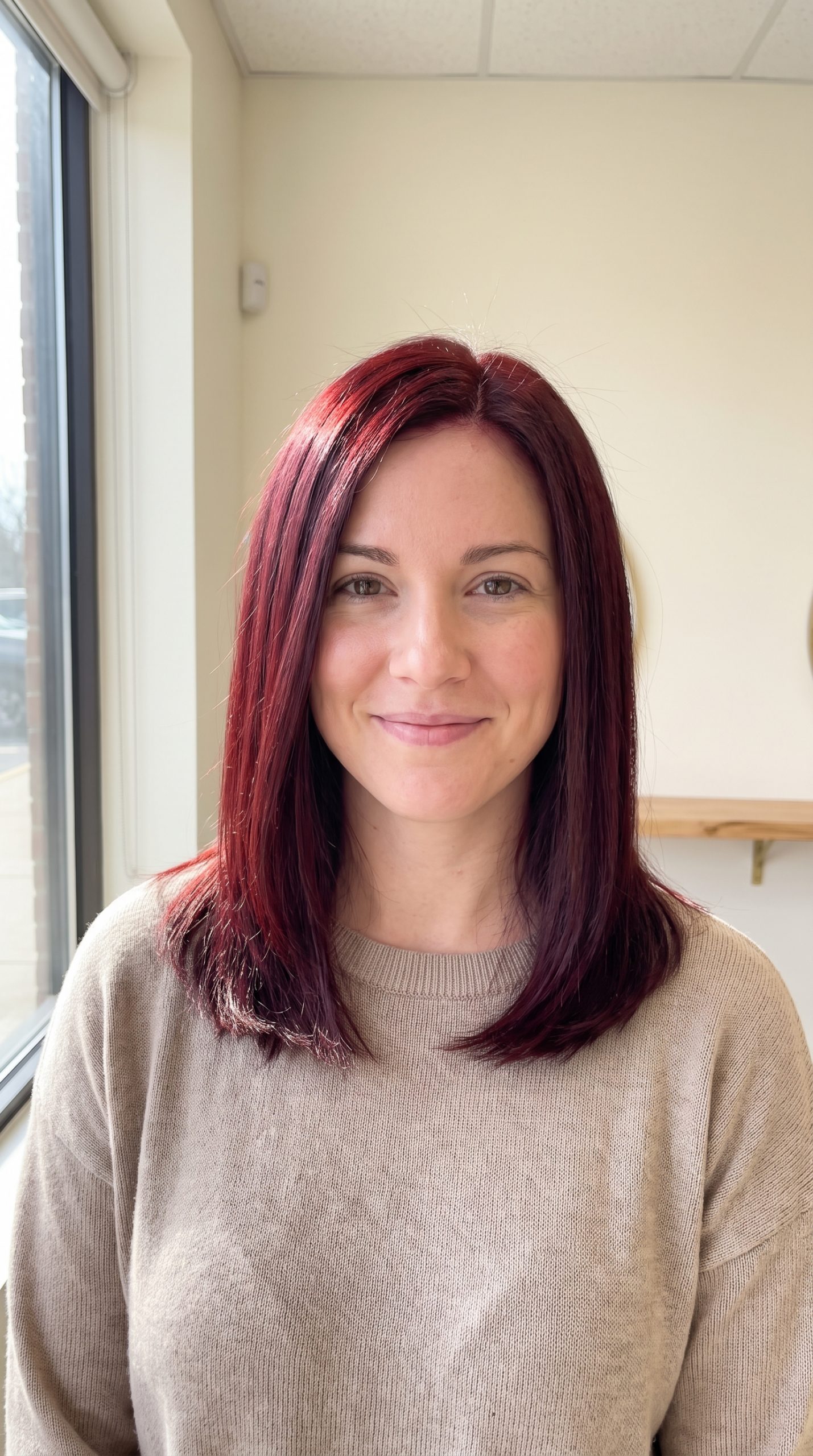
Cherry cola gives brown hair a glossy red-brown cast rather than a flat bright red. It works well in window light because the warmth appears in the movement of the hair. For a Reel, start on a neutral brunette frame, cover the lens with a hand or brush past the camera, then reveal the red in the same position. The result feels more like a real salon decision than a costume change.
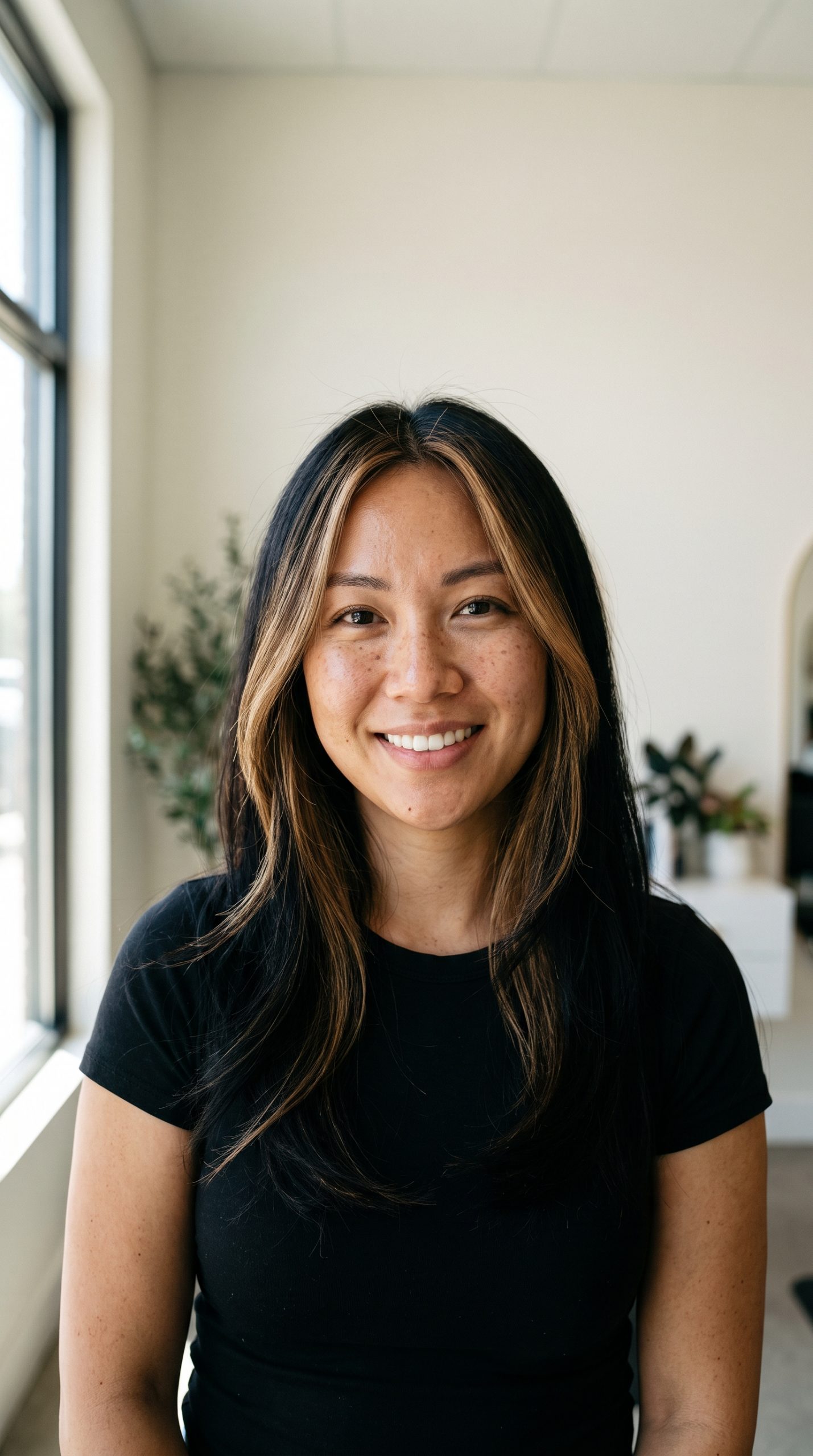
2. Honey brunette balayage
Honey brunette is the gentler choice when a full color change feels too risky. The roots stay deeper, then warm ribbons catch around the cheekbones and ends. That placement matters on camera. It gives a face-framing lift without making every strand look identical. A hair color preview for this shade should use soft daylight, not a heavy filter, so the warmth stays believable.
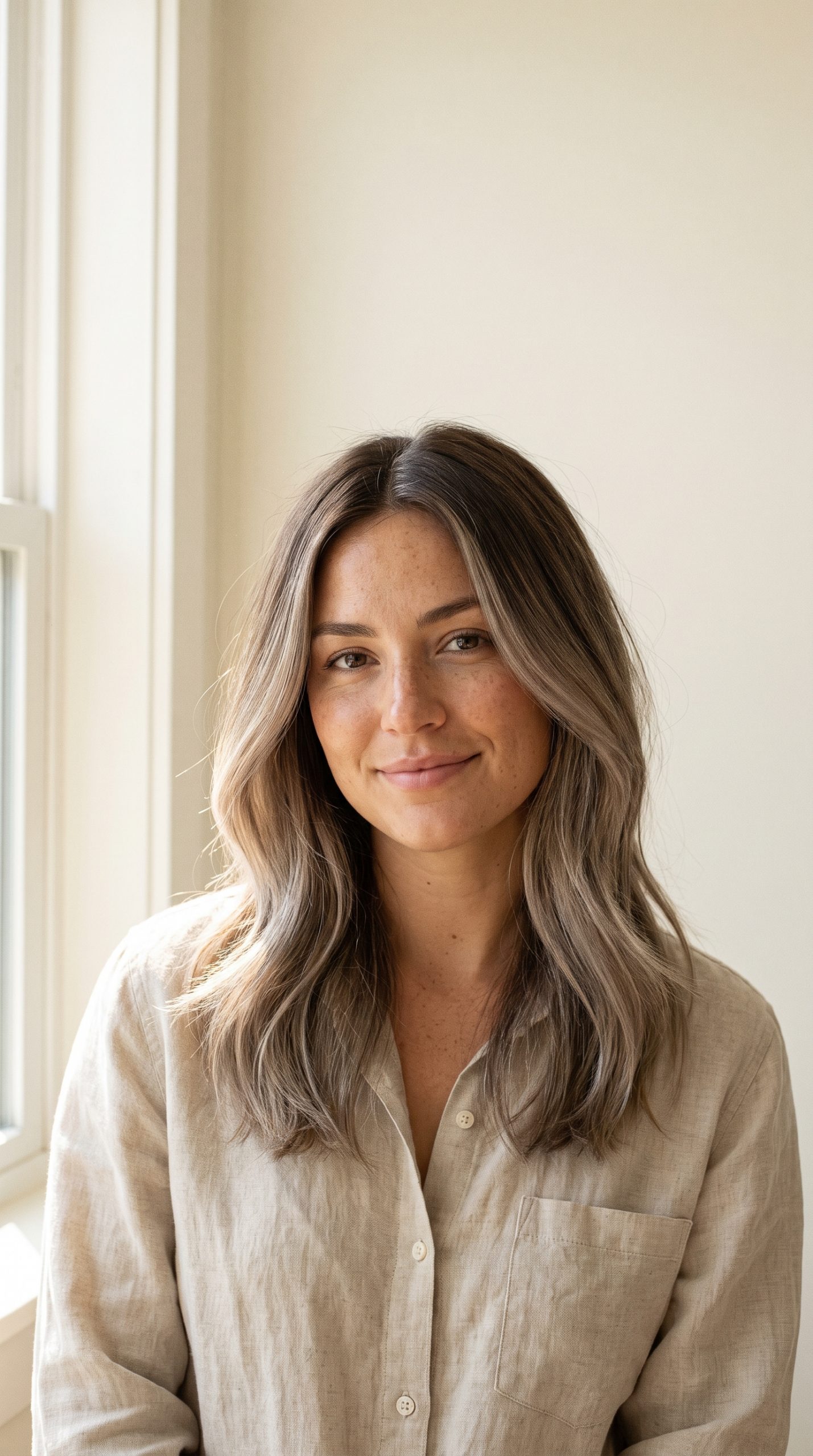
3. Smoky blonde
Smoky blonde lands cooler and quieter than bright platinum. A muted root shadow stops it looking washed out, especially when the original color is medium brown. Use a plain shirt and a pale wall for this version. Competing colors in the frame can make the blonde read grey. The best reveal is a slow turn toward a window, where the cool tones show up without overpowering the face.
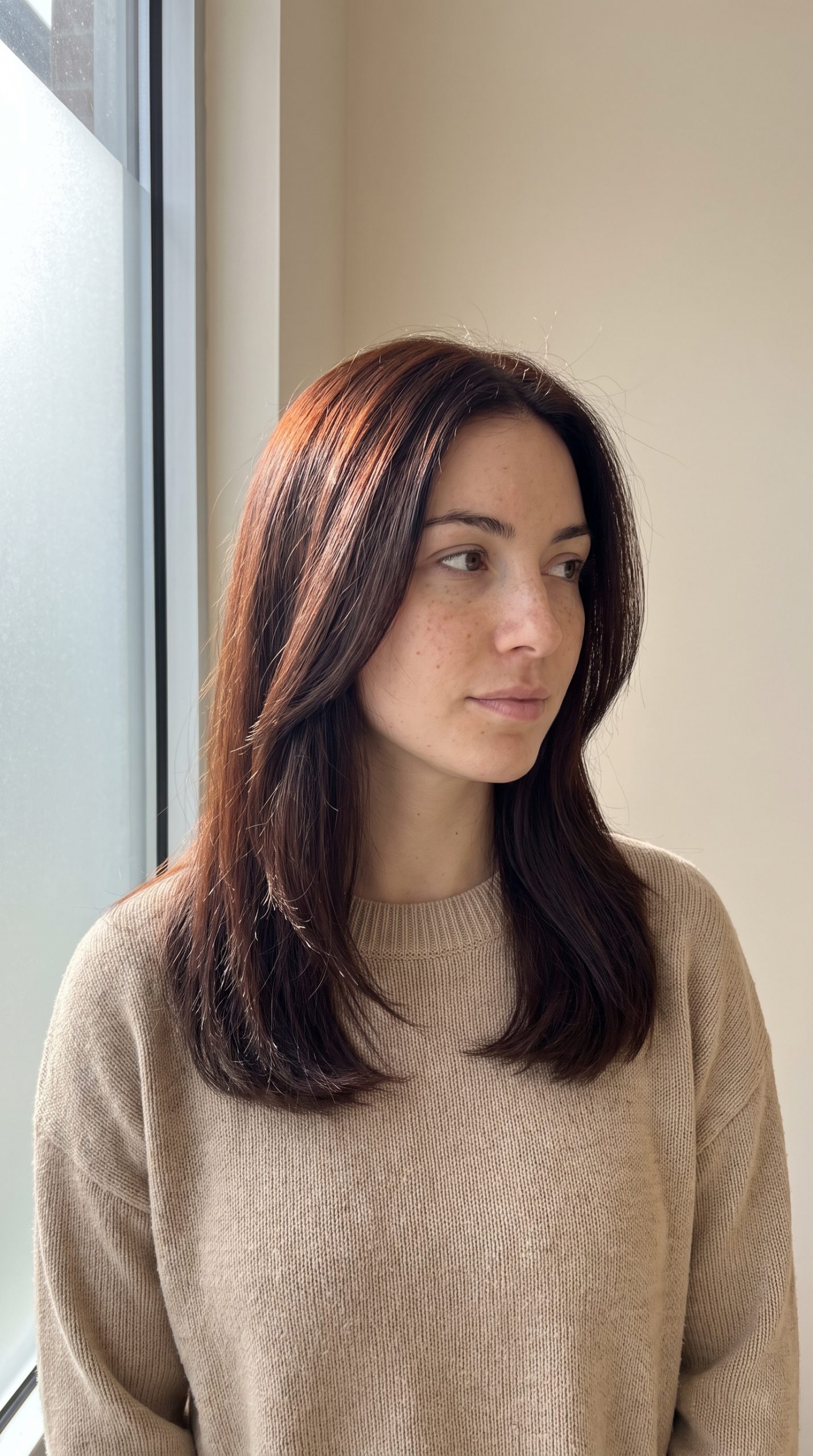
4. Copper auburn gloss
Copper auburn sits between a classic red and a warm brunette. It catches light fast, which makes it a smart first-frame shade for Stories. Keep the makeup and outfit simple. The hair should carry the color story. A subtle version can look like a gloss; a bolder version creates a full transformation. Both work if the camera keeps the skin tone and eye color natural.
How to make a hair color preview look real
Start with one clean portrait. Face a window, keep the hairline visible, and avoid sunglasses or hands over the face. The source image needs enough detail around the roots and lengths for the shade change to read cleanly. A chest-up crop usually works better than a distant full-body shot.
Use the same angle for the before and after. A lens-cover transition, a fast head turn, or a hand sweep gives the video a natural cut point. Avoid stacking a new outfit, a new background, and a new color into one reveal. That turns a useful preview into a confusing makeover.
For color ideas, the L-Oreal Paris hair color trends guide is a helpful starting point. Use it to name a direction, then make the camera test personal. The goal is not a perfect prediction of a chemical service. It is a clearer conversation about what you want.
Turn the preview into a better salon reference
Save two or three versions, then choose the one that still looks good in normal light. Add a note on what you like: warmer around the face, darker at the root, less red, or more shine. Specific notes help far more than saying you want the exact color from a filtered video.
Bring the natural before image too. A good colorist needs to see your starting point, not only the edited after. The hair color preview gives the mood; the original sets expectations. That pair makes the appointment easier and keeps the final result closer to the look you actually saved.
For a creator post, keep the reveal short. One clear shade, one stable frame, and one honest caption beat a long montage. The scroll stops because the change is obvious. The save happens because the result feels possible.
Create this effect in Bloom AI
Recreate these effects on your own photos and videos – free to start.