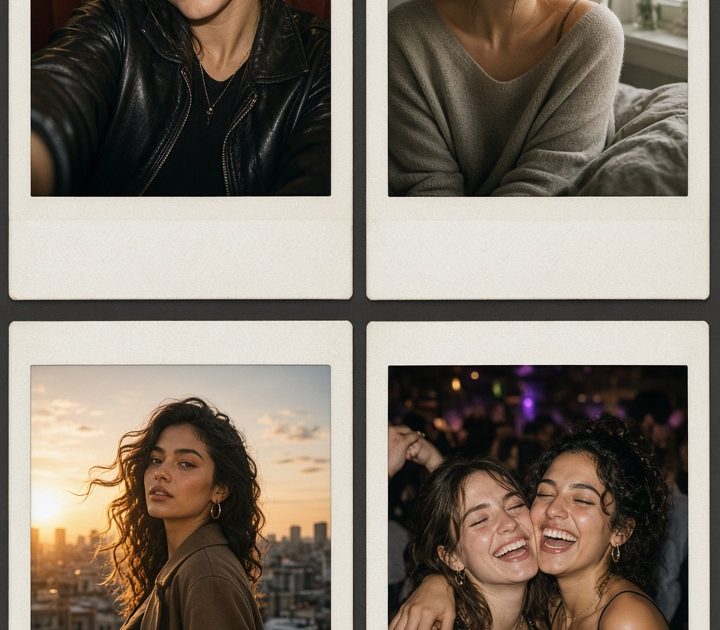
Instant film photo effect edits make a fresh post feel like a favorite memory. A little grain, a warm flash, and an imperfect frame can turn an ordinary selfie into something people want to pause on. The trick is choosing a scene that already has a point of view, then letting the film treatment add texture instead of hiding the photo.
Instant film photo effect ideas
Think of the frame as part of the story. A flash-heavy close-up feels spontaneous. Soft daylight feels personal. Sunset needs less help, while a dark group photo can handle more grain and contrast. Start with the version that matches the moment rather than applying the same settings to every image.
1. Diner flash
Hard flash and a booth background give a post that late-night, found-camera feel. This look works best when the subject is close to the lens and there is something shiny in the scene: a vinyl seat, glassware, chrome, lip gloss, or a laminated menu. Keep the background visible. A little clutter sells the story.
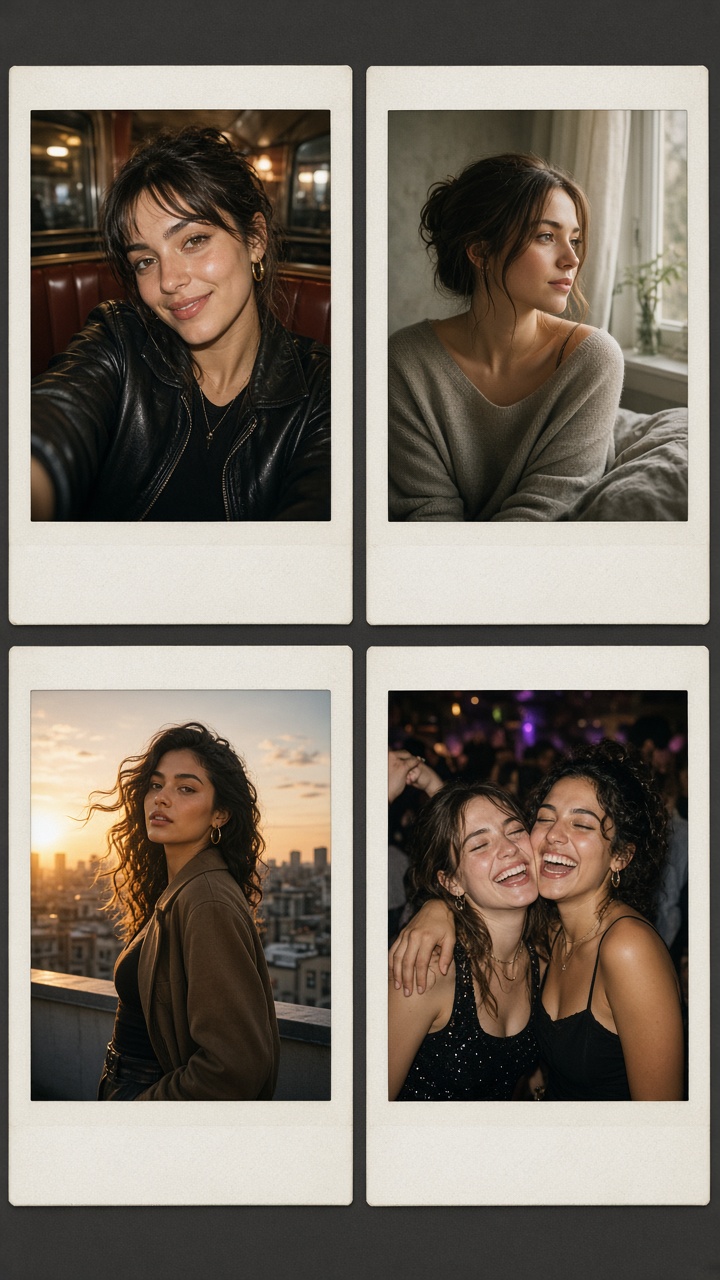
How to style it: Shoot from chest height, turn the face slightly toward the flash, and leave one shoulder or hand in the frame. Pick a crop that keeps the booth line or tabletop. Add a warm cast, moderate grain, and a slightly lifted black point. Avoid blurring the skin. The tiny imperfections make the instant film photo effect believable.
Prompt to try: “Candid close-up at a retro diner booth, direct camera flash, glossy red vinyl, warm grain, soft white instant-photo border, imperfect exposure.” Use it for a Saturday-night carousel cover, a restaurant recap, or a single-image Story with a short location tag.
2. Soft bedroom portrait
This is the quiet version. Window light and film grain turn an everyday mirror selfie, book-in-bed shot, or getting-ready photo into a softer photo-dump opener. Choose one main light source. A bright window on one side of the face gives the image shape without making it look staged.
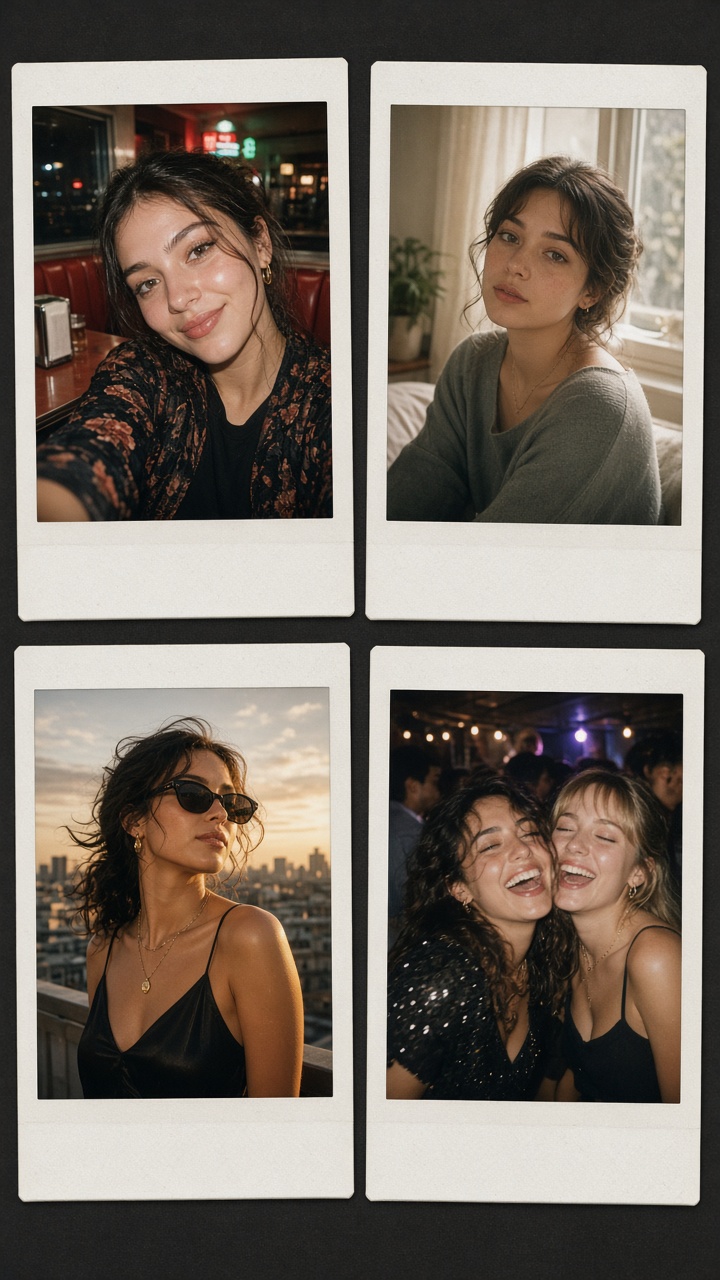
How to style it: Wear a simple texture such as knitwear, cotton, or satin, then keep the palette muted. Cream walls, a bedside lamp, books, flowers, and rumpled bedding all work. Use fine grain and low contrast. Let the whites stay a little warm rather than bright blue. If the original photo has a busy background, crop closer before adding the frame.
Prompt to try: “Soft bedroom portrait by a window, natural morning light, muted cream tones, fine film grain, faded highlights, classic instant-photo frame.” This look fits a reset-day carousel, a birthday caption, or a before-and-after beauty post. For another flash-forward portrait direction, see these flash portrait styles.
3. Rooftop golden hour
Golden hour already brings color, so the instant film photo effect should stay light-handed. The goal is not to make a sunset brighter. It is to make the image feel printed, passed around, and kept. A warm border, gentle grain, and slightly softened detail are enough.
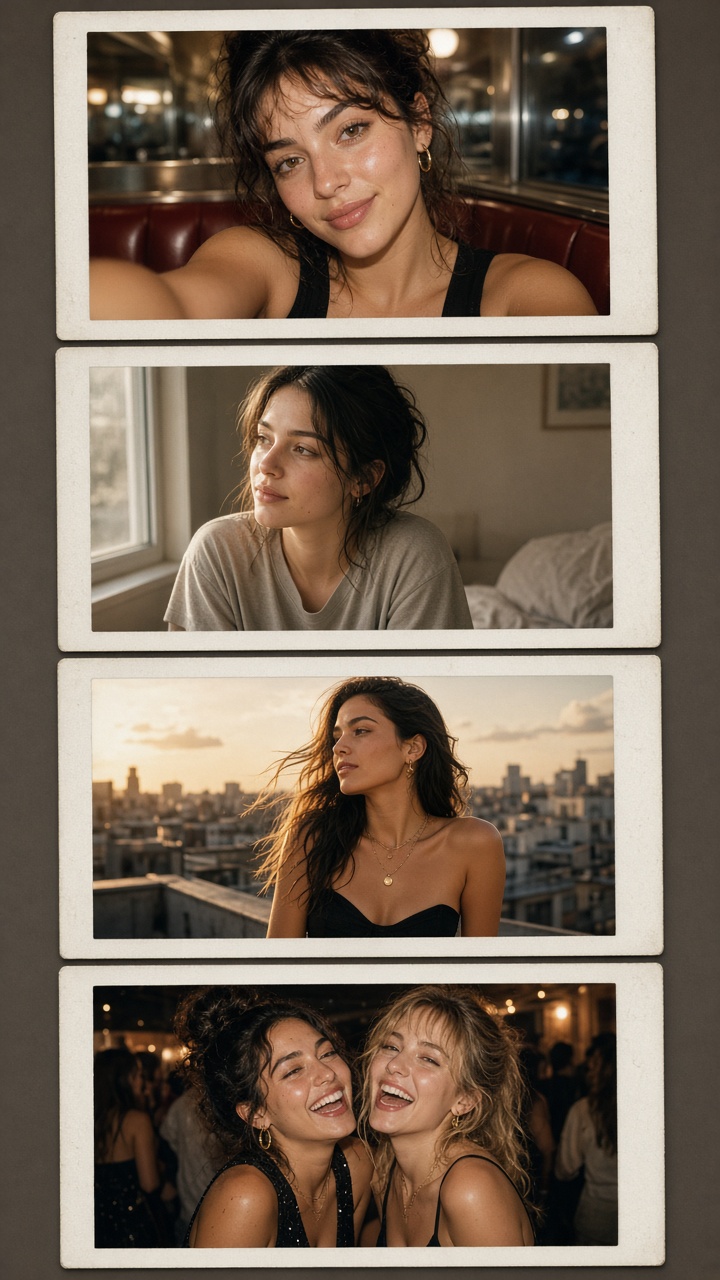
How to style it: Shoot with the sun behind or beside the subject. Keep some sky in the crop, but do not place the face in the darkest part of the frame. A moving detail helps: wind in hair, a jacket over one shoulder, or a hand holding a drink. Pull saturation down a touch if orange tones take over. The result should feel sun-faded, not neon.
Prompt to try: “Friends on a city rooftop at golden hour, candid movement, sun flare, warm faded instant film, subtle grain, off-white photo border.” Use it for end-of-summer posts, travel recaps, outfit photos, or a Reel cover that needs to match a warm color grade.
4. Friends after dark
Group photos get more personality when the flash feels immediate and the edges stay imperfect. This is the best look for concerts, birthday dinners, house parties, and nights when every photo has a little motion. Do not chase a perfectly sharp result. The real energy comes from the small misses.
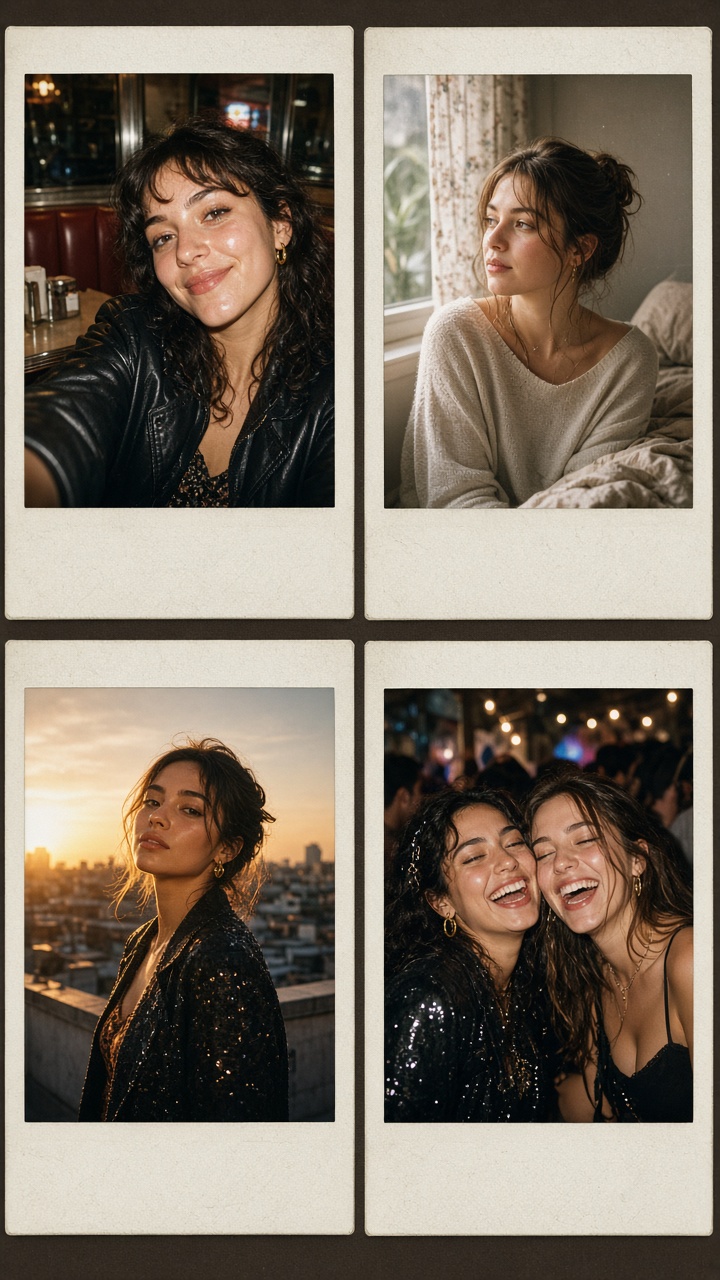
How to style it: Put faces near the middle and let signs, hands, or a shoulder break the edges. Use direct flash, a darker background, and visible shadows. Add grain after the exposure is set. Too much grain can turn faces muddy, especially in a group shot. If one person looks much brighter than everyone else, lower highlights before applying the frame.
Prompt to try: “Four friends laughing outside at night, direct flash, slight motion blur, dark street background, rich shadows, nostalgic instant-film print.” This version works for a party recap, a concert carousel, or the final slide in a weekend photo dump.
Make the instant film photo effect feel real
Start with a clear source photo. A filter cannot rescue a face lost in darkness or a background with no detail. Keep skin texture, flyaway hair, and small shadows. These details stop the image from looking airbrushed. Use one color cue from the original scene, then build the grade around it: red booths for diner flash, cream tones for bedroom shots, amber light for rooftops, and deep blacks for after-dark photos.
Frame choice matters too. Leave the border slightly uneven or off-white instead of pure white. Keep captions short. A date stamp can work, but only if it supports the moment. Four images with a shared color grade usually land better than one heavily treated image dropped into an unrelated carousel. Export a vertical crop for Stories and Reels covers, then save a 4:5 version for the feed.
For practical shooting notes, Polaroid’s summer snapshot tips are a useful reference.
For an instant film photo effect that still feels current, choose the memory first and the treatment second. That is what makes people stop scrolling: it looks less like a filter and more like proof that the night happened.
Create this effect in Bloom AI
Recreate these instant film effects on your own photos and videos – free to start.