
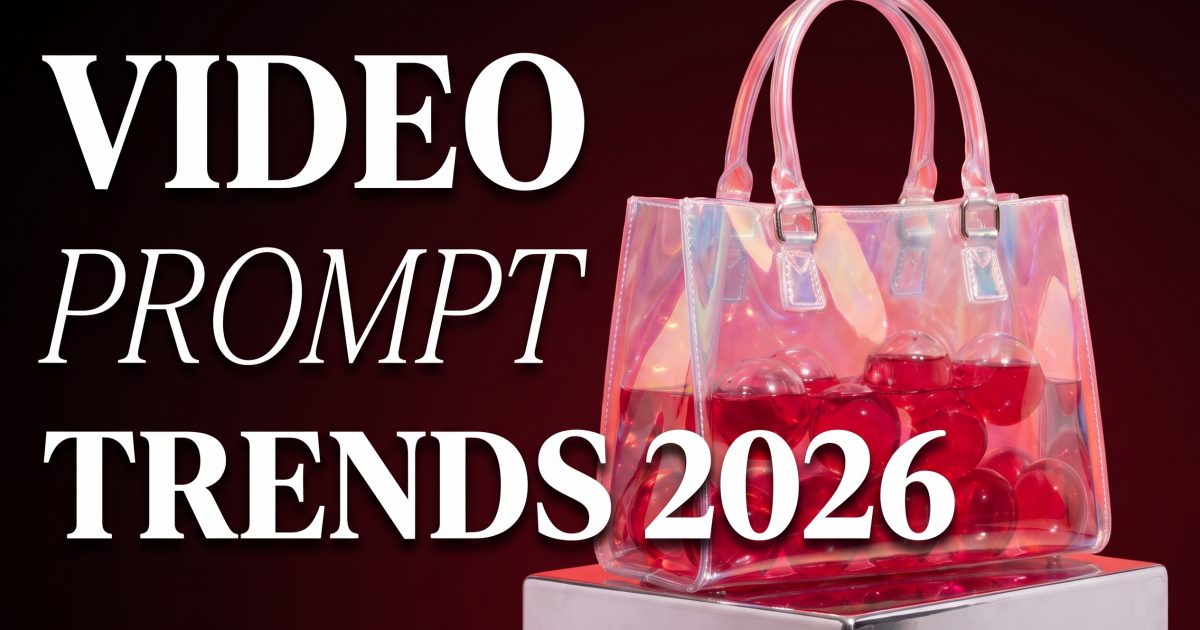
AI video prompts in 2026 work best when they direct one clear moment. Instead of stacking adjectives, set the frame, choose one action, and name the visual payoff. That gives a Reel or TikTok a readable opening and a clean point to cut. Shorter prompts can still feel polished when every detail has a job.
This post keeps the same tested visual directions: a tactile fashion object and a food reveal. The difference is in the production thinking behind them. Treat each generation like a shot from a real edit, not a whole commercial squeezed into five seconds.
AI video prompts: think like a shot list
The strongest AI video prompts make three decisions early: framing, motion, and the final beat. Framing tells the model where the viewer should look. Motion gives the clip life. The final beat gives the editor a reason to stop. A product turning toward camera, a berry landing in cream, or a flash hitting a reflective surface can all become that last frame.
Start with a single subject. Then add one physical action and one camera instruction. Lock the format before adding style notes: say vertical close shot for a social post, or wide overhead for a recipe step. Finish with lighting and a simple end state. Avoid asking for two camera moves, three props, and a scene change in one short generation. Those details compete instead of building the shot.
Test 1: the tactile product moment
Prompt idea: A translucent jelly handbag rotates slowly while red liquid beads slide across it. Gentle camera orbit, hard side light, black studio background. The bag turns to face camera. No text, no logos.
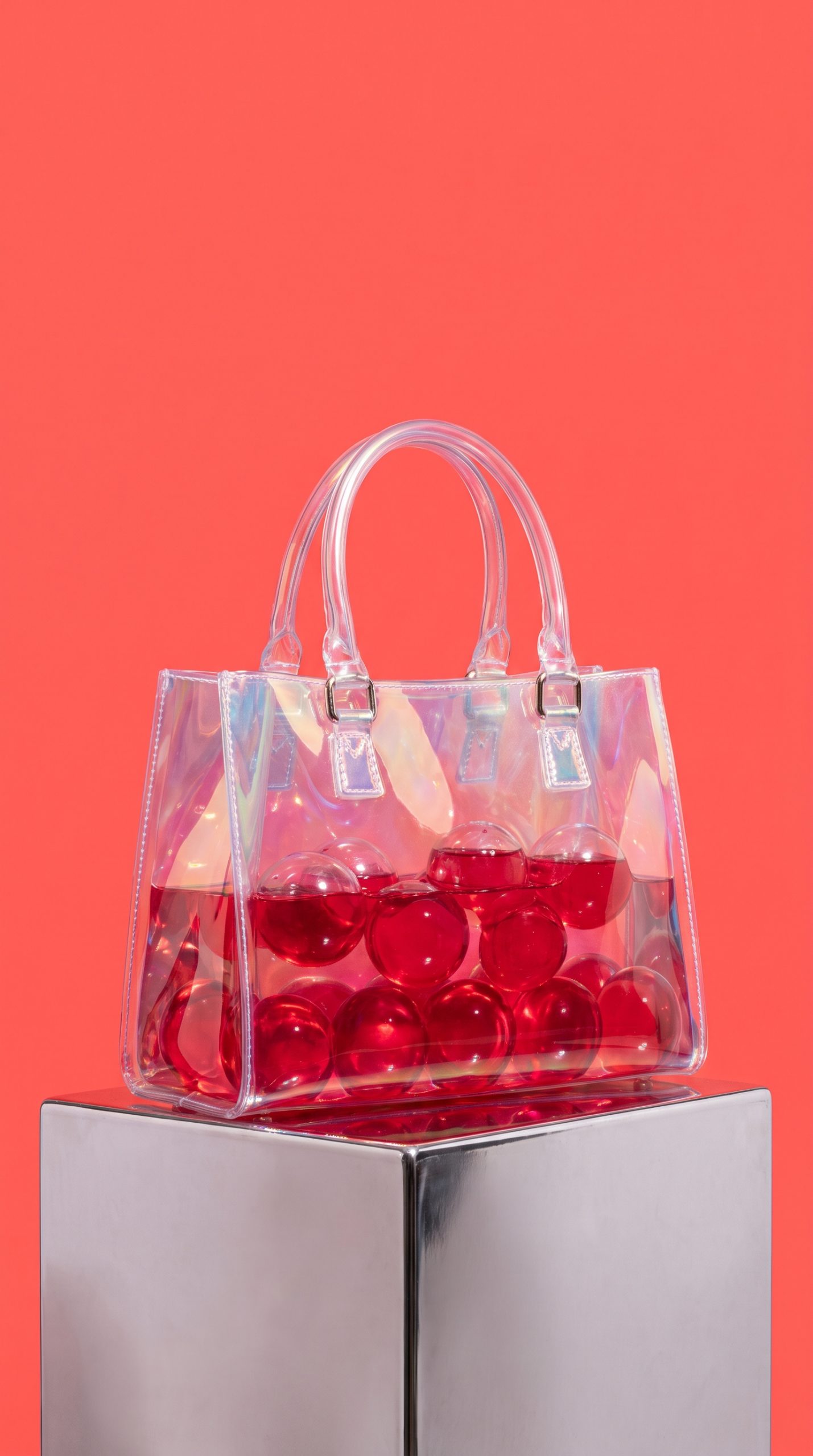
This look works because the material does most of the storytelling. Jelly, chrome, glass, wet vinyl, satin, and condensation all create small movements that read on a phone screen. Pick one surface effect rather than naming every luxury material in the prompt. If the item needs to look expensive, use a tight frame and directional light before adding extra adjectives.
How to build it
First, choose an object with a distinct silhouette: a handbag, sneaker, perfume bottle, or lipstick case. Next, choose a tactile event such as a droplet rolling, fabric lifting, or a reflection moving across the surface. Use a slow orbit or locked-off close shot. Then cut the finished clip on the moment the object faces camera. That last pose leaves space for a product name or price card added later in the editor.
For a beauty launch, swap the bag for a lip gloss tube and use a bead of clear serum. For a fashion carousel, generate three clips with the same black background but different objects. Keep the palette fixed across all three, then use the strongest final frames as thumbnails. Add any labels, logos, or sale copy after export. Fine text inside generated motion can still drift or change shape.
Test 2: food as a four-second reveal
Prompt used with Seedance 2.5: A matcha strawberry parfait assembles in a clear glass as cream spirals, berries fall, and green powder settles. Locked close shot, daylight cafe table, slow motion. The finished parfait fills the frame. No text.
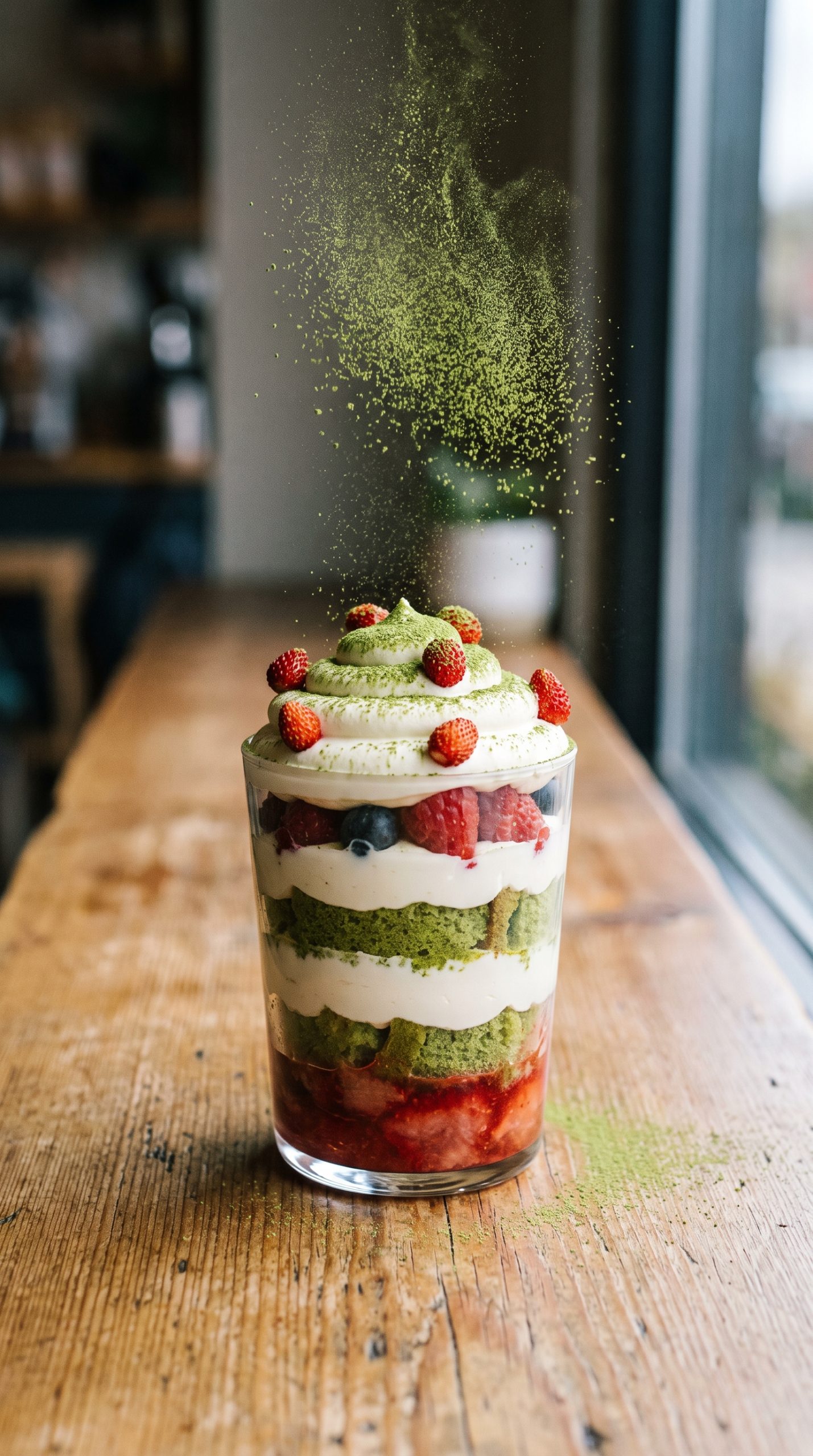
Food clips earn attention through small physical changes. A pour, a sprinkle, a falling berry, or a spoon breaking a glossy surface gives the viewer something to wait for. This prompt has several ingredients, but they all serve one result: the full glass. The locked close shot keeps the action legible and makes it easy to crop for Stories or Reels.
How to build it
Choose one hero dish and one assembly stage. A drink can receive ice and a pour. A dessert can take one garnish. A sandwich can close with a top slice. Write the action in the order it should happen, then finish with the completed dish. For a cafe, use daylight, a clean table, and a gentle camera drift. For a late-night recipe account, try direct flash and a darker counter instead.
Keep the food prompt practical. Avoid tiny package copy, branded wrappers, or a crowded restaurant scene. Generate two versions with the same dish: one tight reveal for the first second of a Reel and one wider clip for the middle. Use the sound from the generation only if it supports the edit. Otherwise, add a trending track, voiceover, or kitchen sound in the timeline.
What changed in production
Current video tools give creators more control over short actions, framing, and sometimes sound. Google’s Veo describes its video work as cinematic generation with audio, while Seedance 2.5 supports short video durations, vertical ratios, reference frames, and optional synchronized audio. That makes planning more important than writing longer AI video prompts.
Make a tiny shot list before generating: hook, action, reveal. The hook should show the most unusual texture or color in the first second. The action should be easy to understand with the sound off. The reveal should hold for long enough to become a cut point. If a result feels messy, remove an action first. A simpler shot nearly always beats a more crowded one.
Use stills to settle the visual direction before animating. A matching image can help decide the color palette, object shape, background, and crop. Then keep those same choices in the motion prompt. This is useful for a product tease, a beauty mood board, a recipe series, or a creator making a week of posts from one visual idea.
Try this AI video prompts formula
[format and framing] + [one hero subject] + [one physical action] + [one camera move] + [lighting] + [final beat]
Example: Vertical close shot of a chrome sneaker on wet black tile. One bead of water rolls down the side. Slow camera orbit, hard flash. The shoe turns to face camera. No text, no logos.
For an avatar clip, replace the sneaker with a person and make the action small: a head turn, a sleeve adjustment, or a glance toward a window. For a travel edit, use one landmark and one change in weather or light. The same rule applies: give the viewer one thing to notice, then end on a frame worth saving.
The takeaway
AI video prompts in 2026 are less about writing a tiny screenplay. They are about directing one satisfying, editable moment. Start with the payoff. Keep the shot readable. Create variations instead of cramming every idea into one clip. Then add typography, logos, and the final rhythm in the editor where they stay under control.
Create this effect in Bloom AI
Recreate these effects on your own photos and videos – free to start.






1 Comment