

A lyric photo carousel turns a handful of ordinary pictures into a tiny story. Pair four to six stills with one line from a song, then let each slide land on a different emotional beat. It feels personal without needing a full shoot, a complicated edit, or a perfect camera roll.
Start with the lyric, not the photos. Listen for a beginning, a reveal, a pause, and an ending. Then pick images that answer those moments. You do not need to put every word on screen. A small lyric snippet on the first or last slide is usually enough.
Why the lyric photo carousel is everywhere
Photo dumps have become more intentional. Instead of posting ten unrelated snaps, creators use one sound and a loose timeline. That makes an old commute, a dinner with friends, or one weekend away feel like a scene from a music video.
The secret is contrast. Follow a quiet image with a people shot, then give the viewer a wide view before the final detail. A lyric photo carousel works because the slides do not all explain themselves at once. The viewer fills in the gap.
Choose a song with a clean change in mood. A soft verse, a beat drop, or a line that sounds like a goodbye gives the sequence a natural turn. For current examples of the format, browse TikTok photo carousel trend results, then make the order specific to your own memory.
4 lyric photo carousel story frames
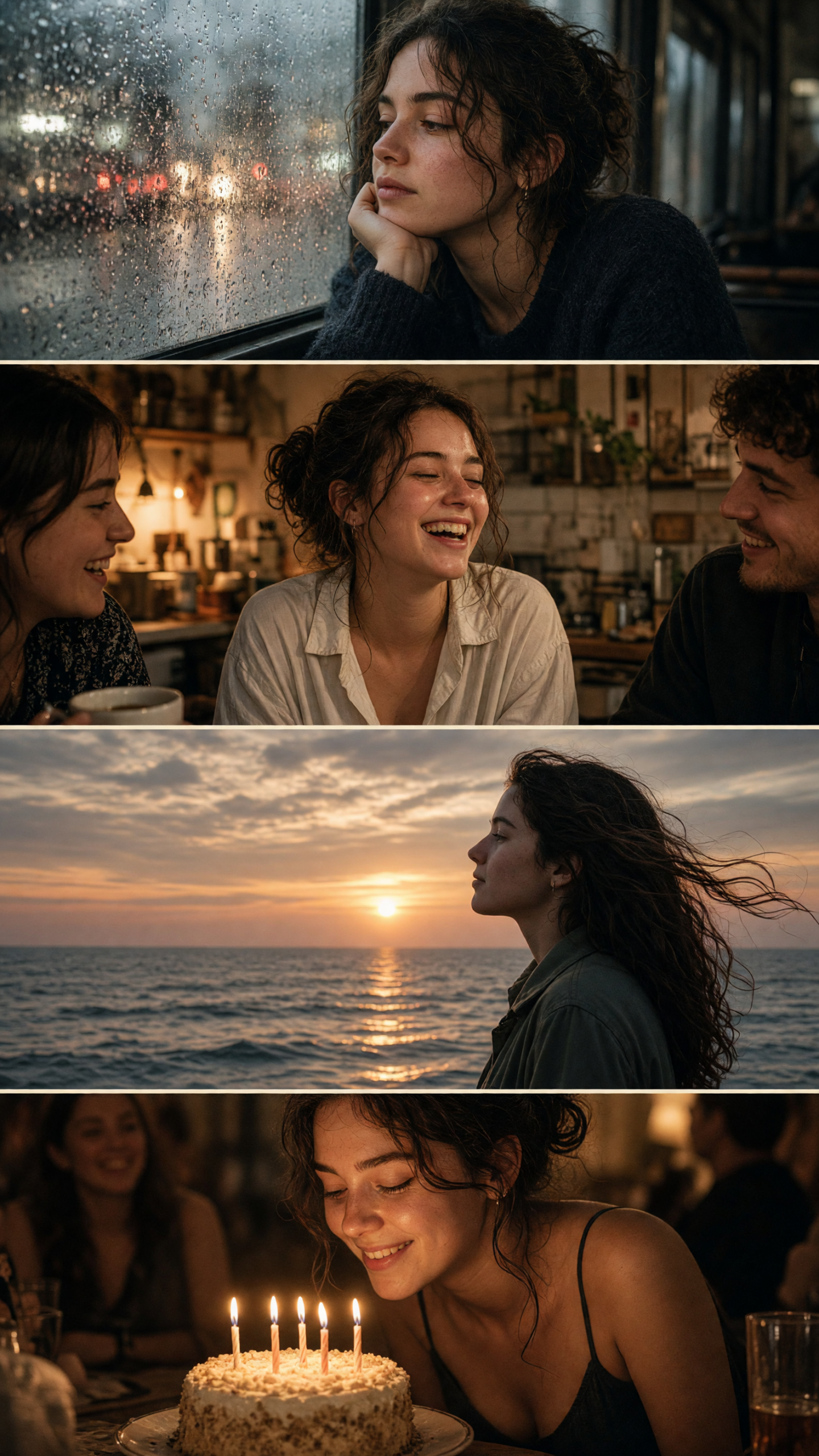
1. The quiet beginning
Open on a scene with room in it: rain on a bus window, an empty train seat, a hallway light, or shoes at the edge of a curb. Keep the subject small or slightly blurred. That space gives the lyric somewhere to sit and makes slide two feel more important.
Try this prompt: “rainy bus window at blue hour, city lights blurred into soft bokeh, muted film grain, candid phone photo.” For a real camera-roll image, lower the highlights, cool the shadows, and leave one area of clean sky or glass for a short text line. Use this frame when the song starts soft or the lyric suggests distance.
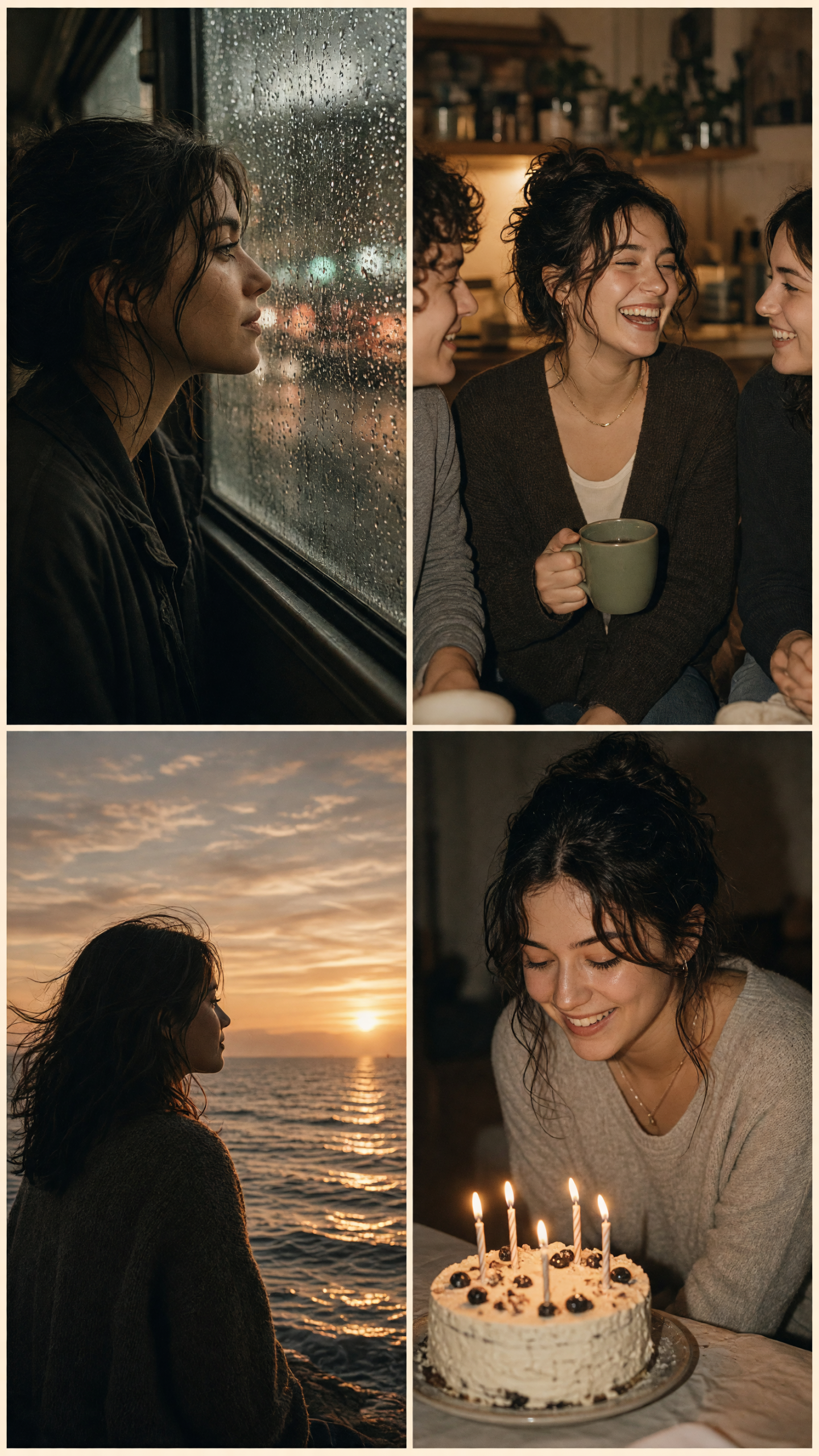
2. The people frame
Make slide two or three the emotional center. A laugh caught mid-sentence, hands passing food, or two friends looking away from the camera beats a posed group shot. It should feel like someone pressed capture a second too early.
Try this prompt: “friends laughing in a small warm kitchen, direct flash, candid motion blur, disposable camera feel.” Keep skin tones natural and do not smooth every detail. If the room looks busy, crop close around faces or hands. This is the frame to use under the lyric’s most affectionate or most honest line.
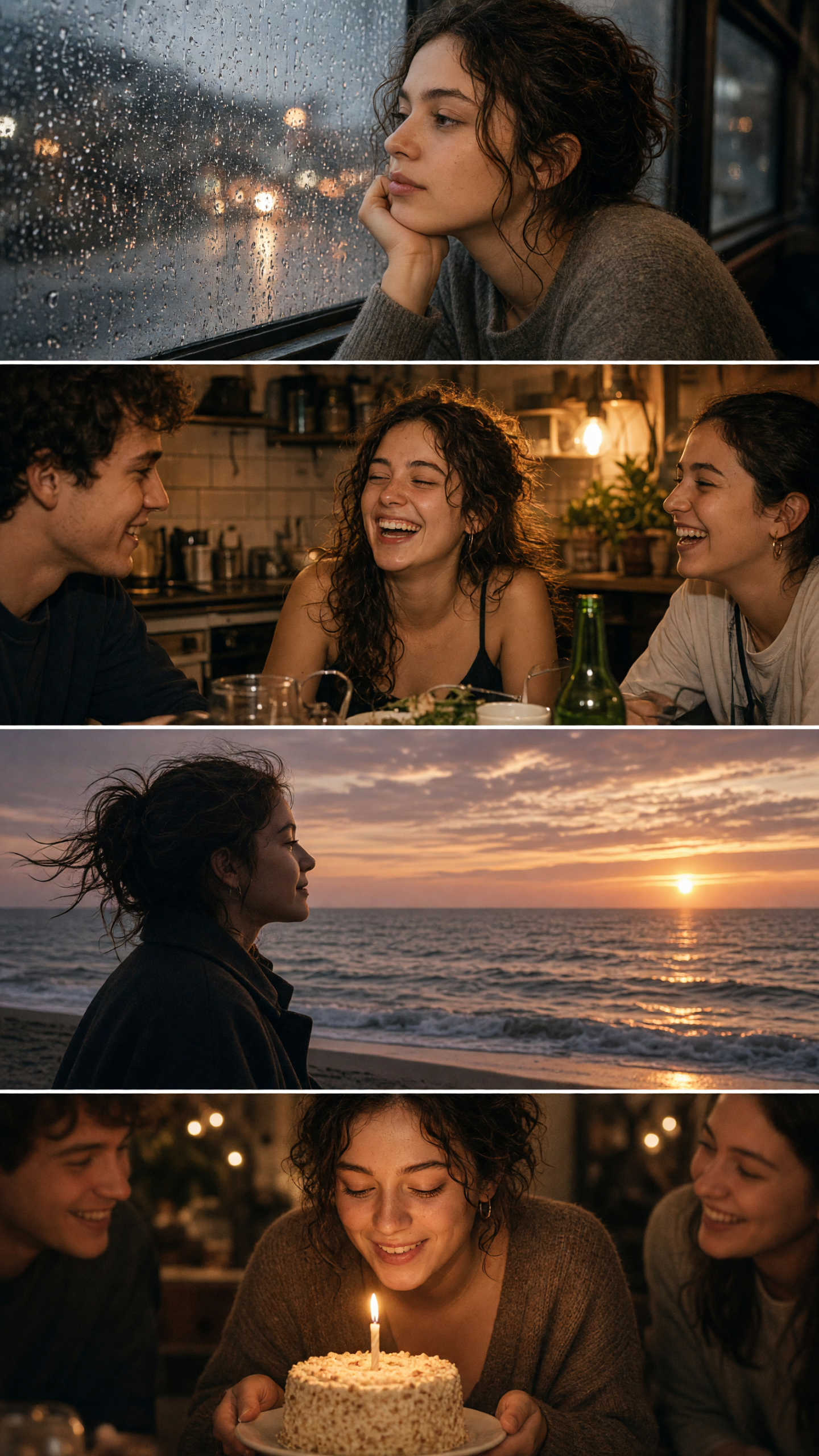
3. The breathing space
Put a wide shot in the middle. A beach, road, balcony, stadium seat, or view through a windshield resets the pace after a close human moment. It stops the carousel from reading like four versions of the same selfie.
Try this prompt: “empty seaside promenade at sunset, windblown jacket, wide angle, soft washed-out colors, editorial travel snapshot.” Match this slide to the first image by using the same grain level and temperature. It is a good place to let the music play without text. Save the words for the image that needs them.
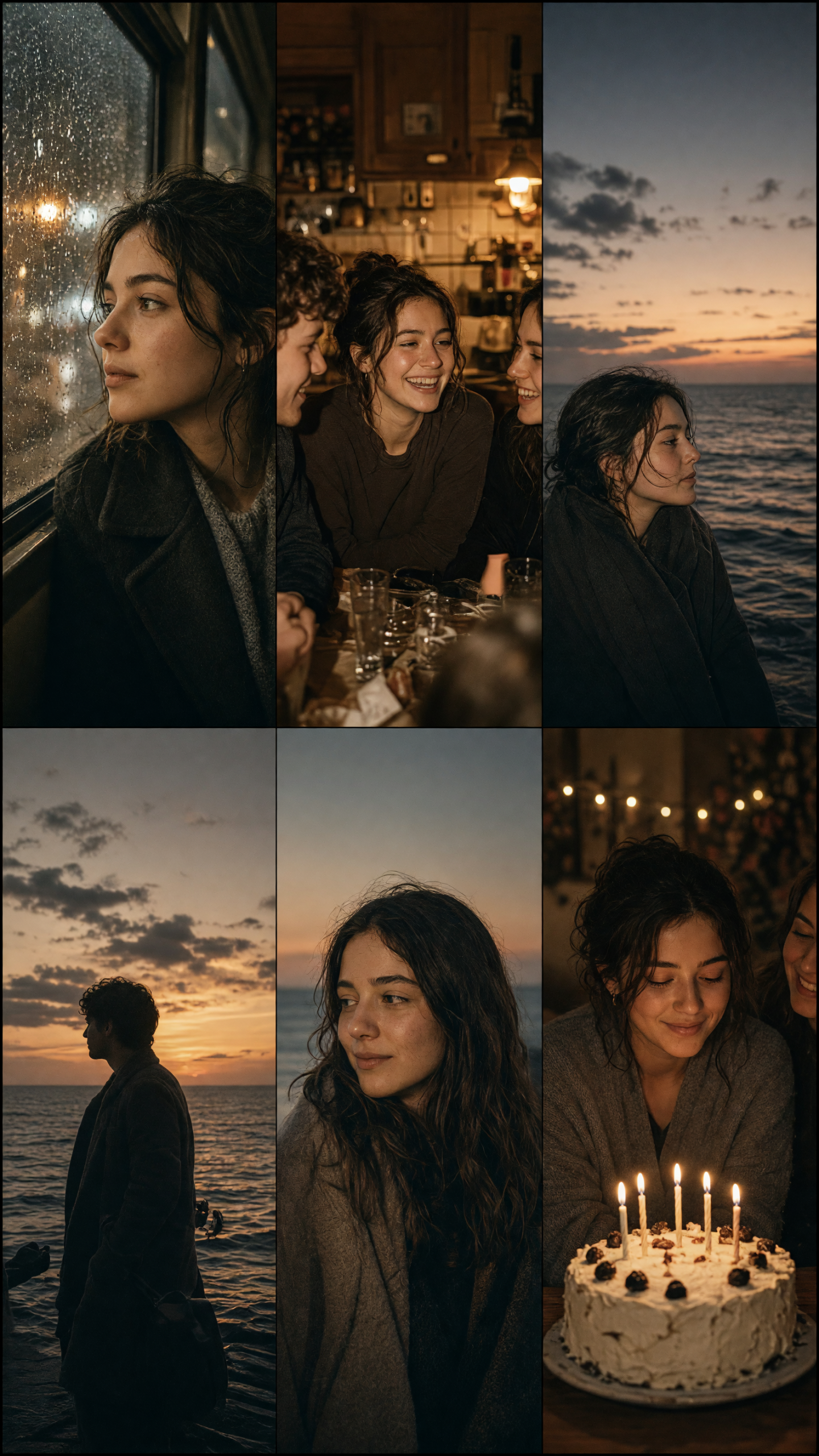
4. The small ending
Close with a detail instead of the obvious hero photo. A cake with one candle missing, a note on a table, a doorway, a sleeve caught in sunlight, or a face looking out of frame can land harder than a big smile. The final slide should make the earlier images click.
Try this prompt: “small birthday cake on a kitchen table after midnight, candle smoke, flash photography, imperfect crop, warm grain.” Add the last lyric line here if it needs a visual answer. Keep it to one short line, use a simple font, and leave generous margins so platform controls do not cover it.
How to pace a lyric photo carousel
Four slides are enough for a quick story. Use five or six only when each image adds a new beat. Start soft, move closer, pull back for the wide shot, then finish small. Avoid putting two nearly identical portraits next to each other. Alternate distance, lighting, and motion.
Crop every image to the same vertical ratio before adding text. Keep the lyric in the same position across the carousel, or show it only on slides one and four. Warm grain, direct-flash highlights, or muted contrast can tie mixed photos together. Pick one treatment and stop there.
Before posting, swipe through with the sound on. If a slide feels slow, replace it with a tighter crop or a detail shot. A lyric photo carousel does not need to explain the whole day. It only needs one clear feeling. End with the image you would save even without the song.
Create this effect in Bloom AI
Recreate these effects on your own photos and videos – free to start.