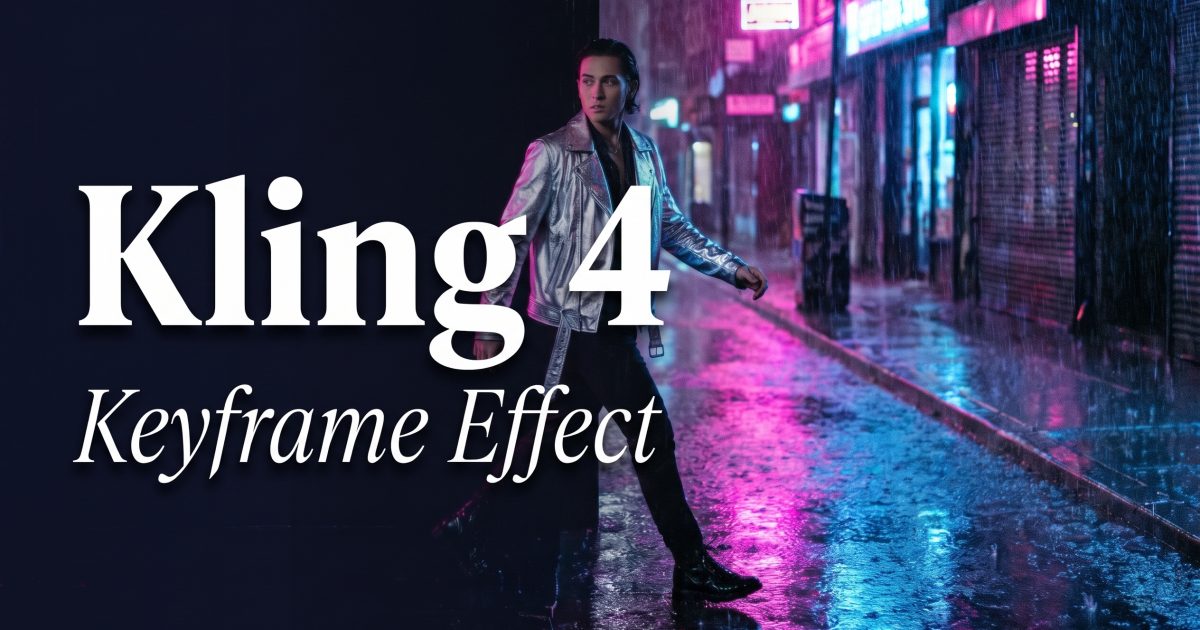
The Kling 4 keyframe effect makes a short vertical clip feel planned rather than random. It starts with one clear moment, then lets the scene move somewhere bigger: a neon street, a chrome room, a lit court, a field of blue flowers. That kind of shift reads fast in a Reel, which is exactly why it is worth trying now.
Kling 4 is a recent video release with support for longer clips and keyframe-led direction. The feature matters less as a technical spec than as a creative trick: pick the first beat, pick the destination, then give the camera one job. A pullback. An orbit. A push-in. The result can feel like a tiny music-video moment instead of a standard talking clip.
Why the Kling 4 keyframe effect feels bigger
A good transformation clip gives viewers two things at once: a person or object they recognize, then a world that changes around it. The subject keeps the shot grounded. The change supplies the surprise. It is a simple formula, but it makes a five-second video feel like it has a beginning, middle, and payoff.
The strongest version starts calm. Let the first frame breathe for a beat. Then use one obvious motion to carry the switch: a turn, a step, a camera orbit, fabric catching wind, or lights flicking on. Avoid piling on three transformations in the same clip. One clean reveal is easier to watch and easier to post.
The recent Kling V4 release shows why this format is useful for social video: it supports portrait framing, a short runtime, and planned camera movement. The trick is not to make every shot look expensive. It is to make one change unmistakable.
4 Kling 4 keyframe effect looks to try
1. Studio to neon street
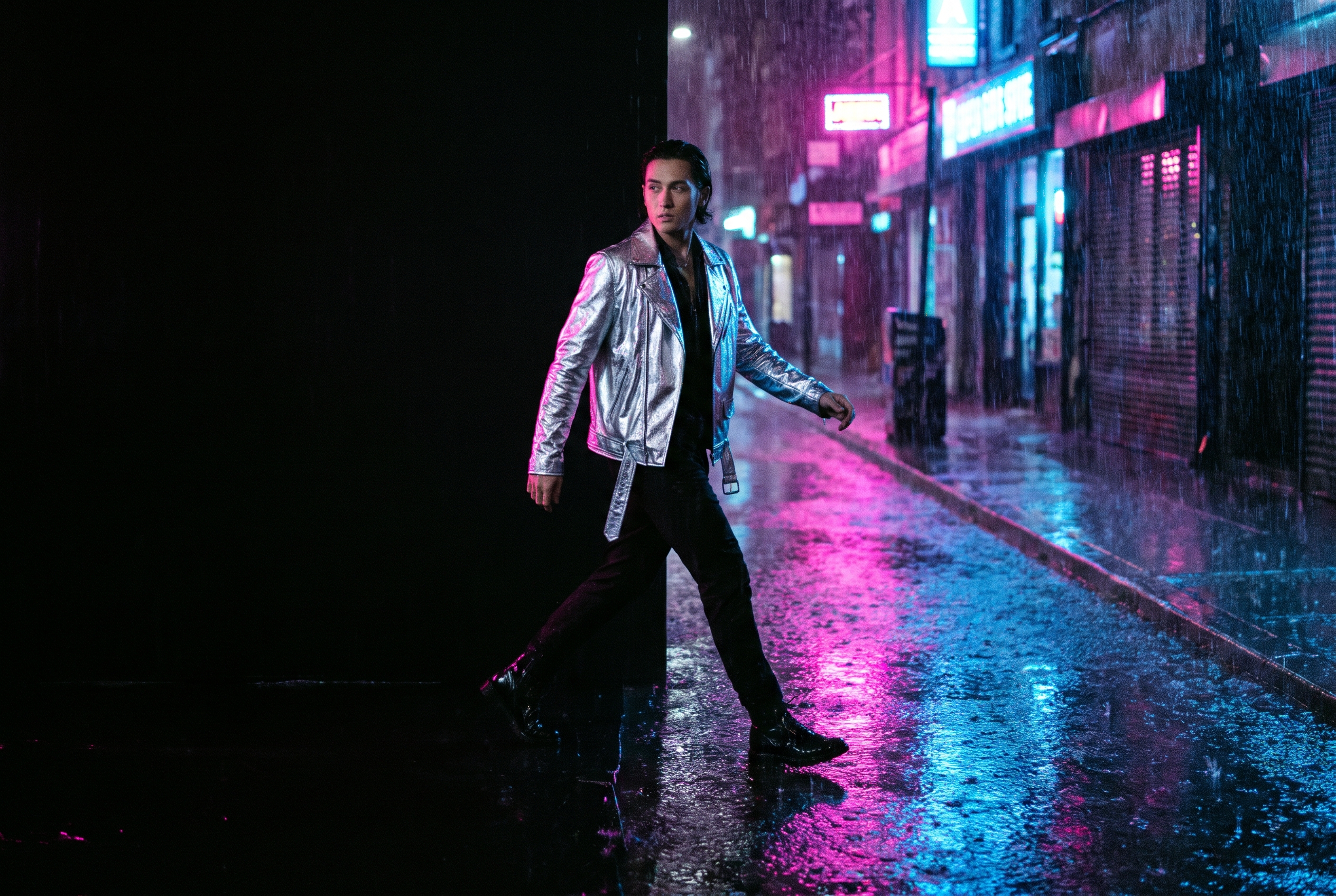
Start on a simple grey set with one strong outfit. Turn the subject toward camera, then let the background open into wet pavement, signs, and reflections. Keep the face centered while the camera makes a slow orbit. This look works for outfit checks, night-out edits, and a before-the-party opening shot.
2. Sunset court reveal
A court gives the frame built-in lines, color, and motion. Begin with a still pose at the baseline. The next beat is a run toward the lens while the camera pulls out to show warm clouds and lights. It works best when the movement stays simple. One run and one reveal is enough.
3. Pink room to chrome glam
This is a beauty-transition version of the same idea. Open on a mirror check in a soft bedroom. As the camera circles, replace soft decor with reflective walls, chrome surfaces, bubbles, and a single flash. Keep makeup and hair readable. The environment should change, not the person.
4. Bare stage to flower field
Use this one for dramatic audio. A dancer starts under one spotlight. The camera pushes closer as wind catches a cobalt dress, then the plain stage opens into an electric blue field. The contrast does the work: dark to bright, empty to full, still to flowing.
How to make the transition land
Choose the end scene before writing anything else. If the final frame does not have a strong color, location, or mood, the transition has nowhere to go. A neon street, a field, a stadium, a glossy bathroom, and a candlelit restaurant all give the clip a readable finish.
Then decide what stays the same. Usually it is the person, outfit color, or camera direction. That anchor keeps the change from looking like two unrelated clips joined together. A silver jacket can carry from a plain room into city lights. A red tracksuit can carry from a silent court into a crowd-ready moment.
Write the motion in plain language. Say who moves, where the camera goes, and what sound or atmosphere belongs in the final beat. Skip vague words like cinematic or amazing unless they are followed by an actual instruction. A slow orbit around a subject is useful. Amazing motion is not.
For a quick creator workflow, make the first frame clean and well lit, use a 9:16 format, and keep the prompt focused on one transition. The official Kling AI rollout note is a useful reminder that the new release is aimed at controlled video creation. The social version is simpler: make a clear before, a striking after, and one movement that connects them.
Create this effect in Bloom AI
Recreate these effects on your own photos and videos – free to start.