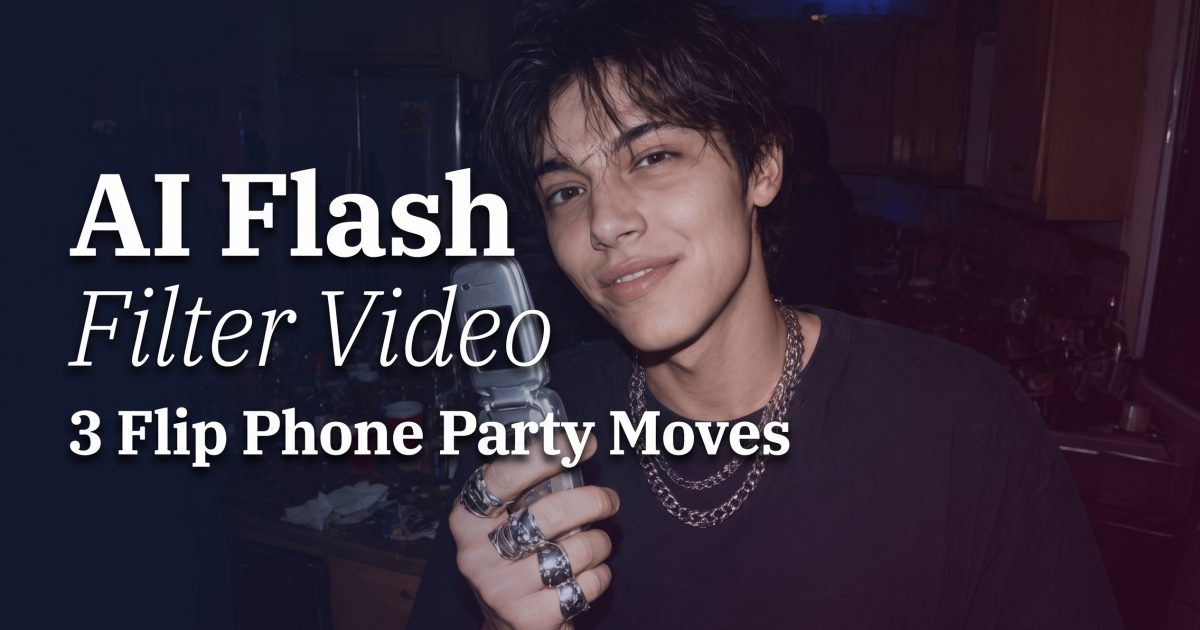
AI Flash Filter video works best when it feels like a clip someone found on an old flip phone, not a perfect retro commercial. Think tiny bursts of light, a quick loss of focus, a friend stepping into frame, and the split second after a flash turns the room white. That rough energy gives a party Reel a story before the beat even drops.
The late-2000s digicam look has already had its still-photo moment. Video takes it somewhere better: a bathroom mirror turn, a crowded kitchen laugh, a ringtone-era phone held up to the lens. The goal is not to make footage look broken. It is to keep a few believable flaws that make a short clip feel caught rather than staged.
Why AI Flash Filter video feels more real in motion
A flash photo freezes one bright moment. A video lets the light arrive, disappear, and leave a little chaos behind. That is the useful part. A flash flicker can hide a cut, sell a transition, or turn an ordinary head turn into a punchy opening shot. The low-detail feel also gives skin, hair, and backgrounds less pressure to look pristine.
Keep the action small. One laugh, one shoulder turn, one hand covering the lens, or one friend leaning in is enough for a five-second clip. Big dance moves can pull the result toward a polished music video. Small movement reads like someone filming between songs while trying to fit everyone into the frame.
The visual language comes from old camera phones and compact cameras: direct light, darker corners, a little digital texture, and framing that is not too careful. For a primer on why camera phones changed everyday visual culture, see the history of camera phones. For this effect, that everyday quality matters more than technical perfection.
1. Kitchen flash: the crowded flip-phone opener
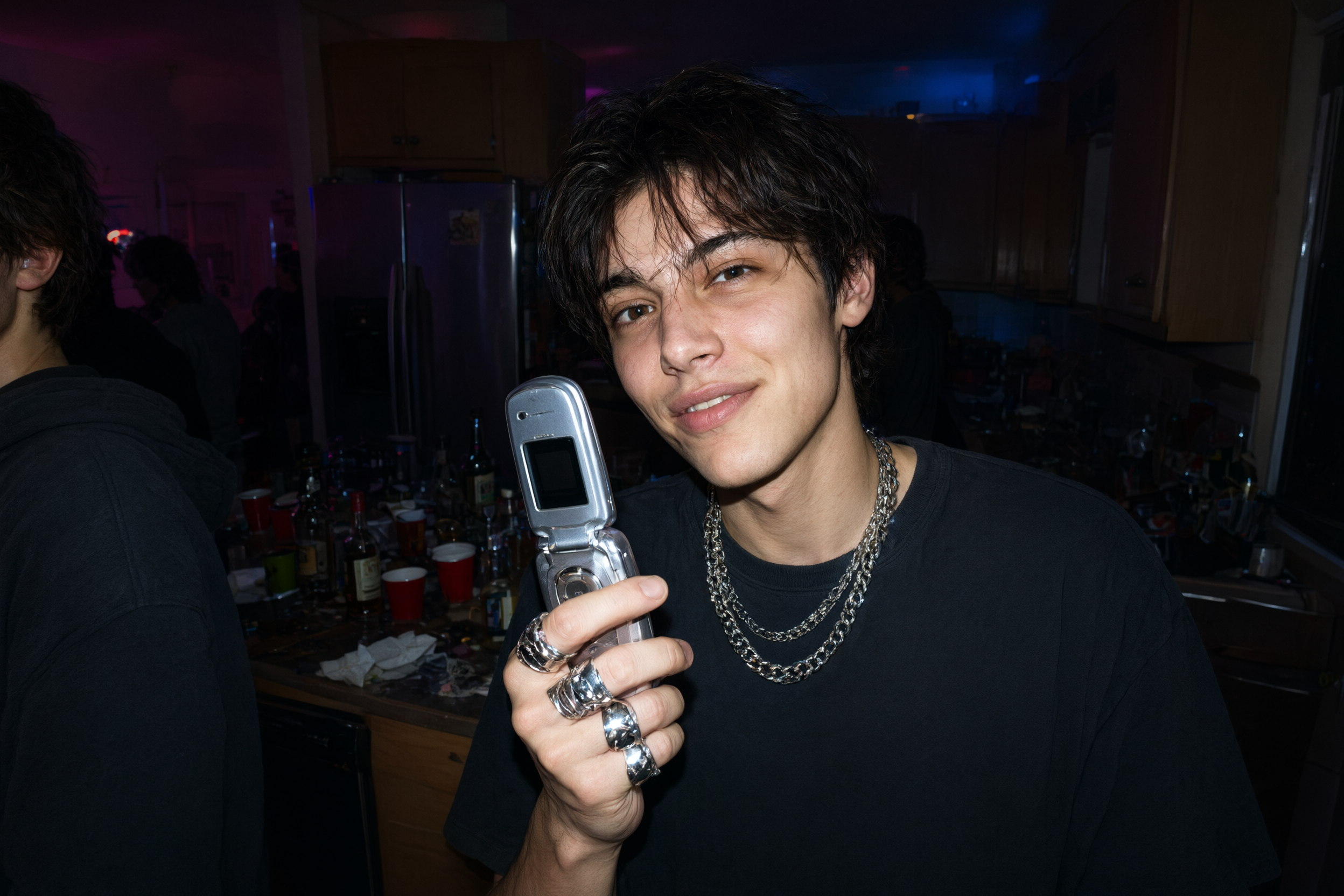
Start with a group scene. A small kitchen, hallway, or bedroom works because the walls sit close enough to catch the flash. Give the clip one readable prop: a silver flip phone, shiny bag, plastic cup, or chrome jewelry. Then let someone drift into the edge of the frame. The off-center arrival makes it feel like the camera was already rolling.
For an AI Flash Filter prompt, name the action first, then the camera behavior. Try: Vertical late-2000s flip phone party clip, friends crowd into frame in a dark kitchen, compact digicam flash fires twice, slight focus hunt, low-resolution texture, casual handheld framing. Keep the setting specific. A generic nightclub can look like stock footage. A kitchen wall, refrigerator magnets, or a friend at the edge gives the scene a place.
Build the post around the flash, not around nostalgia props alone. If the phone, lip gloss, or glitter does all the work, the clip can turn costume-like. The quick exposure bloom is the signature. Let it land on faces and reflective details, then return to the darker room.
2. Mirror flash flicker: a tiny outfit-check scene
The mirror version needs less movement. A half-turn, a jacket adjustment, or a look over one shoulder is enough. Keep the room visible. Tile, a sink edge, a poster, or a lamp helps the viewer place the shot. A spotless studio background removes the diary-page feeling that makes this look worth using.
Ask for one flash event rather than constant strobing. Too many bursts become a music-video effect and can be hard to watch. One bright blink near the first second works well, followed by a small wobble while the subject turns. This gives the clip a clear editing point for text, a beat drop, or a cut to the next scene.
3. Edit it like a memory, not an ad
Keep the final edit short. Five to seven seconds is plenty for an opener, while two clips can make a full twelve-second Reel without losing the throwback feel. Start on a dark frame or a close crop. Bring in the flash at the first beat. Cut away before the scene explains itself too neatly.
Text should stay light. Add the date, the place, or a two-word caption such as after midnight. Large titles and animated stickers can compete with the camera texture. Let the flash do the attention-grabbing. If music is used, choose a sharp beat or a small shutter sound at the flash point instead of covering the clip with effects.
For a still-photo companion, the Y2K photo effect makes a good first carousel frame. Then use motion as the payoff. That mix gives the post a beginning, a flash of movement, and a reason to replay it.
Bloom AI makes this style easier to test on footage that already has a strong moment. Pick a clip with a visible face, one clear gesture, and a background with a little personality. Keep the imperfections. The best result should feel like someone passed you an old phone and said, look at this.
Create this effect in Bloom AI
Turn your own party clips and mirror videos into flash-lit throwbacks – free to start.