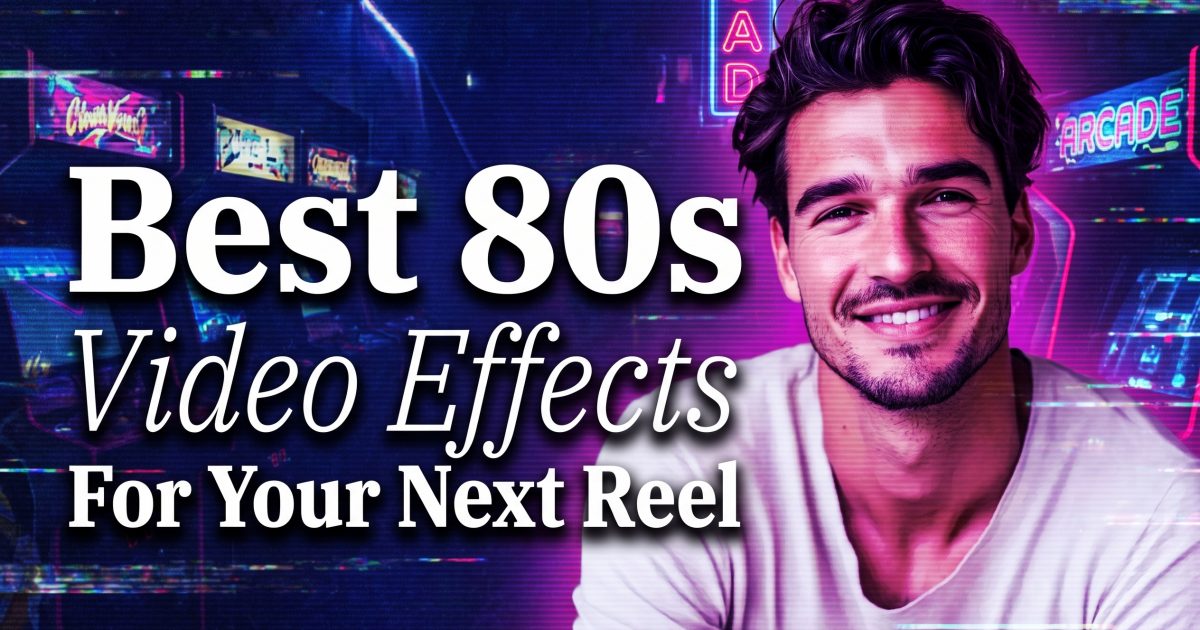
80s video effects work because they give ordinary footage a point of view. A flat mirror clip can feel like a lost music video. A run to the gym can turn into a training montage. The trick is picking one visual lane, then letting the color, framing, and edit rhythm support it instead of piling on every retro filter at once.
Best 80s video effects for Reels
The 80s look is broader than a grain overlay. Old tape softness, glowing neon, studio color, and handheld broadcast framing all create different moods. Start with the feeling of the post: confidence, nightlife, a joke, or a memory. Then build around that one choice. Leave the first half-second clean if possible. The shift into the effect gives viewers a reason to stop.
1. VHS training montage
Use VHS for motion with purpose: a run, gym set, outfit reveal, dance practice, or getting-ready clip. This look needs a clear subject and movement toward the camera. The tape texture sells the decade, but the silhouette sells the Reel. A cobalt, red, or white jacket reads well against a dark street or concrete wall.
How to build it: Film or choose a vertical clip with one repeated action. Keep the camera low, then cut on a step, arm swing, or turn. Add mild grain, soft scanlines, and a little color separation at the edges. Keep faces readable. Heavy distortion can turn a confident visual into a muddy one.
Example prompt: “Night run in a cobalt tracksuit, wet city street, authentic VHS grain, soft scanlines, slight chromatic fringing, analog contrast.” Change the outfit and location, not every style word. That keeps the result focused.
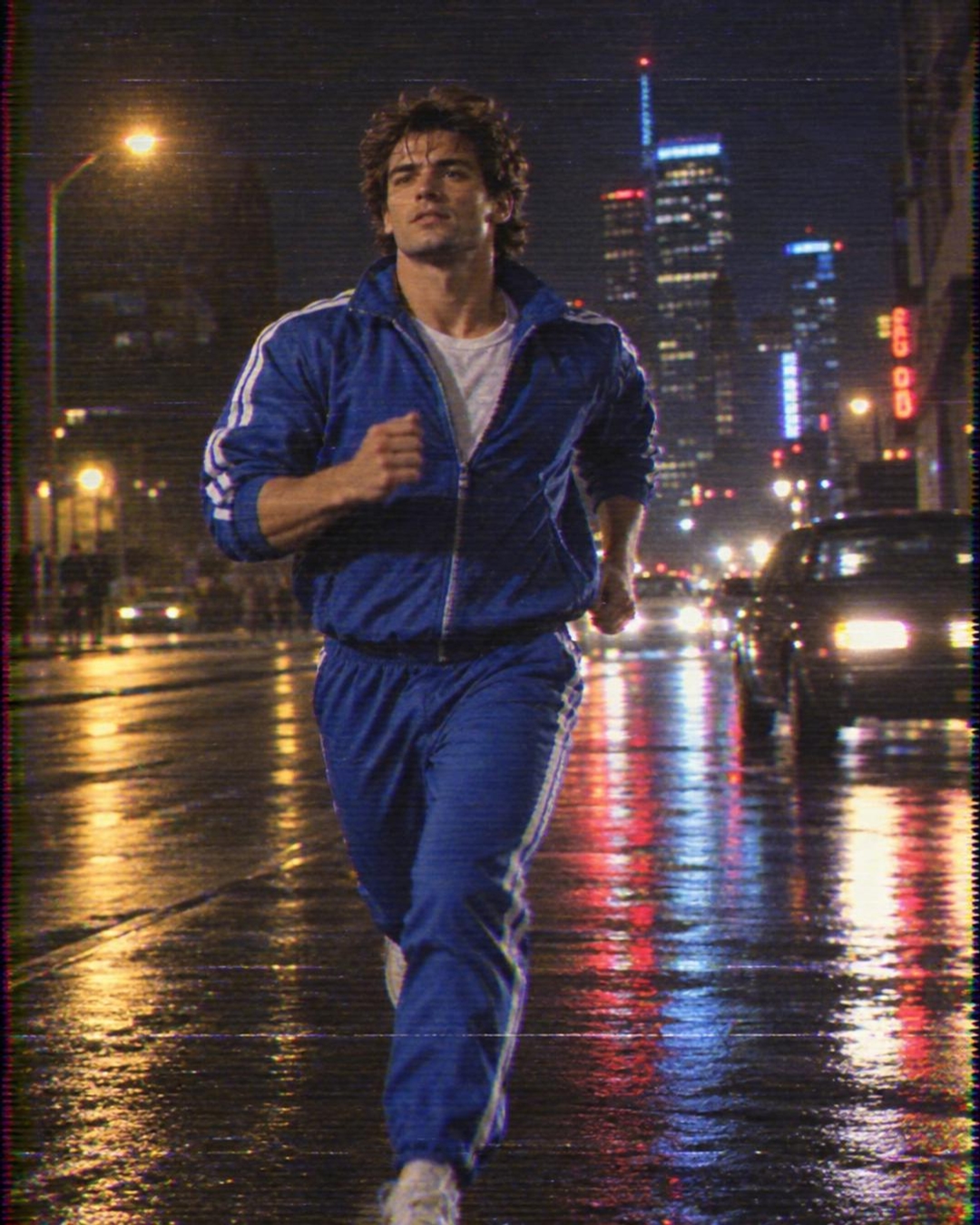
For the edit, use three to five fast shots rather than twenty micro-cuts. Let one close-up land before the beat drops. Add a short caption such as “day one again” or “main-character cardio” in a simple block font. Avoid fake timestamps unless the clip is deliberately playing as found footage. They often pull attention away from the person in frame.
2. Arcade neon
Arcade neon is the loudest option here. It suits a night out, concert fit, gaming setup, street-food stop, or a close-up with shiny makeup. Cyan and magenta are the classic pair, yet a black background matters just as much. Without shadows, neon turns pastel and loses its bite.
How to build it: Start with a dark scene and one reflective surface: wet pavement, a window, patent boots, or a chrome accessory. Place the subject slightly off center. Push blue light from one side and pink from the other. Keep the background soft so the color looks like it comes from signs and screens, not a flat overlay.
Example prompt: “Black leather jacket beside an arcade cabinet, electric cyan and magenta reflections, wet pavement, synthwave mood, soft analog bloom, no words.” This works well for a cover frame or a cutaway between face shots.
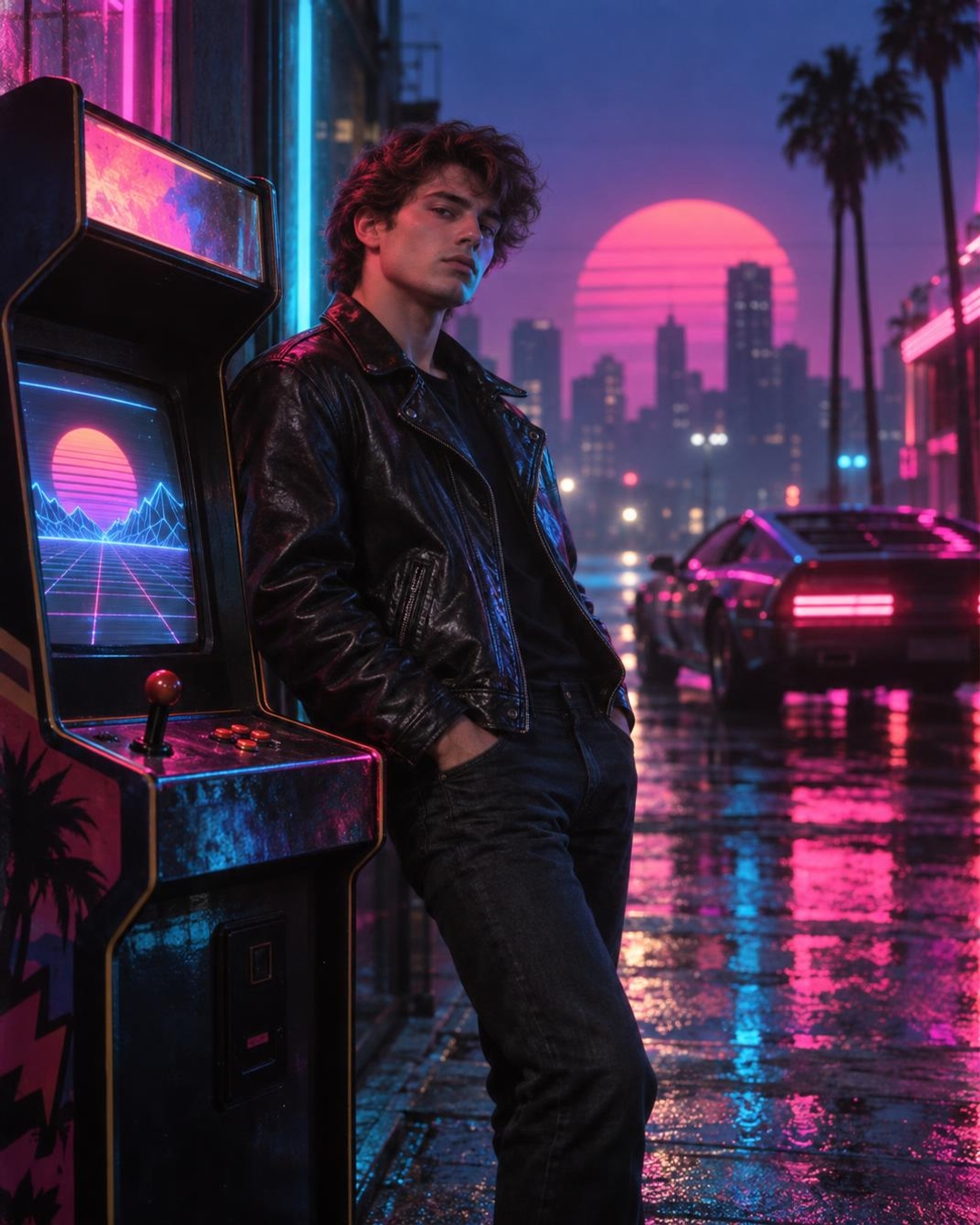
Keep the soundtrack punchy and the text spare. One line in white or pale yellow holds up better than glowing type on glowing footage. If an effect tool lets you adjust bloom, stop before the highlights eat the eyes, jewelry, or jacket edges. The best version feels lit by the room.
3. Retro broadcast
Retro broadcast gives a Reel a playful local-TV or talk-show feel. It is great for a GRWM, a friends recap, a ridiculous hot take, or a small win that deserves mock-serious coverage. Unlike VHS, this look needs composition more than texture. Frame the subject like a host, then add the imperfect broadcast details around it.
How to build it: Use a medium shot with empty space beside the subject. Add a cool-blue cast, slightly softened contrast, and a subtle 4:3-style inner frame while keeping the finished post vertical. Cut to one reaction shot or a close-up. A lower-third style caption can work, but use a made-up segment name instead of crowding it with tiny text.
Example prompt: “Playful 1980s local television studio portrait, medium shot, blue studio light, soft broadcast texture, simple geometric set, vertical frame, no readable text.” Styling matters here: a bright blazer, teased hair, a graphic tee, or a colorful prop makes the joke clearer in one second.
Use this effect when the story has a punchline. A deadpan face, a dramatic pause, then a cut to the headline frame works better than a long explanation. Keep the audio clean. Fake static is most effective as a quick transition, not a constant layer.
4. Sunset drive
Sunset drive is the softer choice. It brings 80s color to travel recaps, beach walks, road trips, and photo-dump videos without turning the subject into a costume. Think peach light, a violet horizon, and one cool accent. This is a color story first, so start with warm source footage whenever possible.
How to build it: Film near a window or outside during late-day light. Add peach to the highlights, hold some blue in the shadows, and let a windshield, pool, or car door catch the reflection. Use slower cuts than the VHS montage. One wide establishing shot, one detail shot, and one face shot are enough for a short Reel.
Example prompt: “Vintage convertible at sunset, peach sky, violet horizon, cool blue dashboard glow, soft film grain, nostalgic road-trip mood, vertical editorial still.” Pair it with denim, white cotton, or a saturated red accessory. Those colors stay distinct after the warm grade goes on.
For a more convincing finish, keep skin tones natural and reduce the orange before posting. The look should feel remembered, not sprayed with a single filter. A short caption like “the long way home” gives the visual room to breathe.
Pick the right 80s look before editing
Use VHS for drive and transformation. Choose arcade neon for nightlife and high energy. Pick retro broadcast when the post needs humor. Go with sunset drive for memory and mood. That decision makes every later choice easier: your outfit, setting, clip order, text, and sound can all point in the same direction.
Test the effect on the opening frame before finishing the full edit. If the subject disappears at thumbnail size, simplify the grade or crop closer. For a quick primer on the source format behind the tape look, see the VHS format overview. Then keep the final Reel short, clear, and built around one memorable change.
Create this effect in Bloom AI
Recreate these effects on your own photos and videos – free to start.