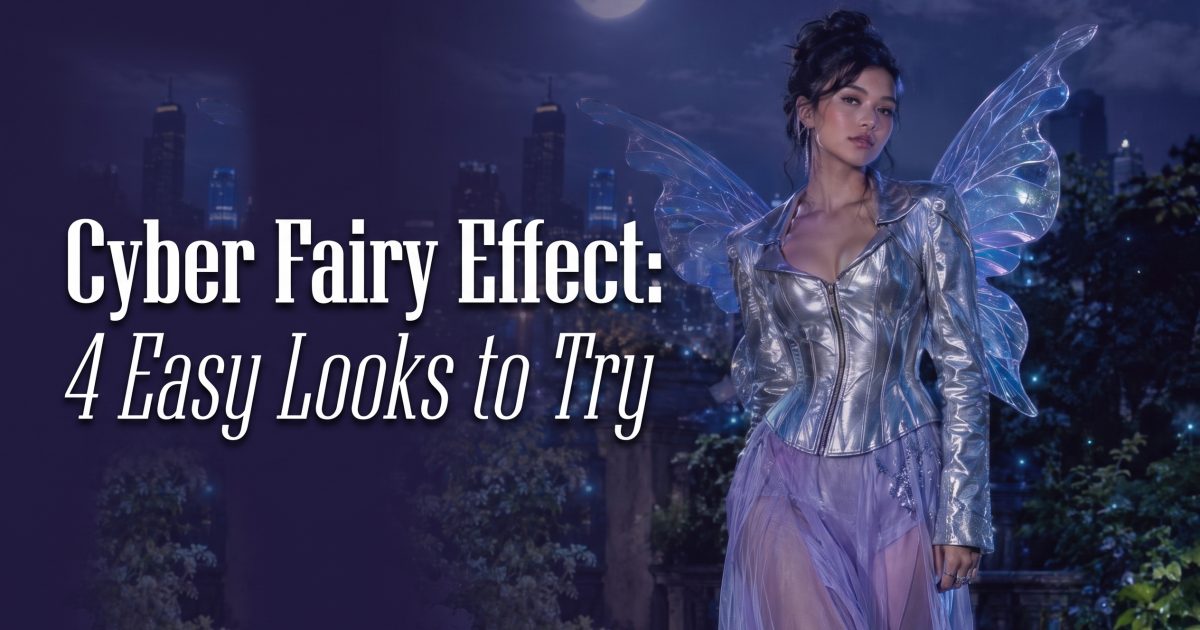
Cyber fairy effect posts are taking the soft glow of fairycore and giving it a sharper after-dark edge. Think translucent wings, electric color, chrome details, and one ordinary city spot turned into a tiny fantasy set. The best part is the contrast: sweet sparkle against wet concrete, leather, steel, or a late-night train platform.
This look works because it gives a simple portrait an immediate story. A scroll-stopper does not need a complicated plot. It needs a clear character, a strong light source, and one detail that makes someone pause. Here, that detail is the wings. Keep the pose real, then let the light do the magic.
Why the cyber fairy effect lands on a feed
Fairycore often leans pastoral: flowers, gauze, daylight, and warm pastels. The cyber version keeps the glow but moves it into the city. Blue hour, neon reflections, and a slightly tougher outfit make the image feel current rather than costume-like. It also gives short-form creators room to switch moods. Start with a close-up, cut to a full body shot, then finish on a wing reveal.
The trick is restraint. One fantasy element reads stronger than five. Let the wings carry the idea. Add only one supporting signal such as star freckles, floating petals, or a chrome boot. That leaves space for the person in the frame.
4 cyber fairy effect looks to copy
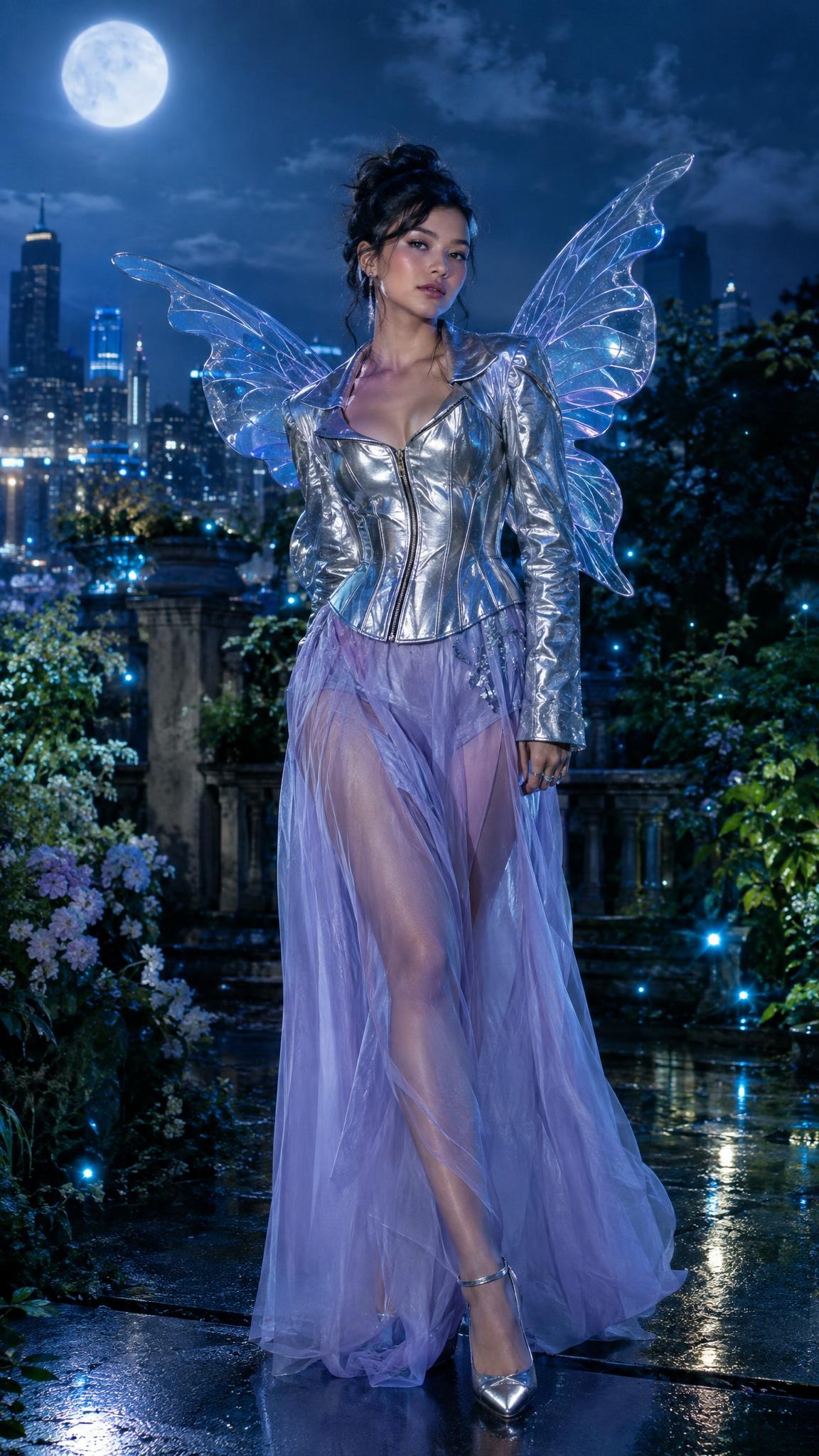
1. Moonlit garden glow
Silver clothing and violet light make this version feel polished without losing the fairy mood. A city garden or rooftop gives the wings a believable place to glow. Use a calm, direct pose. It makes the surreal detail feel intentional.
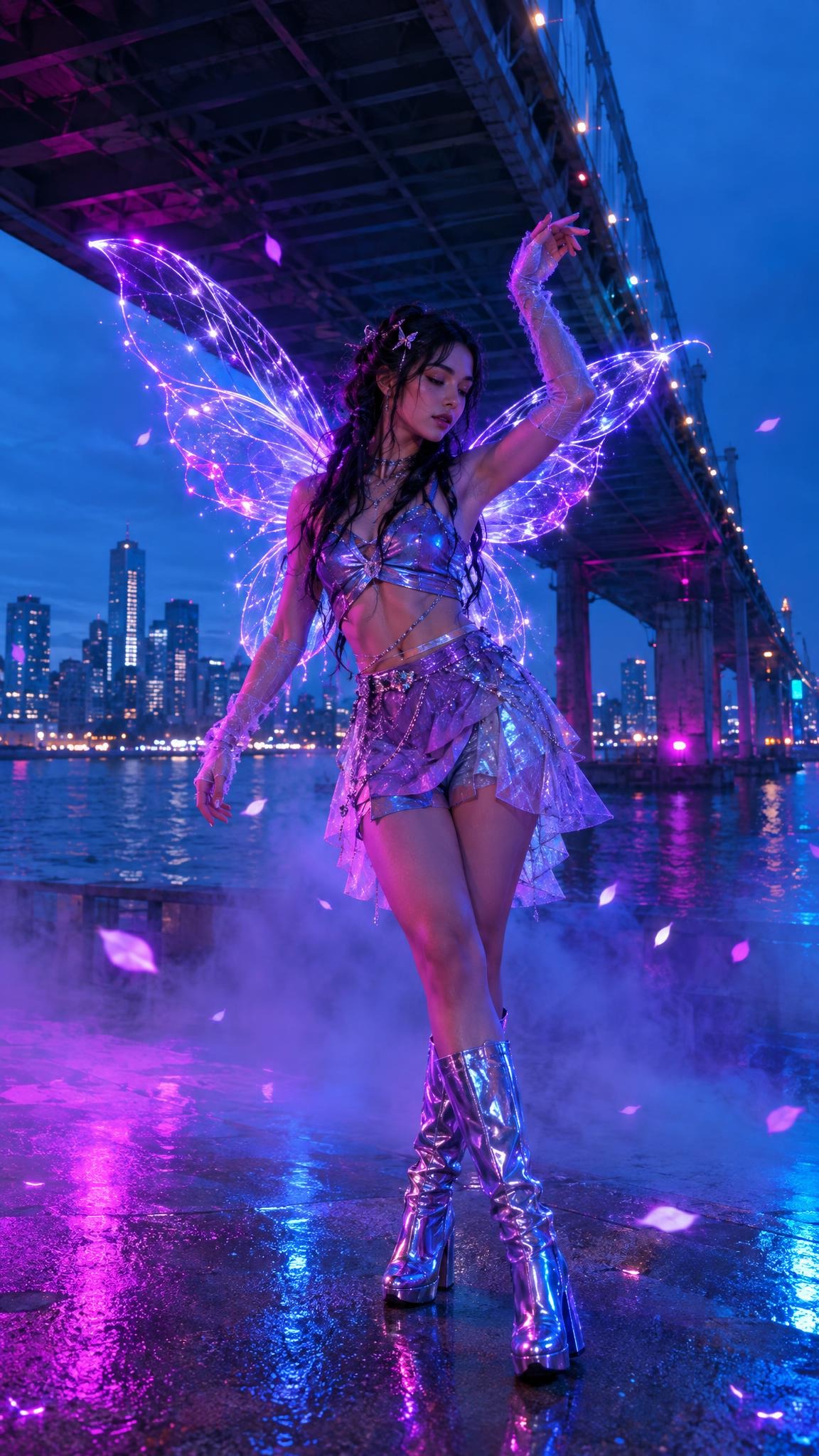
2. Bridge-side dance frame
This version has more movement. A hand in motion and a few glowing petals stop it from looking too posed. Keep the background dark enough that purple wings become the brightest shape in the frame. That contrast will hold up on a small phone screen.
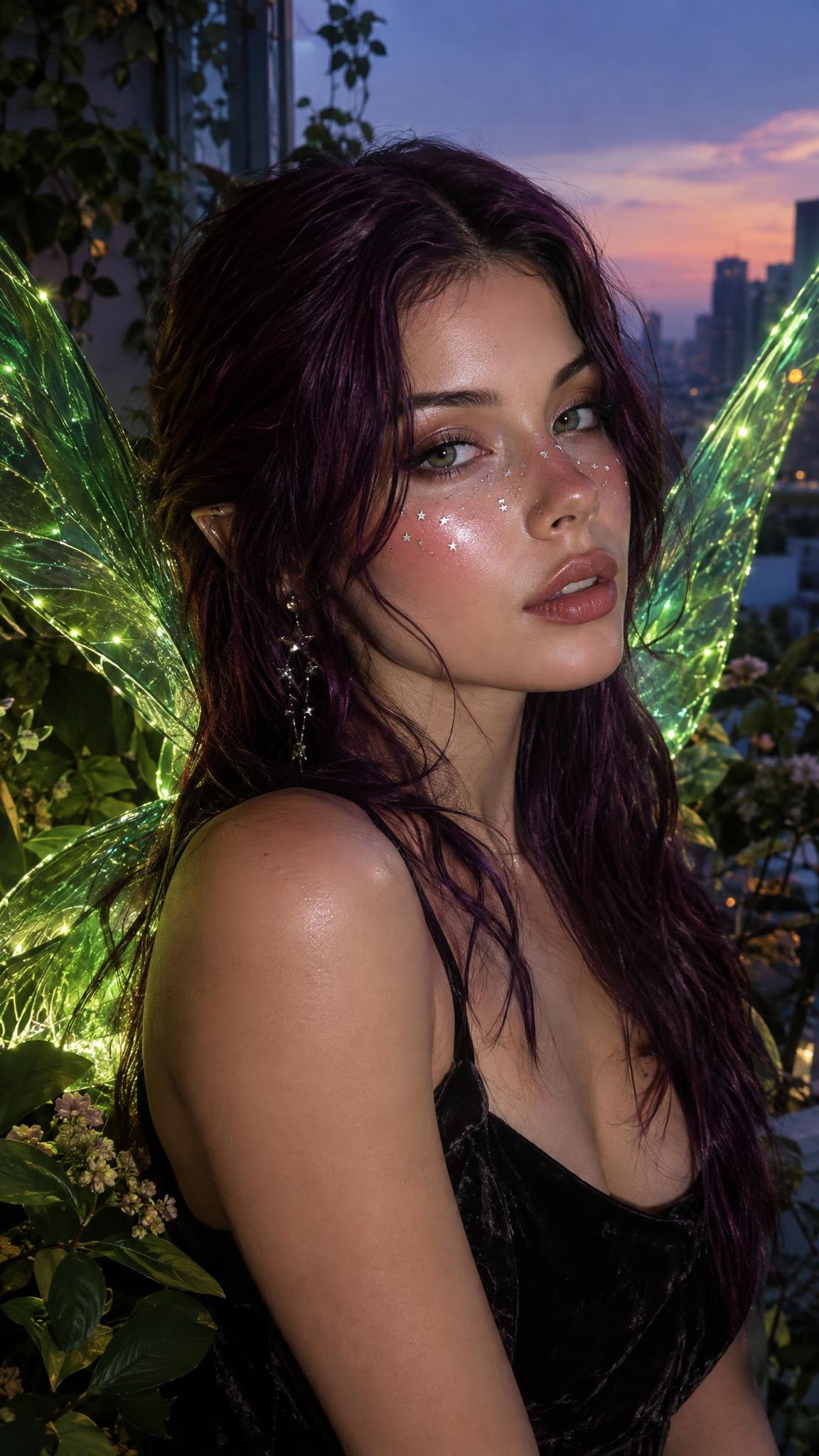
3. Star-freckle beauty close-up
Use this approach for a carousel cover or the first second of a Reel. The face stays central, while tiny metallic freckles make the look feel close and personal. Green wings create a fresh shift from the usual pink palette. Frame from the chest up and keep the backdrop quiet.
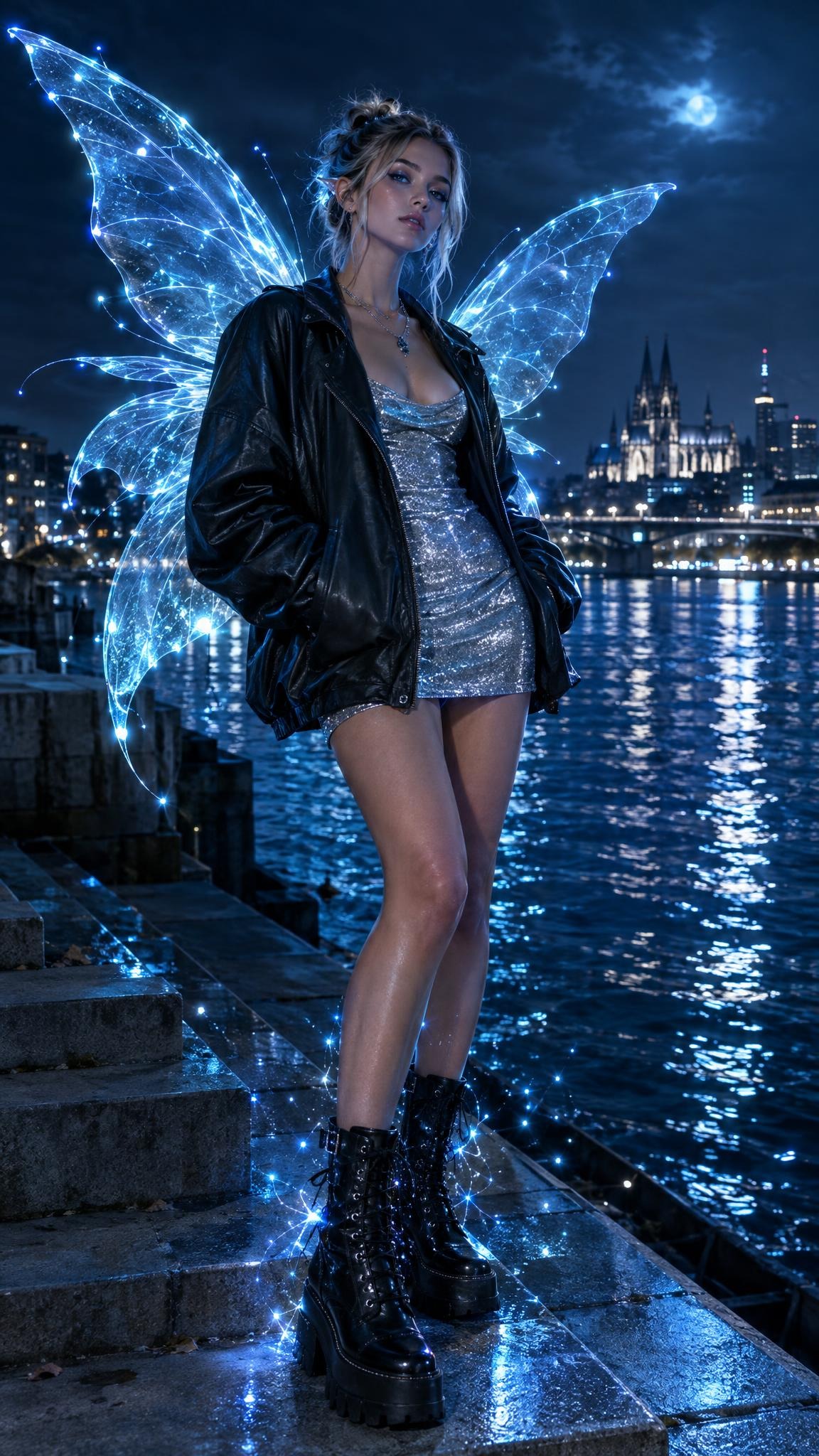
4. River-step hologram
For a bigger fashion reveal, pull the camera back. Icy blue wings and a silver dress give this frame a cold, glossy finish. Start a video with the jacket closed, then cut on the beat to the winged version. The reveal feels cleaner when the pose and camera angle match on both sides of the cut.
How to make a cyber fairy effect
- Pick one clear portrait. Choose a photo with a visible face, clean shoulders, and a simple background. Backlight or blue-hour light helps.
- Choose a color pair. Violet and cyan feel clubby. Moss green and silver feel more enchanted. Do not mix every neon shade at once.
- Write the scene before the styling. Name the location, time of day, outfit, wing color, and mood. That gives the image a real setting.
- Ask for one motion cue. Try a turning head, lifted hand, or fabric moving in wind. Small movement gives a Reel cover energy.
- Build the edit around a reveal. Use the unedited photo for a beat, cover the lens with a hand or jacket, then reveal the finished frame.
For clean image creation, a text-to-image tool such as GPT Image 2.5 Flare can help turn a scene prompt into a vertical visual. Keep words, numbers, and labels out of the image prompt unless typography is the entire point. The visual works best when it looks like a frame from a story, not a poster.
Production tips before posting
Make the first frame easy to read. Dark background, bright wings, and a face near center will do more than extra effects. If the wings disappear into the setting, lower the background detail before raising saturation. In video, hold the final look for at least one second. Fast cuts are fun, but viewers need a beat to catch the transformation.
For captions, name the mood rather than explaining every edit: “city fairy after midnight” or “what if blue hour had wings?” Save the longer prompt for the comments if followers ask. That keeps the post playful and gives people a reason to reply.
Create this effect in Bloom AI
Recreate these effects on your own photos and videos — free to start.