
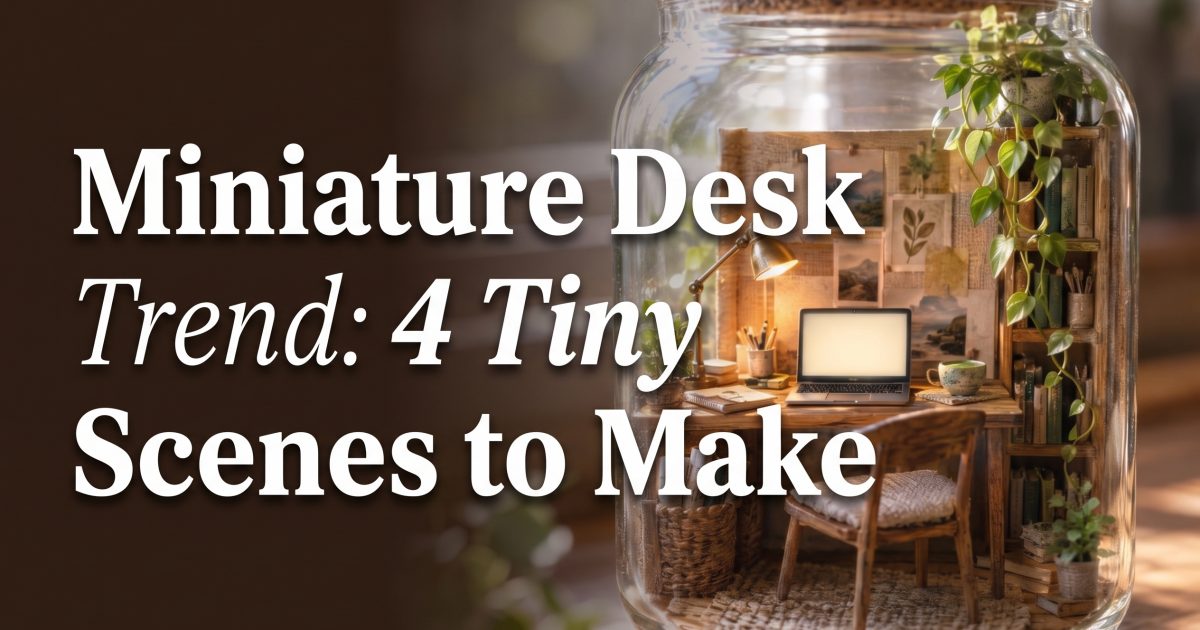
The miniature desk trend turns an everyday workspace into a pocket-size world: a tiny chair, a glowing screen, a coffee cup, and one oddly satisfying detail that makes viewers pause. It works because the scene feels familiar at first glance, then reveals itself as a miniature. That second look is the hook for Reels, TikToks, and carousel posts.
Why tiny workspaces stop the scroll
Miniature scenes have built-in replay value. A viewer clocks the lamp, keyboard, or snack first, then notices the impossible scale. That small surprise does more work than a busy transition. Keep the idea simple: one tiny room, one clear mood, and props that tell a story.
The look also gives creators room to make a series. Build a desk for a late-night editor, a beachside freelancer, a student cramming for finals, or a fantasy bookshop owner. The subject changes, but the visual language stays recognizable. The newest image tools are especially useful here because detailed prompts can control multiple objects and their relationships; OpenAI’s image generation announcement explains why prompt detail matters for composed scenes.
How to make the miniature desk trend
Start with a role, not a pile of props. Pick a person who might use the desk and give them a tiny world. A ceramic cup and trailing plant suggest a calm morning. Headphones, a snack wrapper, and colored light suggest a midnight edit. A suitcase desk suggests someone working between trips.
- Choose one container. A jar, drawer, suitcase, or shelf gives the scene an instant frame.
- Pick three scale clues. Use a chair, a cup, and a keyboard. They make the mini effect obvious without explaining it.
- Set one lighting mood. Morning cream, neon night, or seaside blue works better than mixing every color.
- Ask for macro photography. That shallow depth of field sells the handmade-diorama feel.
- Leave screens and paper blank. Random tiny text breaks the illusion and distracts from the props.
Three miniature desk prompts with real results
These examples were made as portrait images so they can drop into a vertical post. Each one uses a different setting. Copy the structure, then swap the container, job, props, and lighting to make it yours.
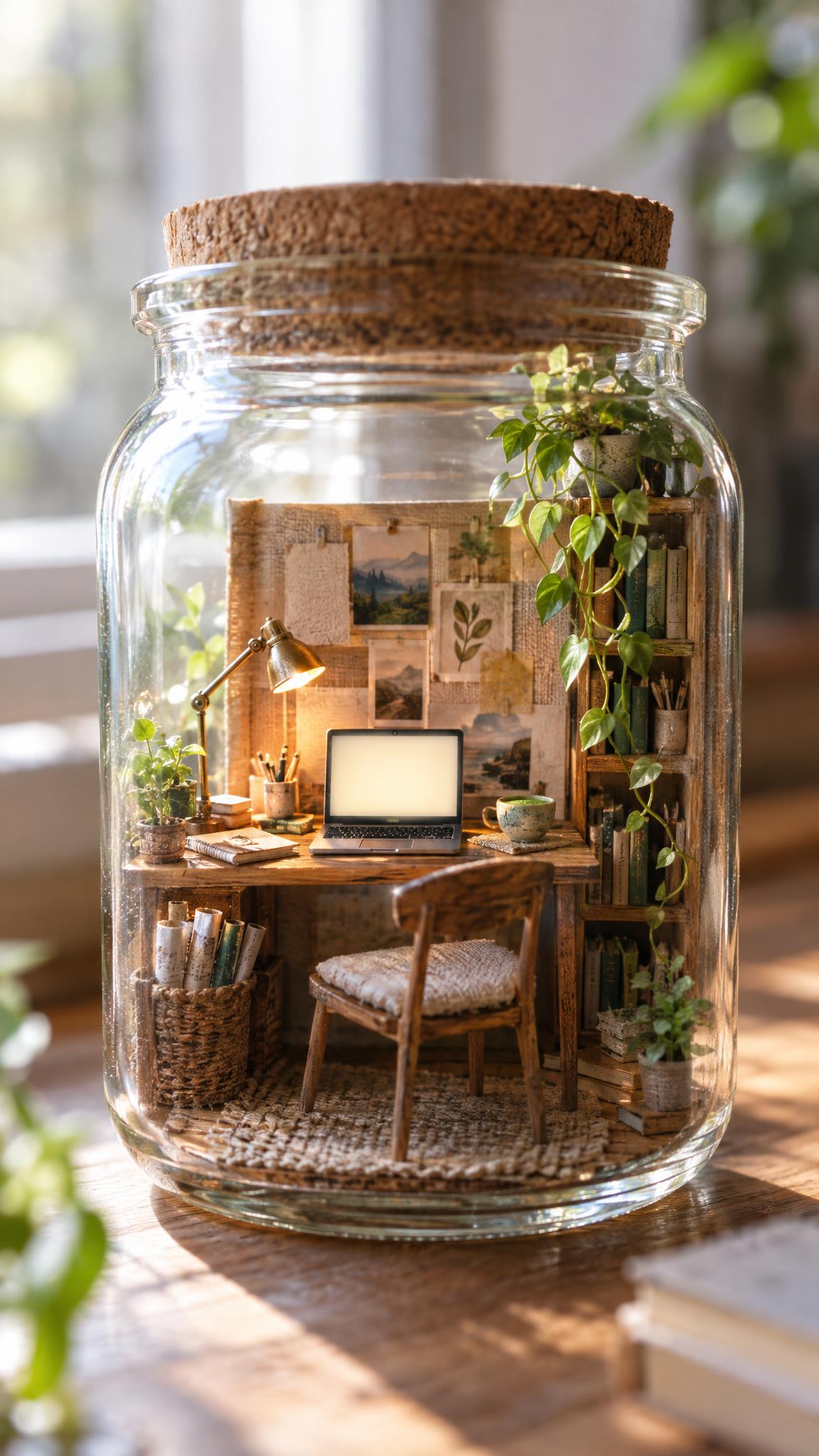
This version works when the post needs a soft, cozy opener. The glass edge gives the eye a clean boundary, while the plant keeps the tiny office from feeling sterile. Use it as slide one, then cut closer to the cup or lamp for a detail slide.
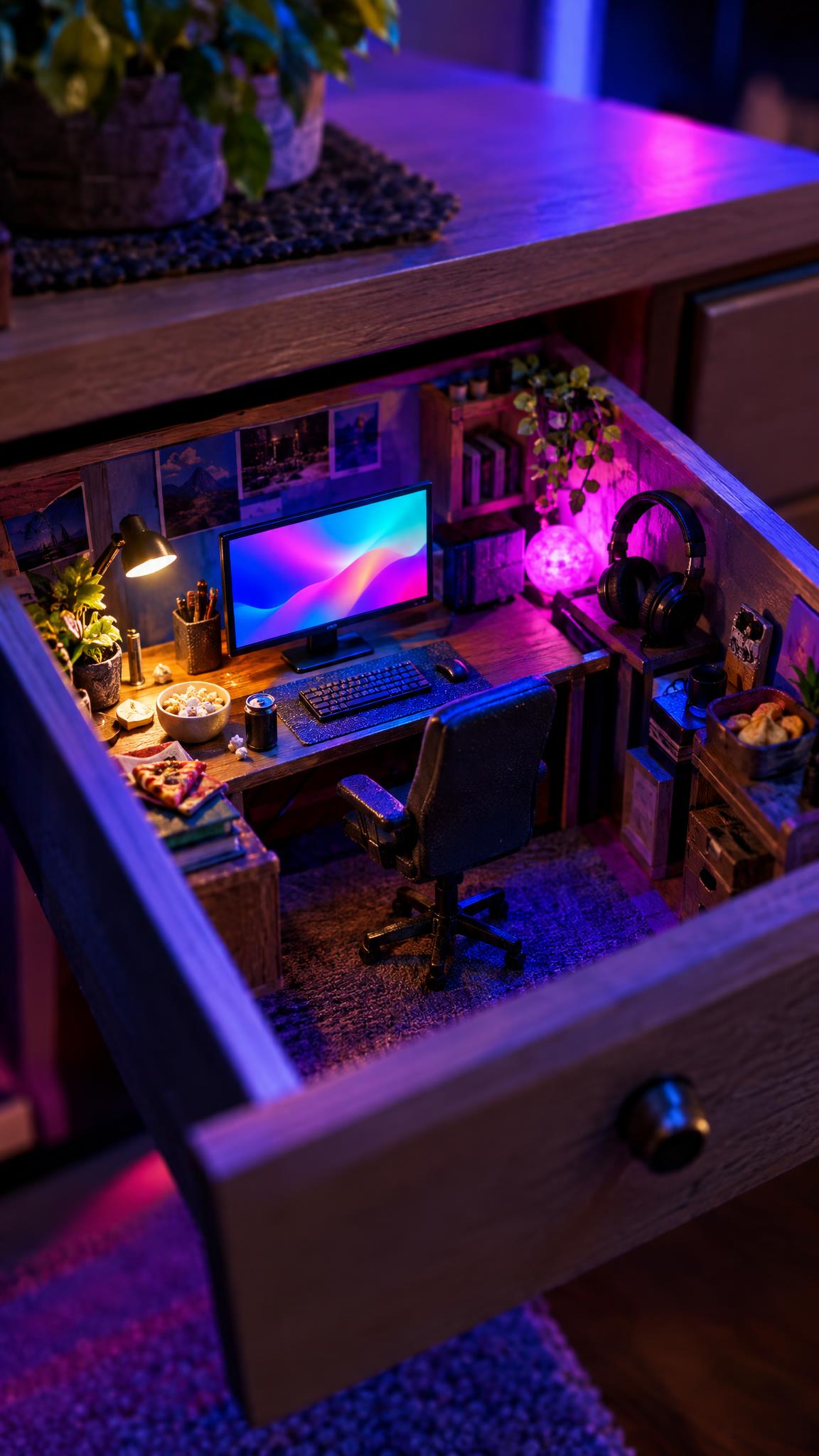
For a faster, moodier version, make the light do the talking. Blue and magenta give this setup an after-hours feel without needing a face in the frame. It is a good fit for a before-and-after carousel where the first slide shows an ordinary desk and the second reveals the mini world.
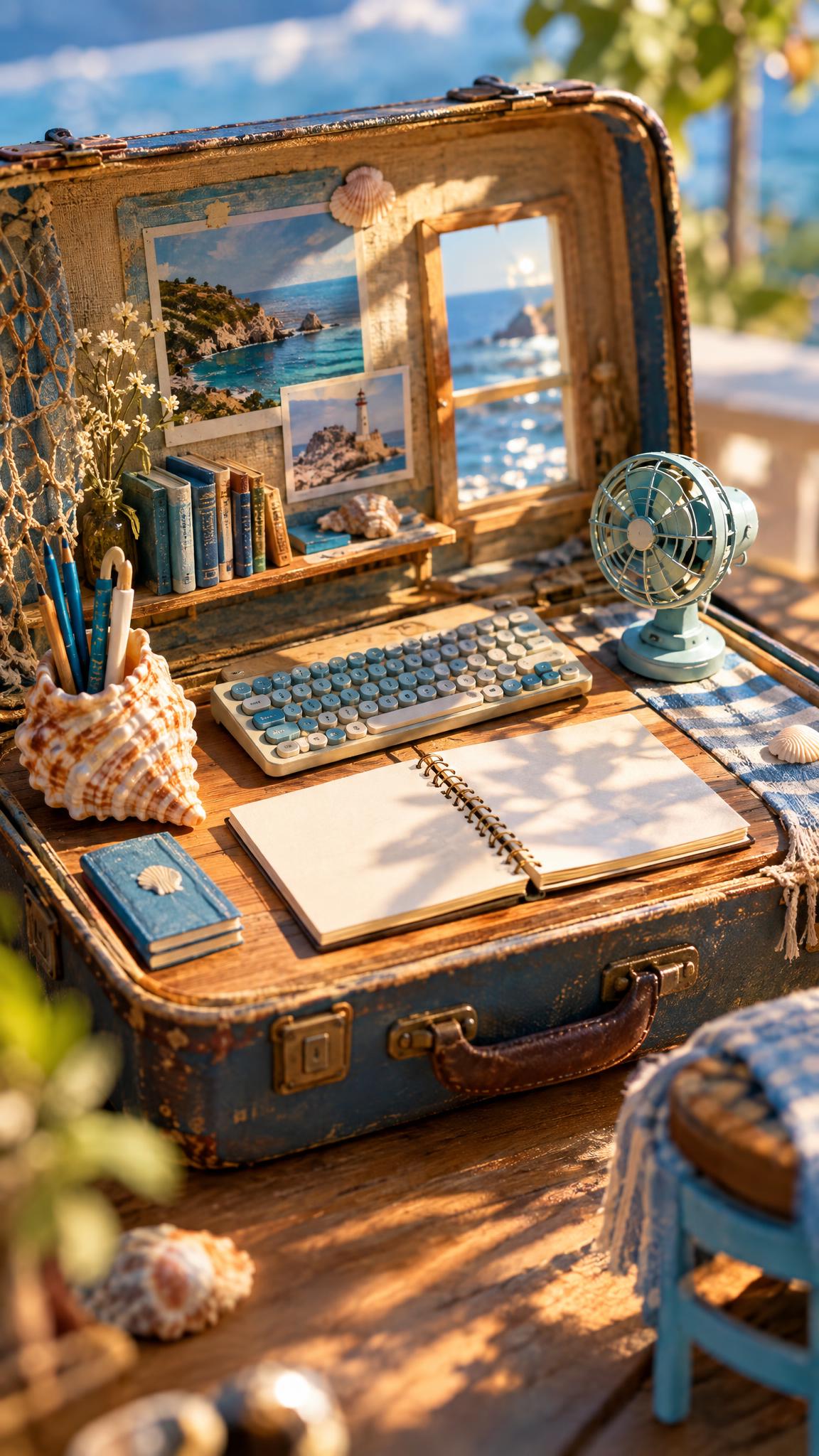
This is the hard prompt of the set because it asks the scene to read as a workspace and a travel object at once. The suitcase keeps it coherent. If the first result feels crowded, remove one prop before adding more detail.
Production tips that make it feel like a trend post
Use a slow punch-in from the wide image to a single prop. Start on the cup, lamp, or keyboard, then reveal the container after half a second. That order makes people wonder what they are looking at before the answer lands.
Keep captions short. Try: “My desk, if it fit in a jar.” Then add a question that invites variations, such as “Which tiny workspace should get made next?” For a carousel, show the calm jar scene first, neon drawer second, and suitcase last. The color shift creates a satisfying rhythm.
For more control over image generation and edits, the OpenAI Images and Vision guide covers how image tools handle text and image inputs. The practical takeaway is simple: describe the container, scale, key props, and light before adding decorative extras.
The miniature desk trend looks best when it has restraint. One clear setting beats ten unrelated objects. Make the scale obvious, keep text out of the image, and let the tiny details reward a second look.
Create this effect in Bloom AI
Recreate these tiny-workspace effects on your own photos and videos — free to start.