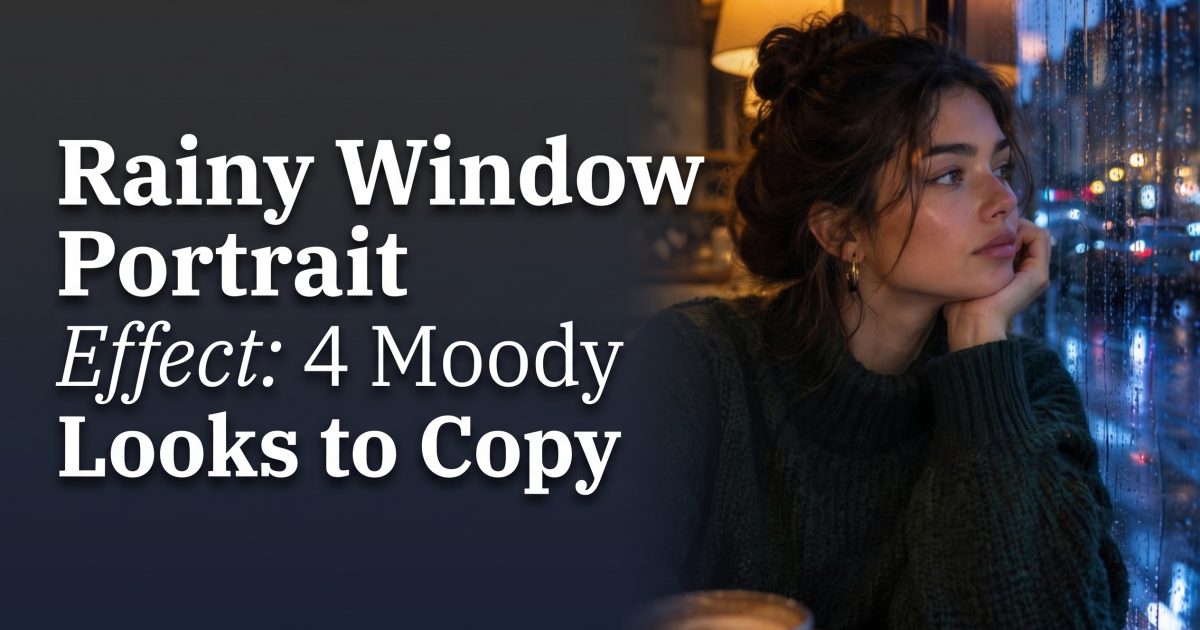
Rainy window portrait effect posts turn a gray-day photo into something people stop scrolling for: soft water on glass, blurred city lights, and a face that still feels close and real. The look lands somewhere between a late-night movie still and an unplanned camera-roll moment. It is moody without trying too hard, which makes it a strong fit for Reels covers, Stories, photo dumps, and a single portrait that needs more atmosphere.
In this guide
Why the rainy window portrait effect keeps working
Rain does two useful things in one frame. It adds texture in the foreground, then turns the world behind the subject into soft color and shape. That depth makes a simple portrait feel more private. A window also gives the eye a clear path: droplets first, face second, lights last.
The trend works best when the subject does not look posed. Think turned shoulders, eyes looking past the camera, one hand near the glass, or a jacket caught mid-step. Keep the expression quiet. The rain already carries the drama.
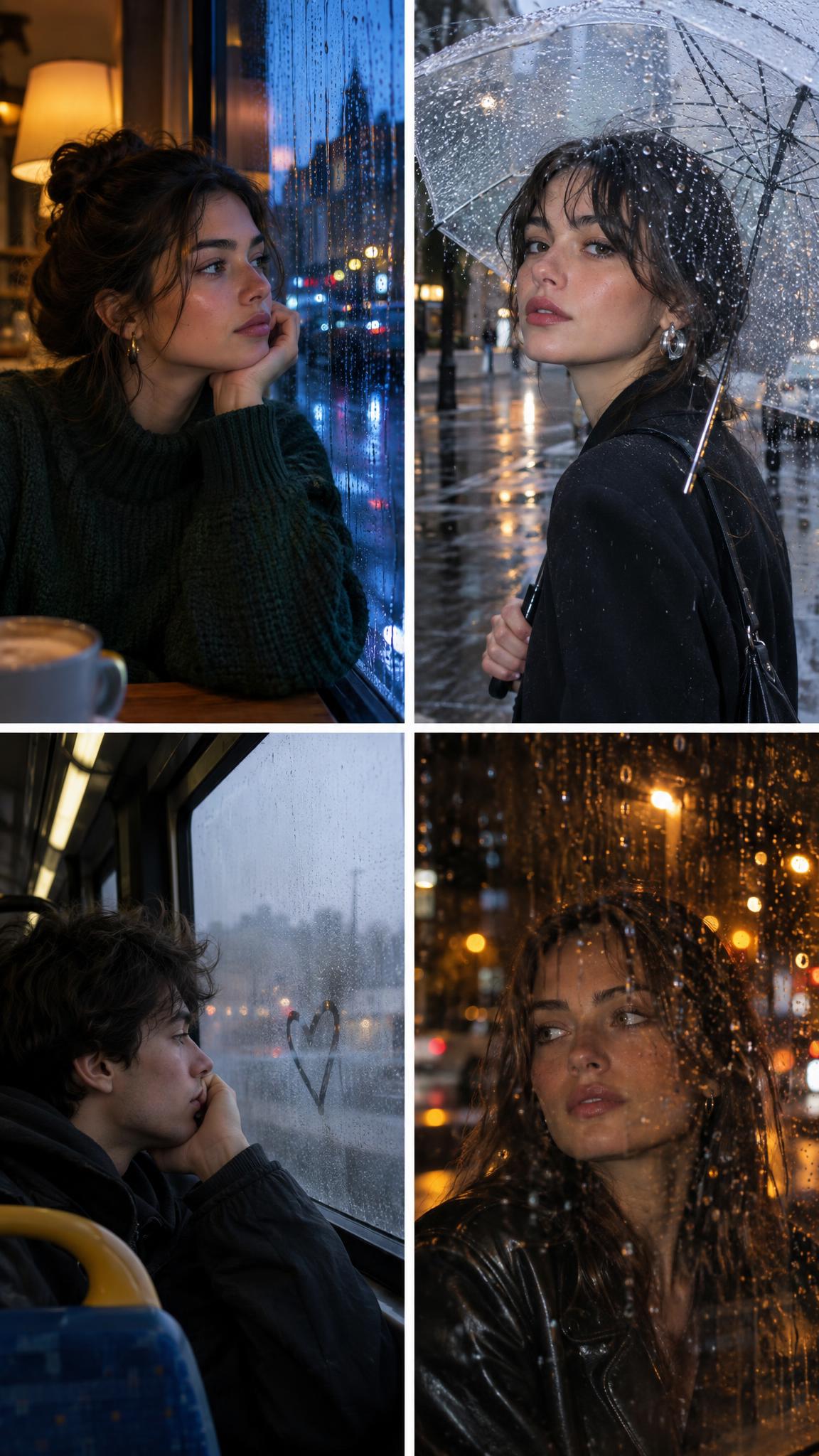
4 rainy window portrait effect looks to copy
1. The blue-hour cafe seat
Start with a close crop and let the window take up one edge of the frame. The mix of a warm lamp inside and a cool street outside makes skin tones stand out without looking over-edited.
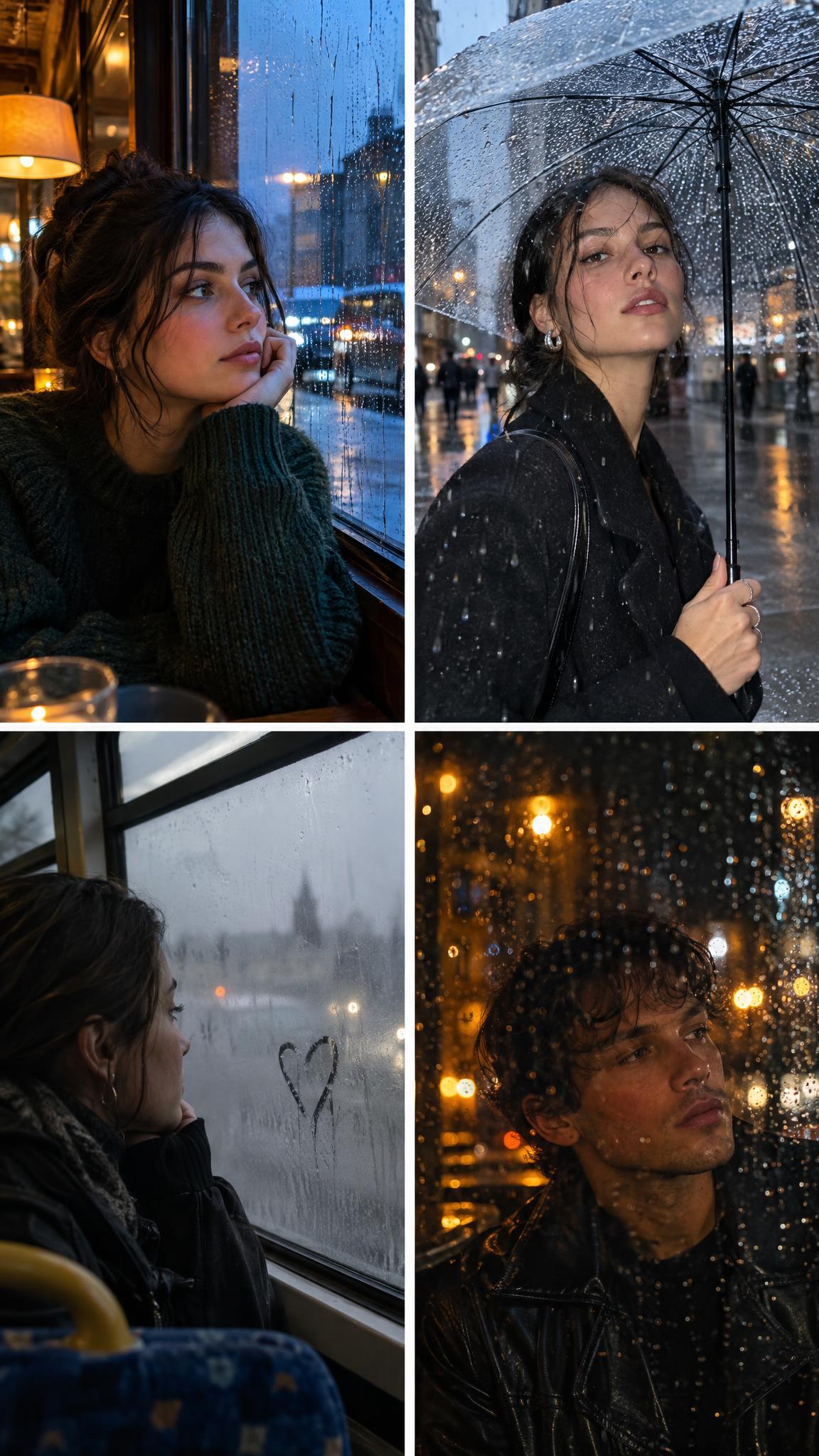
2. The clear-umbrella flash
This version feels quicker and more street-style. Use one small flash look, a wet pavement, and a clear umbrella so the raindrops stay visible. A side angle prevents the umbrella from swallowing the face.
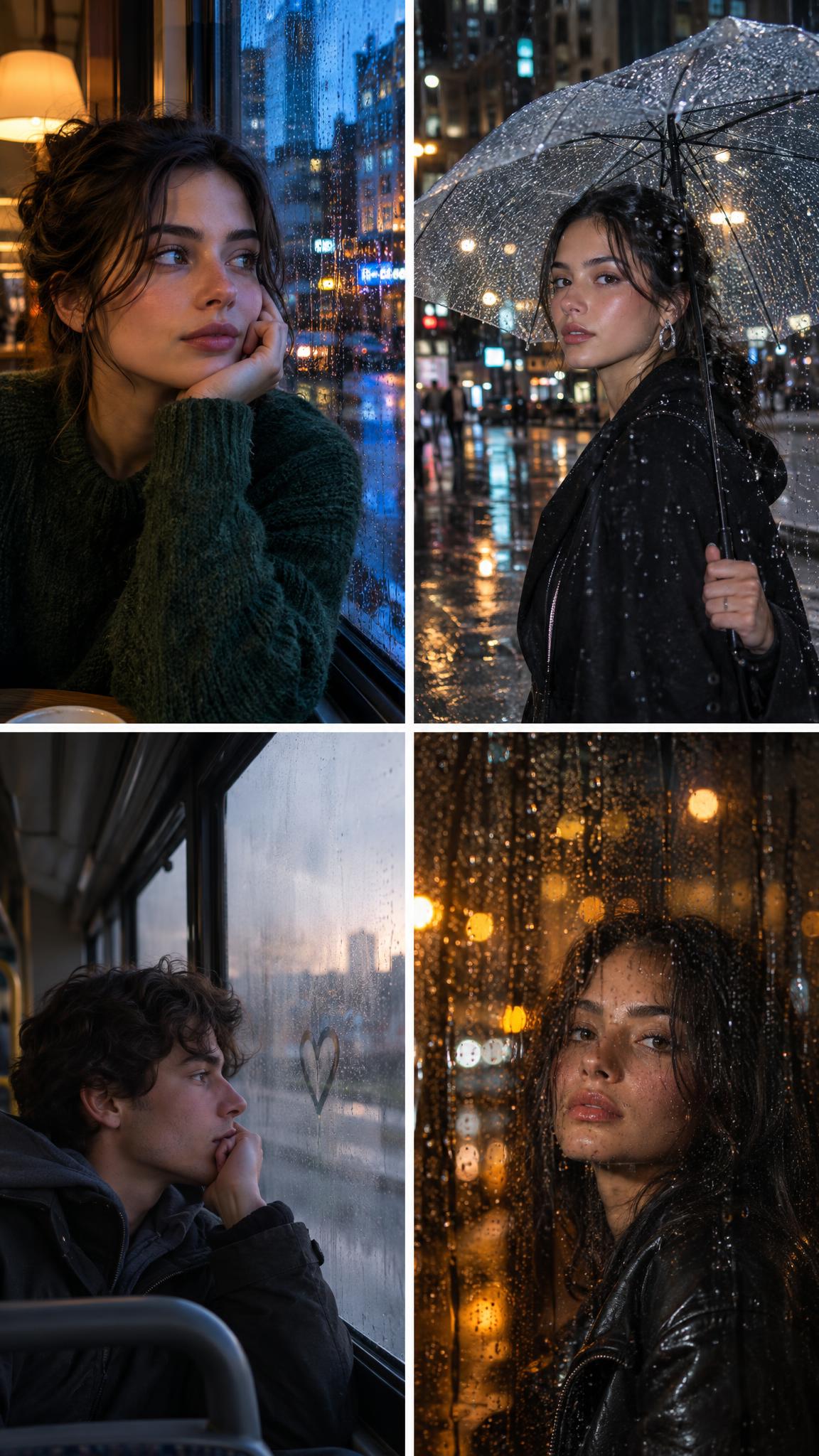
3. The fogged-glass bus ride
A bus or train window gives the rainy window portrait effect a little story. Keep the subject close to the glass and let the outside world fall away. A fingertip mark in the condensation adds character, but the face should stay the sharpest part.
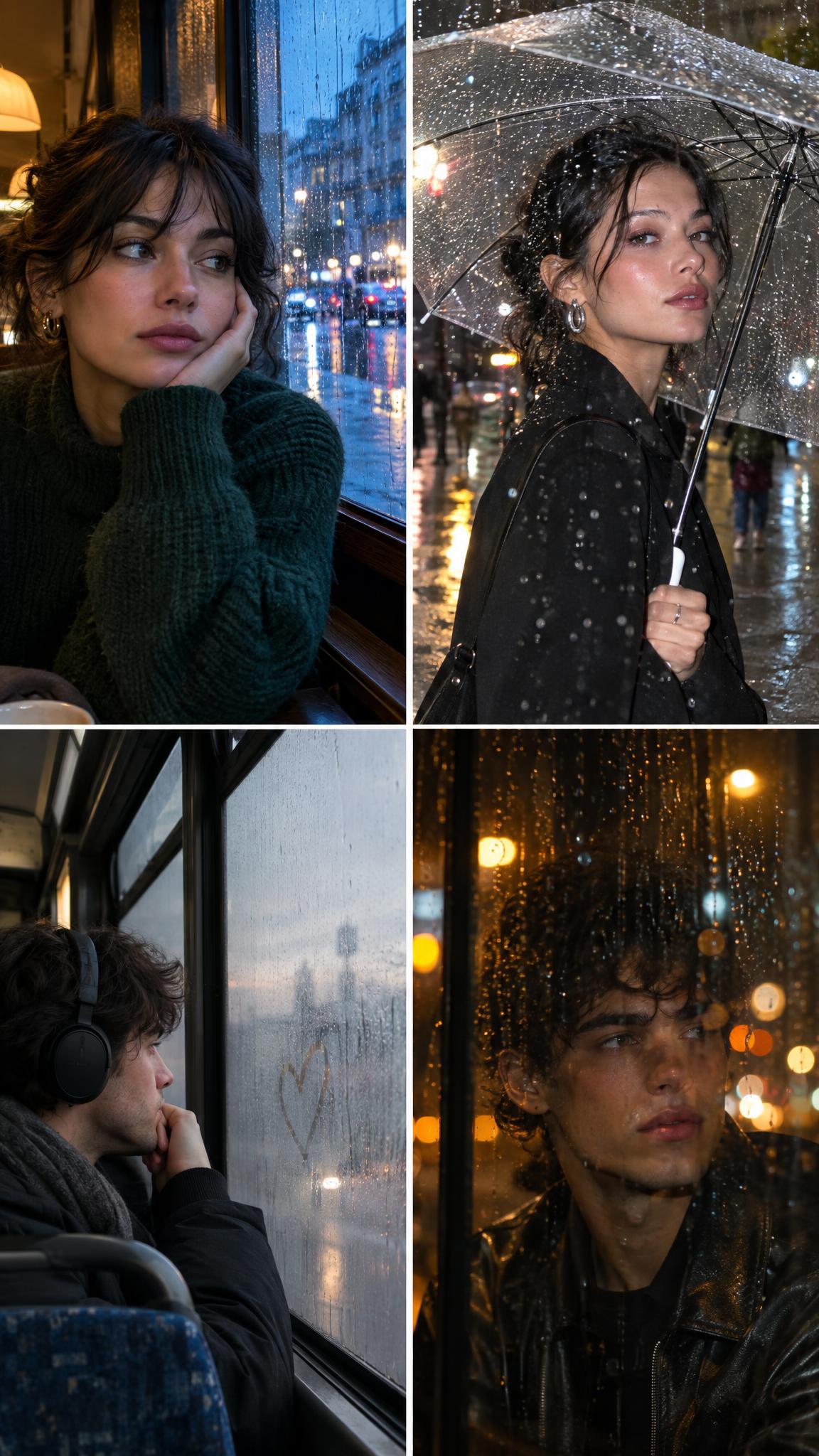
4. The amber city bokeh
For a night post, put the lights behind the rain. Amber streetlights create a warmer, softer version of the look than neon. Leave some dark space around the subject so a Reel title or caption has room later.
How to shoot for the effect
Pick a window with real droplets or make a few with a spray bottle. Stand close enough that the rain appears large, but not so close that it hides the whole face. Window light is usually softer than an overhead room light, so turn the subject about 45 degrees toward it.
Use portrait mode only if it does not erase the rain. The droplets are the point. Tap to focus on the eye, then lower exposure a touch until bright streetlights stop looking white. At night, brace the phone against the glass or a wall to avoid blur.
For an edit, describe three things clearly: where the rain sits, what color the background lights should be, and how close the camera is to the face. GPT Image tools can generate or edit image scenes from text and image inputs, as explained in OpenAI image and vision documentation. Keep the prompt specific, then make only one major change per retry.
Production tips before posting
Crop vertically first. A 9:16 frame gives the face and rain enough room on a Reel cover. Avoid strong smoothing, heavy grain, or bright text stickers over the droplets. They flatten the depth that makes the rainy window portrait effect feel convincing.
For a carousel, use the cafe image as the opener, follow with the umbrella shot, then end on the darker bokeh frame. That creates a simple light-to-dark rhythm. For a Reel, add a slow push-in and use the first second to show the raindrops before revealing the face.
Save one clean version without text. It is more useful for a profile grid, a cover image, or a repost later. The effect should look good even with the sound off and the caption hidden.
Create this effect in Bloom AI
Recreate rainy window portraits on your own photos and videos – free to start.