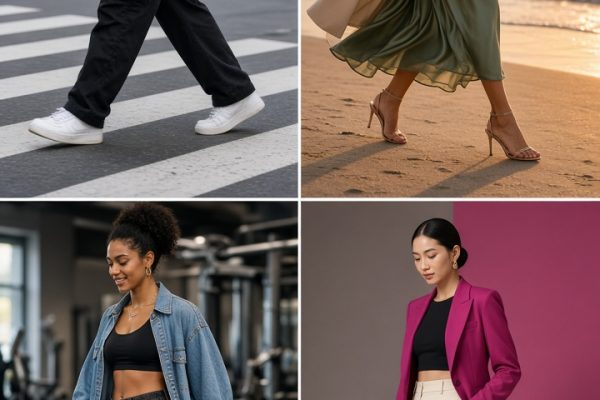

AI video effects make the late-summer-to-fall switch feel like a tiny story, not a seasonal announcement. The strongest version starts bright and breezy, then lands somewhere warmer: a scarf, rain on glass, a cinnamon drink, or string lights after dusk. Keep each shot short and let one matched movement carry the viewer across the change.
This format works because the contrast does the talking. Blue daylight becomes amber. A bare arm becomes a coat sleeve. A rooftop picnic becomes a quiet night out. No long voiceover is needed. Just give the first and second clips a clear visual connection.
Why AI video effects work for a new-season edit
A seasonal transition has a built-in before and after. That makes it easy to understand in the first second of a Reel. Choose one summer detail and one fall detail that clearly disagree with each other: iced lemonade and a steaming mug, linen and wool, bright sun and rainy glass. The difference should register even with the sound off.
Plan the final post as four to six clips, each around half a second to a second long. Open on the lightest frame. Put the biggest movement at the switch. Let the last fall frame hold a fraction longer so the mood can settle. A soft instrumental sound or a single beat drop gives the transition room without competing with it.
1. AI video effects idea: umbrella to scarf
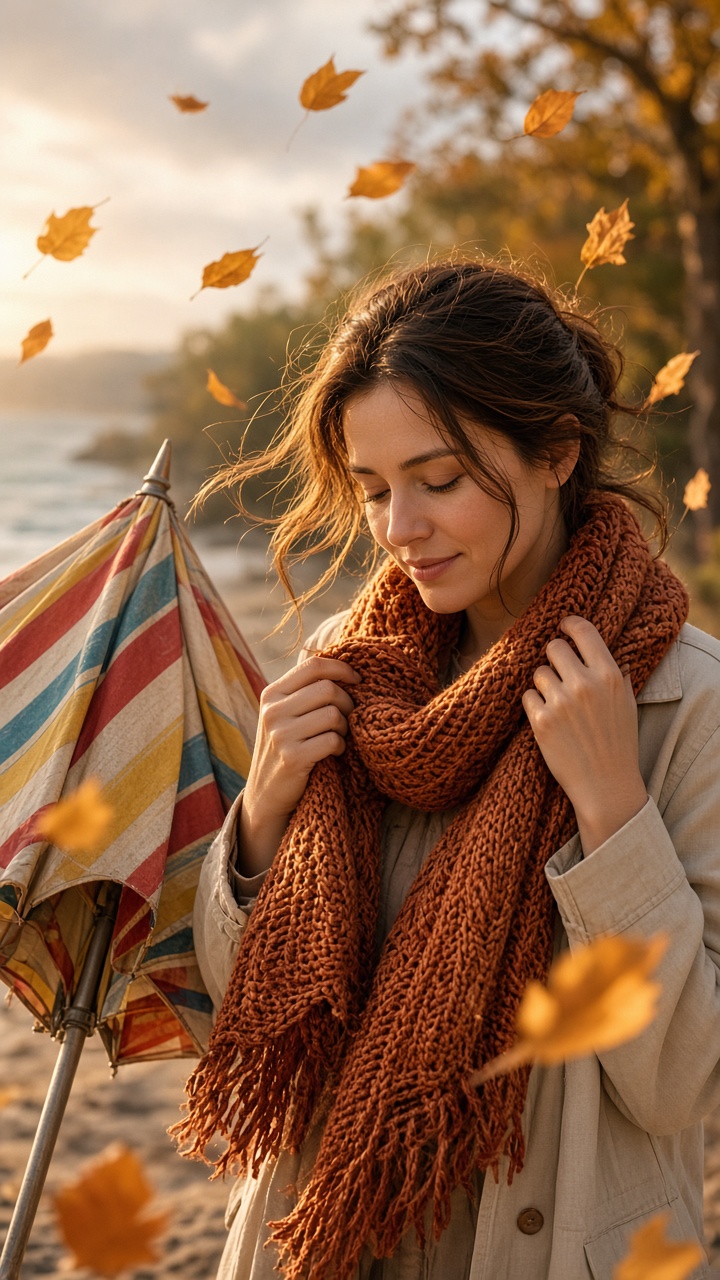
Start with a bright umbrella or parasol held close to the lens. Close it until the fabric fills the frame. In the second clip, begin with a knit scarf already covering the lens, then pull it away to reveal a sidewalk, doorway, or park with warm fall color. The two clips do not need the same location. They need the same direction of movement.
How to shoot it
- Film both clips vertically with the camera at chest height.
- Move the umbrella and scarf from top to bottom at the same speed.
- Leave a beat before the reveal so the editor has a clean cut point.
- Use a tan, rust, or deep green scarf so the second frame reads as fall immediately.
Prompt to test the framing: “Portrait video still, close bright beach umbrella filling the frame, hand closing it toward camera, clean summer sunlight.” For the second image, try: “Portrait video still, knitted burgundy scarf pulled away from camera, rainy autumn street, warm window light.” Use the images as a shot list, then recreate the motion with a phone.
This works for a back-to-school post, a September outfit Reel, or a simple “summer is over” caption. Keep makeup and hair similar in both clips if the person appears on camera. The clothing change will hit harder.
2. Cold drink to cozy drink
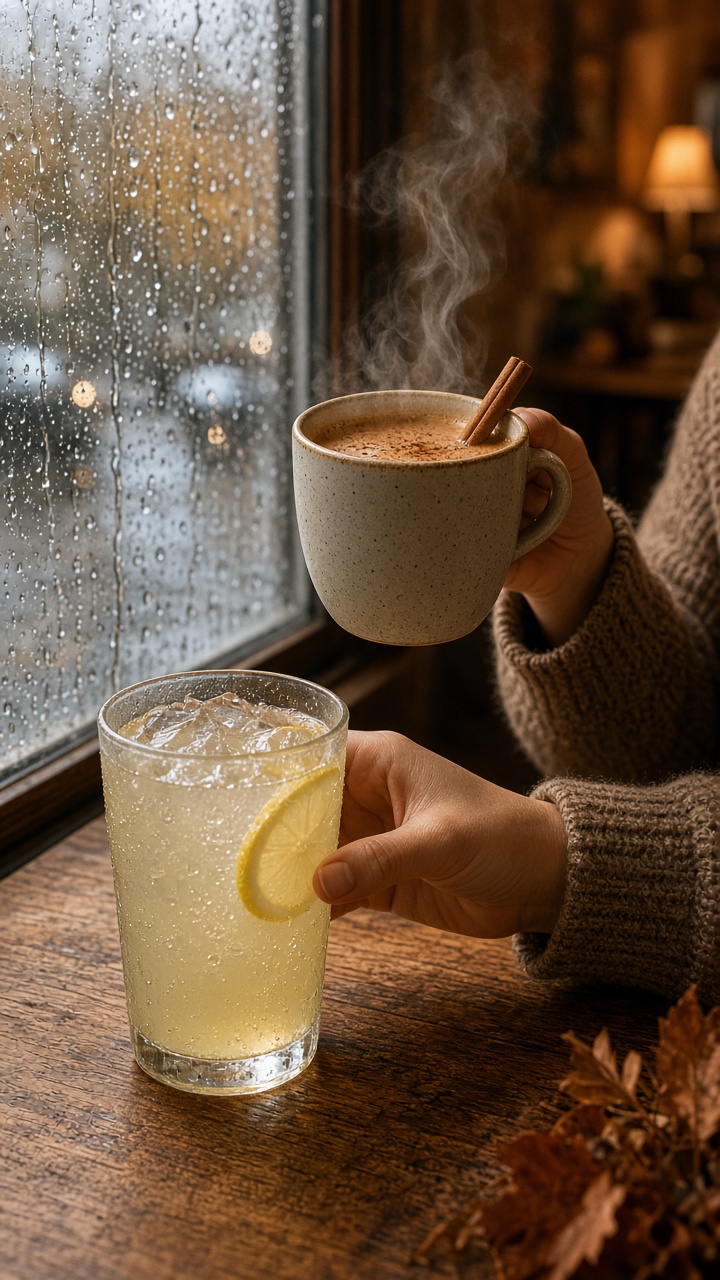
Put a glass of lemonade or iced coffee in the center of a table. Lift it upward until it leaves the frame. Then begin the next clip with a mug in the same spot and lift it into view. A rainy window, book, candle, or loose knit sleeve gives the second half enough atmosphere without turning it into a staged set.
How to style it
- Use a table with a simple surface so the drink stays the subject.
- Match the camera distance on both takes; do not zoom between clips.
- Place ice and a lemon slice in the first drink, then use visible steam or cinnamon in the second.
- Grade the first clip slightly cooler and the second a touch warmer.
Prompt to test the look: “Vertical social video frame of iced lemonade on a sunlit cafe table, condensation on glass, pale blue summer shadows.” Follow with: “Vertical social video frame of a steaming cinnamon drink on the same cafe table, rainy window, amber autumn light.” The pair also suits cafe creators, recipe accounts, and lifestyle Stories.
3. Outfit switch at the doorway
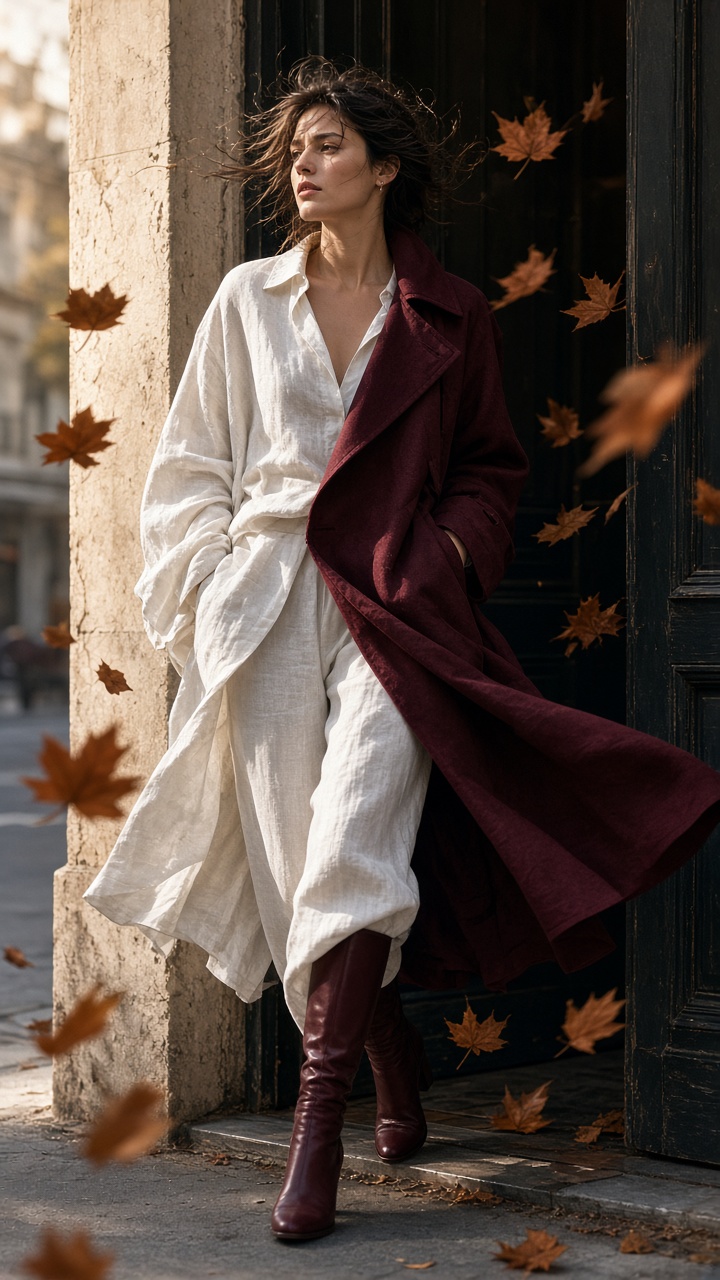
Stand in a doorway wearing a white tee, linen shirt, or other light summer layer. Turn one shoulder toward the camera until the frame catches motion blur. Cut to the same turn in a coat, boots, or dark cardigan. The doorway acts as an anchor, so even a simple two-clip edit feels intentional.
Production tips
- Mark your feet with tape so the second take starts in the same place.
- Ask a friend to hold the phone still or use a tripod.
- Turn in one smooth direction; a half-turn is easier to match than a full spin.
- Choose one strong fall color, such as burgundy, chocolate, or forest green.
Prompt to plan the outfit contrast: “Portrait fashion video still, person turning in a bright linen outfit in a sunlit doorway.” Then test: “Portrait fashion video still, same doorway and pose, person in a burgundy wool coat, soft overcast autumn light.” This is a practical choice for thrift hauls, capsule wardrobe posts, and salon content that needs a polished reveal.
4. Rooftop after dark

This is the more cinematic option. Film a quick spin beside a sunny rooftop picnic or outdoor table. Repeat the spin after sunset with string lights, a jacket, and a darker skyline. The location can stay the same, but the light needs to change enough that viewers feel the time jump.
Use a faster cut here than in the drink transition. Start the second clip while the turn is still moving, then stop on the string lights. If the spin feels shaky, cover the lens with a hand at the end of the first clip and uncover it for the second. That backup method looks just as good and takes less practice.
Prompt for the mood board: “Vertical rooftop picnic at golden hour, light summer outfit, city skyline, candid motion.” Pair it with: “Vertical rooftop at twilight, string lights, fallen leaves, warm coat, city skyline, candid spinning motion.” Save this for date-night edits, friend-group montages, or a seasonal photo dump opener.
How to make the seasonal change read on camera
Pick one bridge action before filming: lift a cup, close a door, turn a shoulder, cover the lens, or spin. Shoot both sides of that action in the same vertical framing. It is better to have two clean clips than eight almost-matching ones.
For planning images, an image editor such as Grok Imagine Image V2 can help test a setting, outfit color, or camera distance before the shoot. The final Reel should still feel personal. Add a real detail from your week: your usual cafe, your hallway, a favorite jacket, or the first rainy walk home.
Before posting, watch the edit once without music. If the season shift still reads, the cut is doing its job. Add a short caption, keep the cover frame uncluttered, and let the final cozy shot breathe.
Create this effect in Bloom AI
Recreate these effects on your own photos and videos – free to start.