Seedance 2.5 vs MiniMax H3 gets interesting when the brief is a vertical Reel, not a demo reel. Five matching 9:16 prompts put each model through the kind of shots that creators actually cut: tactile products, outfit reveals, food motion, a playful loop, and a tiny-label stress test. The goal was simple: find the version that gives a usable first cut, then show how to push each look further in an edit.
How the Seedance 2.5 vs MiniMax H3 tests were set up
Each test used one clear subject, one main action, a camera instruction, lighting, and a vertical 9:16 frame. Seedance 2.5 ran at 480p. MiniMax H3 ran at 768P. Both clips were four seconds long where possible, so pacing mattered as much as detail. The full prompts avoided brand marks and asked for only one hero movement. That restraint pays off: short clips look cleaner when the viewer can understand the action in the first second.
For a social post, start with the end use. A product reveal needs room for text at the top. A transition needs the same pose or camera direction on both sides of the cut. A food clip needs one satisfying finish. Write that outcome first, then add the scene details. Seedance 2.5 supports text-to-video and image-led clips, while MiniMax H3 can build motion from a starting frame and includes synced stereo audio.
For a broader comparison, see fal’s Seedance 2.5 vs. MiniMax H3 guide.
Test 1: food-reel assembly
Prompt: A matcha strawberry parfait assembles itself in a clear glass as cream spirals, berries fall, and green powder settles. Locked close shot, daylight cafe table, slow motion, 9:16.
Seedance 2.5
Seedance gave this compact reveal a readable build and a strong final frame. It works best when the ingredients enter in a simple order.
MiniMax H3
H3 leaned more cinematic, which suits a hero clip with ambience or a soft music bed.
How to recreate it: Keep the glass centered and name three ingredients at most. Ask for a locked close shot instead of a moving camera; it gives the topping motion somewhere to shine. Trim the opening half-second, then cut on the moment the powder lands. For a cafe, recipe creator, or dessert launch, add a two-line ingredient list after the final frame rather than trying to render it inside the video.
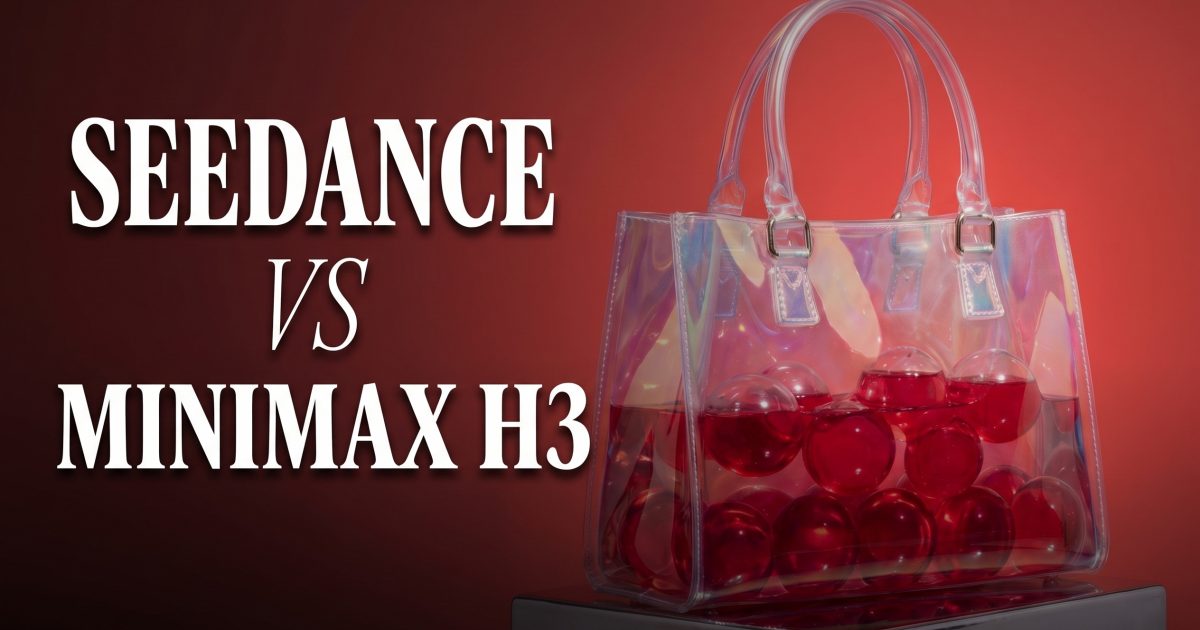
Test 2: jelly handbag product shot
Prompt: A translucent jelly handbag rests on a glossy pastel plinth. A hand turns it once as sunlight makes soft colored reflections ripple across the surface. Clean studio, close product shot, slow push-in, 9:16.
Seedance handled the tactile, toy-like motion well and kept the bag easy to read. H3 brought a glossier finish and more texture in the reflections. Both versions improve when the product has a plain background and one hand interaction. Avoid asking the model to reveal a logo, price tag, or tiny printed copy.
Production tip: Shoot or choose a clean first-frame photo with empty space above the product. Use that space for a hook such as “new color drop” in the editor. Try a slow push-in for a premium look, or swap it for a quick orbit if the post needs more energy. This format fits accessories, nail colors, skincare jars, packaging concepts, and digital product mockups.
Test 3: fashion doorway transition
Prompt: A creator steps through a sunlit apartment doorway in a white casual outfit. On the doorway pass, the outfit changes to a silver evening look. Full-body framing, camera stays still, soft afternoon light, 9:16.
The useful lesson here was pacing. Seedance followed the single action cleanly, making it the easier starting point for a quick outfit-change Reel. H3 added more fabric texture and mood, but the transition benefits from a precise first frame. Keep the body centered, the doorway visible, and the camera locked. A drifting camera makes the cut feel accidental.
How to edit it: Put a finger snap, heel click, or beat drop exactly as the body crosses the doorframe. If the transformation lands late, freeze the strongest pose for three or four frames and cut to the next clip. The same setup can sell a day-to-night outfit, bridal inspiration, costume ideas, beauty looks, or a before-and-after room makeover.
Test 4: surreal cat skateboard loop
Prompt: A fluffy orange cat rides a tiny skateboard through a dreamy lavender skatepark, rolls over one small ramp, then returns to its opening position. Low tracking shot, soft sunset light, playful but believable motion, 9:16.
This was the personality test. Seedance made the action easy to follow. H3 made the scene feel more grounded. For either model, one obstacle is enough. A ramp, a turn, and a clean return give a short video the shape of a loop without asking for a full stunt sequence.
Styling tip: Match the first and final composition before posting. Crop both frames to the same position, then add a short ambient sound or a looping beat. Animal loops work for meme accounts, pet pages, gaming communities, and anyone who needs a light reset between polished product posts.
Test 5: the tiny-label hard test
Prompt: A small iced tea bottle rotates on a wet stone surface. A paper label with the words “PEACH TEA” stays crisp and readable. Condensation rolls down the glass, macro product lighting, 9:16.
Neither result made fine label text dependable. That is normal for this kind of generative shot, and it should change the production plan. Generate the bottle, lighting, and motion first. Then track a real label, logo, or price card over the finished clip in CapCut, Premiere, or the editor already used for the account.
Best use case: Treat this as an atmospheric opener, not a final ad asset. It can lead into a clean packshot, a carousel, or a product page screen recording. For small businesses, that split saves time and keeps brand details accurate.
What to pick for your next vertical clip
| Look | Best starting point | Make it work |
|---|---|---|
| Quick product reveal | Seedance 2.5 | One hand action, plain backdrop, add copy later. |
| Moody hero shot with sound | MiniMax H3 | Start from a strong image and leave room for ambience. |
| Outfit transition | Seedance 2.5 | Lock the camera and cut on the doorway pass. |
| Playful loop | Either model | Keep one action and match the first and last frame. |
| Branded packaging | Either model plus editing | Overlay real text and logos after generation. |
For fast TikTok or Reels concepts, Seedance 2.5 is the simpler first choice when the shot needs one visible action and a clear edit point. Choose MiniMax H3 when the frame needs a more cinematic starting image or sound matters to the idea. In both cases, keep the prompt specific, but don’t overload it. The better vertical video often comes from a short direction, one strong visual beat, and a clean finish.
Create this effect in Bloom AI
Recreate these effects on your own photos and videos — free to start.