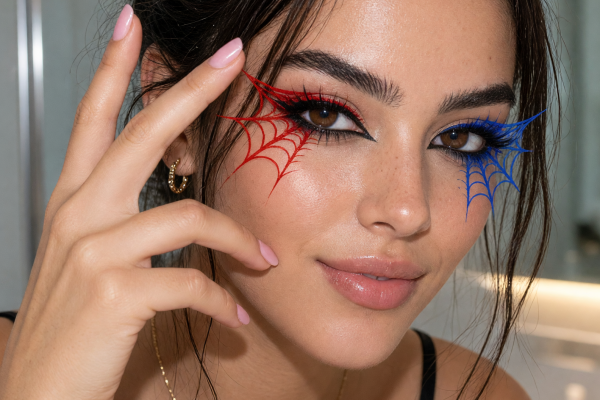
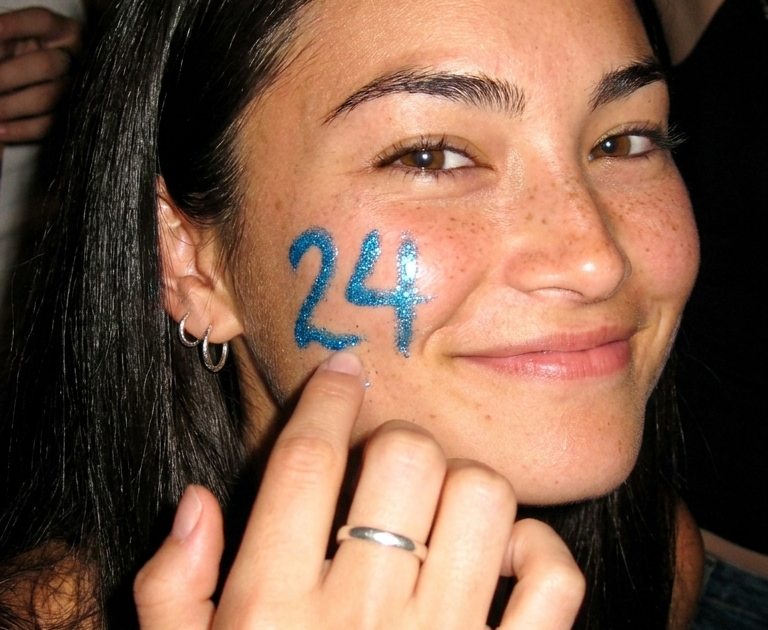
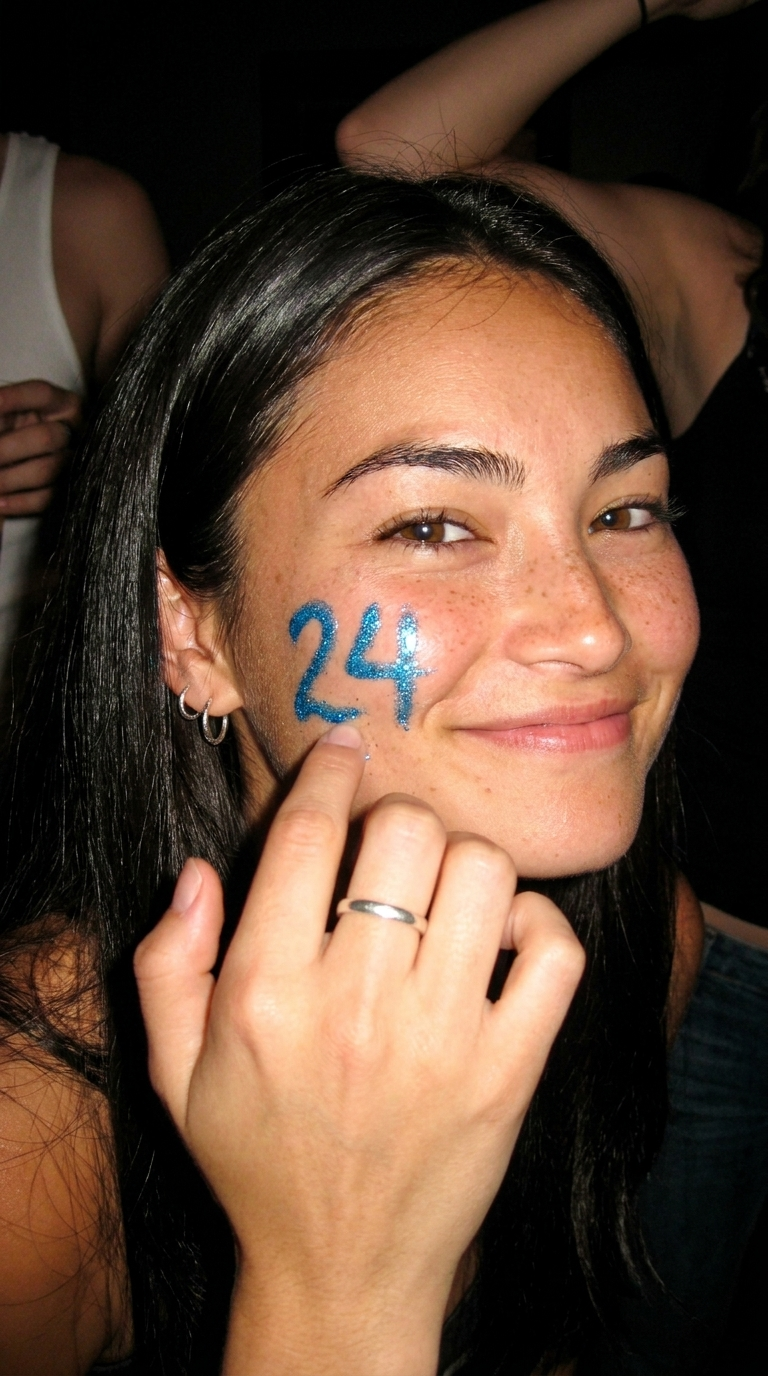
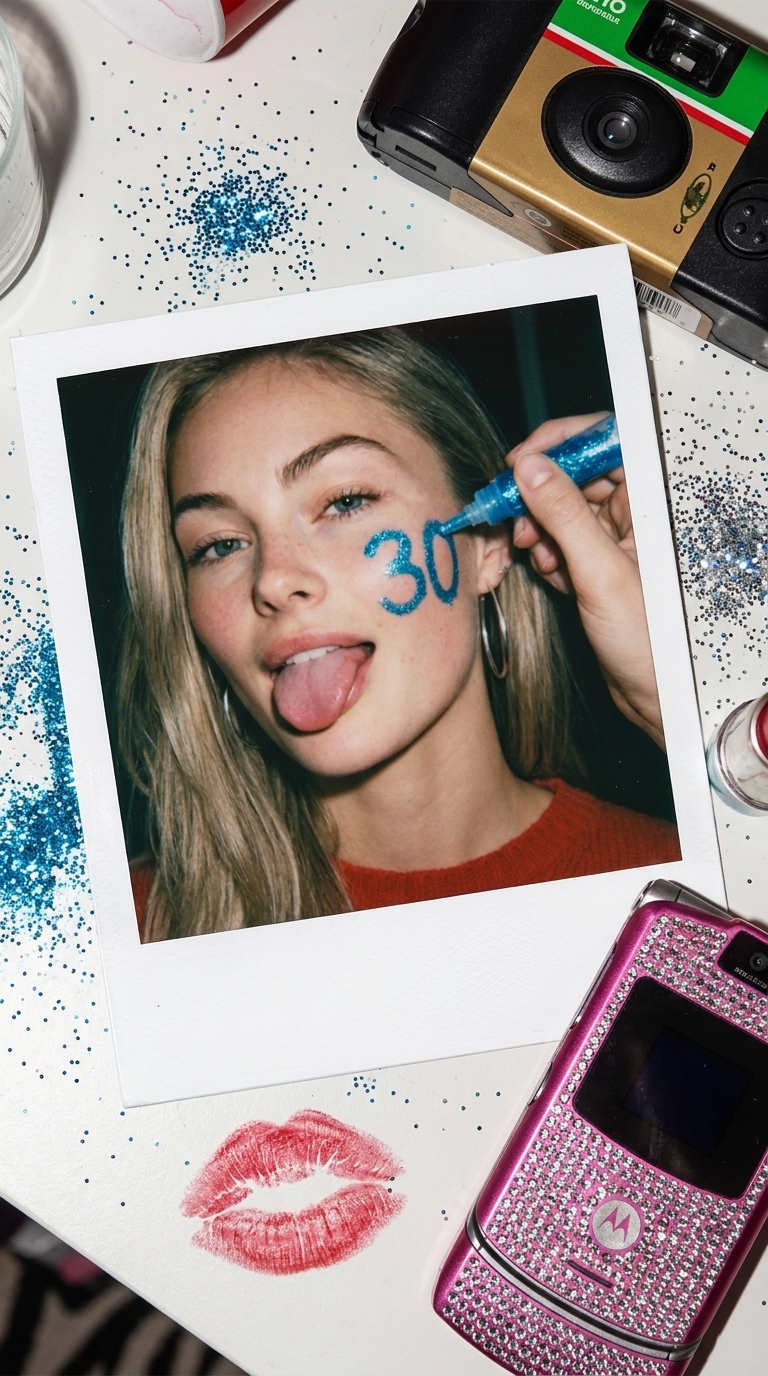
Birthday age effects make the number part of the picture instead of an afterthought in the caption. That small switch turns a normal birthday selfie into a scene made for Stories, Reels, and the group chat. Pick one mood, give the age room to show, and let the photo still feel like you.
The format works best when the number belongs in the image. It can sit on a cake, glow behind a portrait, appear on a ticket stub, or float like a camera-flash graphic. Keep the idea clear in the first second. Friends should get the birthday message before they read a word.
Birthday age effect ideas to try
Y2K birthday glow
Pair a bold age with glossy color and a clean portrait. This version suits an outfit post before the plans start. Think silver flash, candy-pink highlights, chrome accessories, and a number that looks printed on a magazine cover. Choose one bright color and repeat it in the top, nails, or background. Too many colors can make the age disappear.
Prompt idea: Birthday portrait with a large 21 in glossy chrome behind the subject, direct flash, pink and silver Y2K styling, candid confident pose, vertical social photo.
Start with a close crop from chest up. Leave empty space behind one shoulder for the number. If making a Reel, use the plain portrait as the first frame, then cut to the glow-up version on the beat. This works for 18th, 21st, 25th, and 30th birthday posts where the outfit is part of the occasion.
Polaroid birthday frame
Use a polaroid-style setup when the post should feel like a memory found later. A white border, soft grain, and handwritten-looking date give the image warmth without making it childish. Keep the age as a small stamp, sticker, or note in the lower frame. This look works especially well in a carousel because every slide can feel like part of the same night.
Prompt idea: Warm polaroid birthday photo of friends at dinner, subtle film grain, handwritten 24 on the bottom border, soft flash, real candid energy.
For the strongest result, choose a photo with hands, food, or a half-finished laugh. Those details make the frame feel lived in. Make slide one the clean portrait, then follow with a table shot, a friend photo, and a final polaroid. Use this birthday age effect for low-key dinners, brunches, and nostalgic birthday recaps.
Cake moment
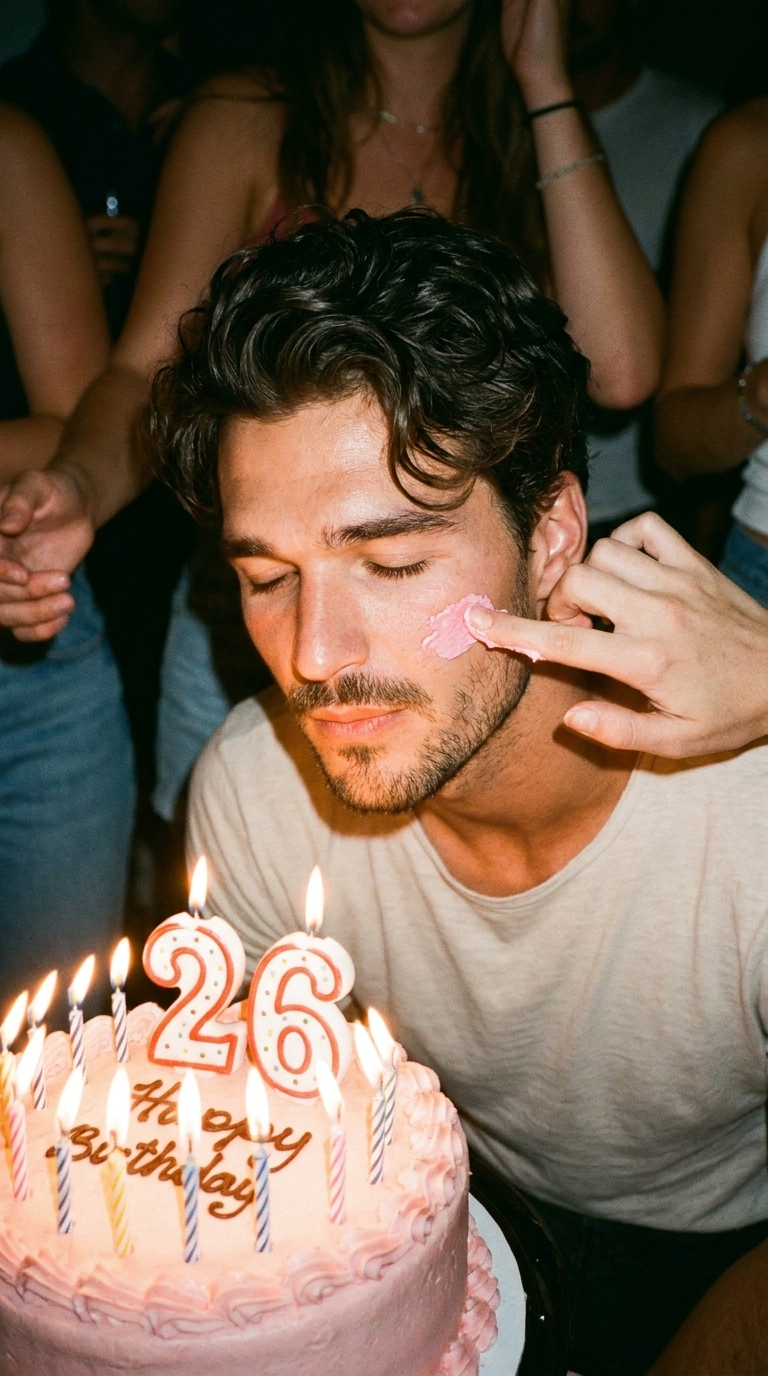
For the actual celebration, a cake scene gives the birthday age effect instant context. Let the candles or topper carry the number. Keep the face clear and let the age be the detail people notice next. A side angle works better than a straight-on shot because it shows both the expression and the cake.
Prompt idea: Intimate birthday cake moment, candles glowing, elegant number 27 cake topper, direct camera flash, friends blurred in the background, vertical photo.
Film two seconds before the candles get blown out. Then take a still from the same moment for the carousel. The shared lighting makes the photo and video feel connected. If the room is dark, use one phone flash from the side rather than bright overhead light. That keeps the candles warm instead of washed out.
Midnight birthday post
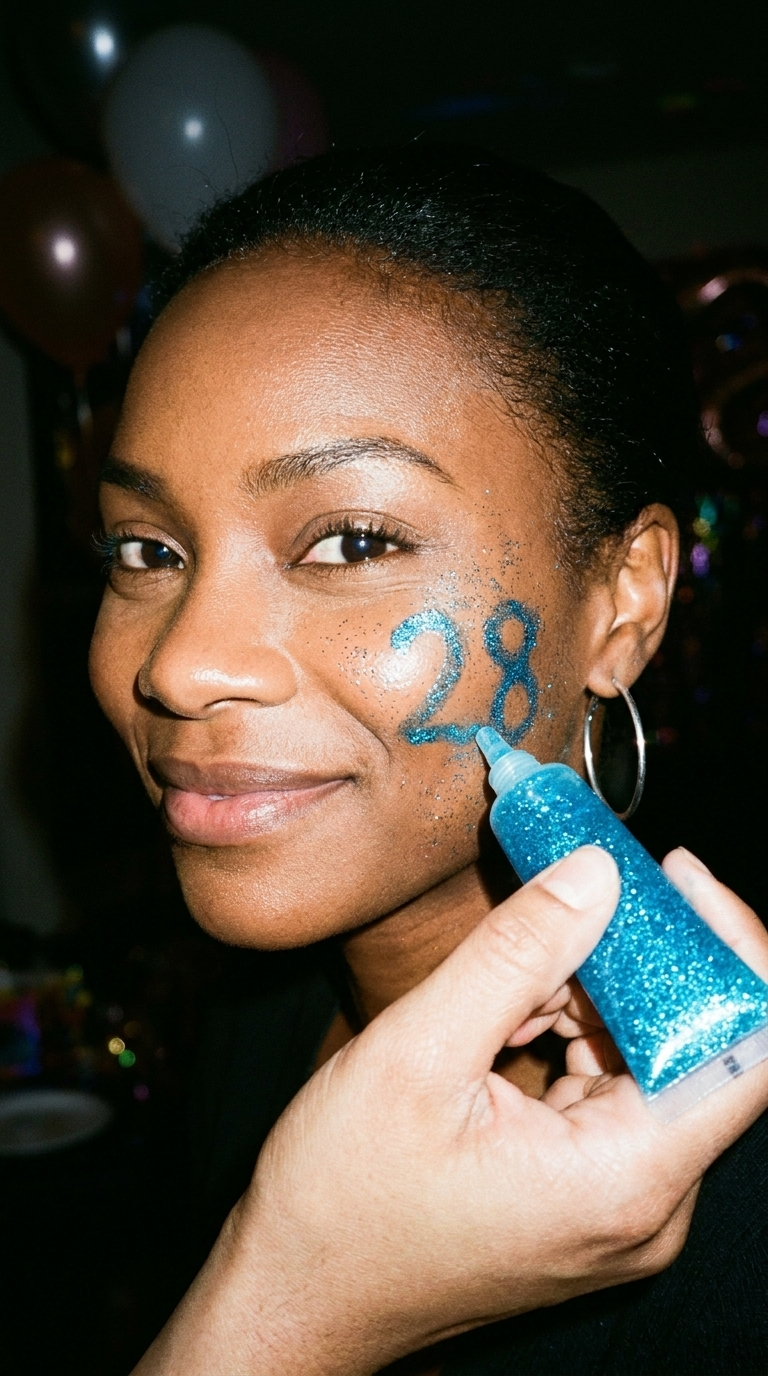
Use a darker look when the post goes up after the party. A simple portrait, city lights, and an age marker are enough. Black, navy, deep red, and silver read well here. Avoid a busy background. A small glow around the number gives the image a late-night feel without turning it into a poster.
Prompt idea: Midnight birthday portrait outside a restaurant, soft city bokeh, glowing 26 beside the subject, black outfit, moody direct flash, realistic vertical photo.
Make this version the last carousel slide or the closing shot in a Reel. Add a slow zoom and a short caption like new age, same chaos. It suits after-party photos, rooftop plans, and a birthday post that lands just after midnight.
How to make birthday age effects feel personal
Choose a portrait where the face is well lit and leave space around the frame. Start with a photo that already has a mood. The best birthday age effects add to a real moment instead of replacing it. Match the age treatment to the plan: chrome for a night out, a polaroid for dinner, candles for the party, or glow for midnight.
Keep captions short. The image has already said the important part. A few words, one location, or an inside joke is enough. For a Reel, build a three-beat sequence: getting ready, the age reveal, then the celebration. Each beat can be less than a second.
Birthday content stays useful after the date too. Save the best frame as a profile highlight cover, send a polaroid version in the group chat, or use the cake shot as the opening image in a monthly photo dump. A good birthday age effect turns one event into a set of posts without making any of them feel repeated.
Create this effect in Bloom AI
Recreate these birthday age effects on your own photos and videos – free to start.