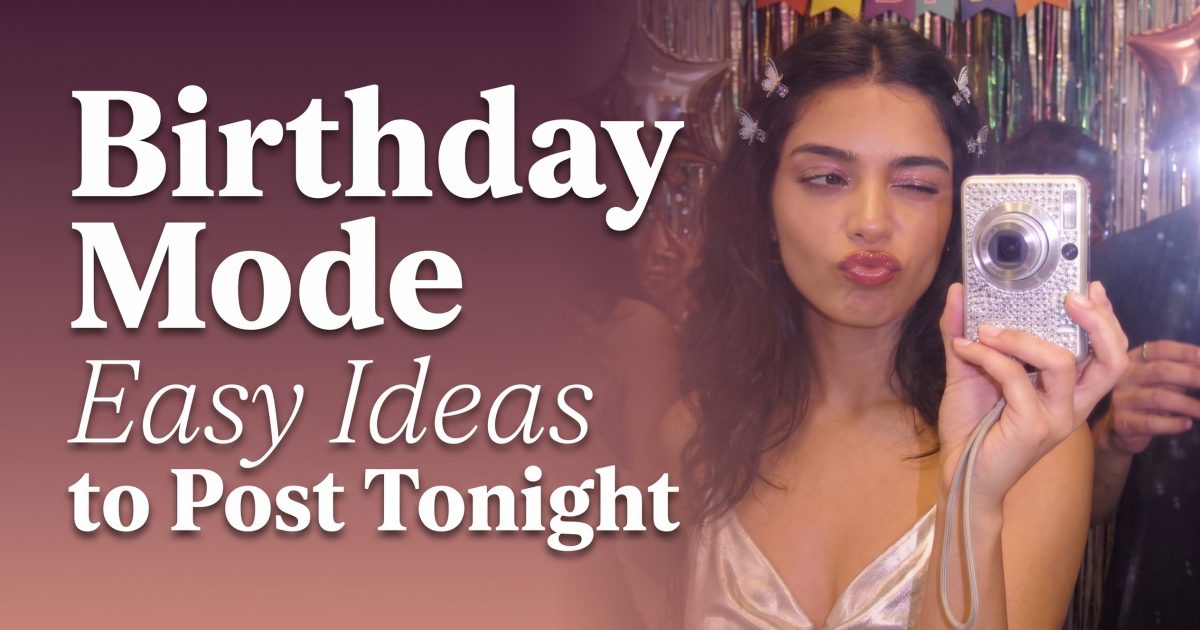
Birthday Mode turns one good portrait into a mini celebration clip ready for Stories, Reels, or the group chat. Pick a photo where the face is clear, add the party details, then post while the birthday energy is still happening.
This look works because it feels personal. It starts with a real selfie, then brings in warm light, sparkle, a little movement, and a frame worth pausing on.
Why Birthday Mode hits differently
Birthday posts have one job: make the person feel like the main character for a few seconds. A plain dinner photo can be sweet, but it often disappears in a fast feed. Birthday Mode adds a clear visual beat without making the person look unrecognizable.
Short-form posts need a good opening moment. A face, a familiar place, and a quick change give people a reason to keep watching. TikTok has documented the huge volume of creator-led video culture in its creator newsroom. A birthday clip does not need a trend sound to feel timely. It needs a point of view.
4 Birthday Mode ideas to try
1. The mirror check before the plans
Start with a mirror selfie before leaving. It has low-stakes confidence: outfit set, phone in hand, a little anticipation. Birthday Mode turns that familiar frame into something more polished without losing the casual feeling.
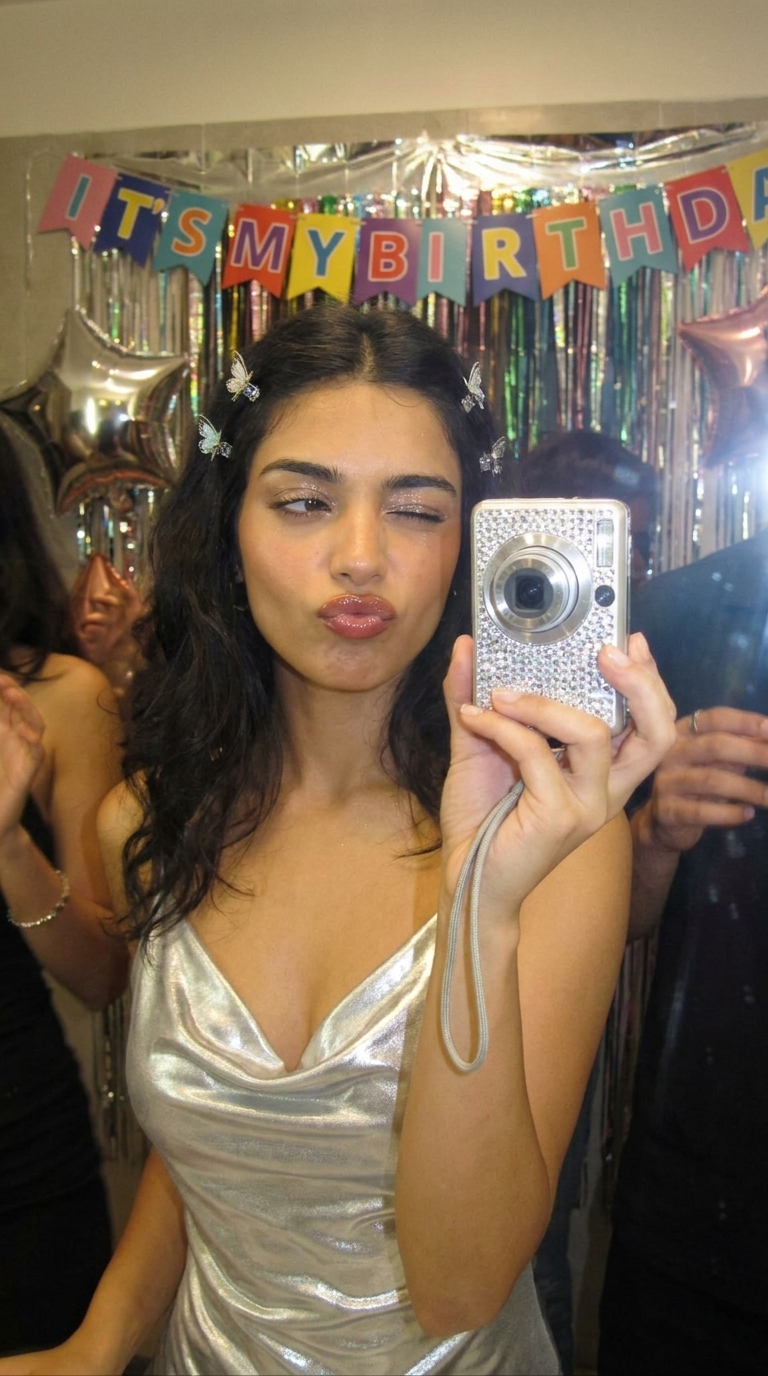
Keep the photo simple. A busy mirror, a clear face, and one strong outfit color are enough. This version also works as the first slide in a carousel.
2. Rooftop birthday energy
Golden-hour portraits have built-in atmosphere. Use Birthday Mode on a rooftop, balcony, or street photo when the light is already warm. The effect adds celebration without competing with the sunset.
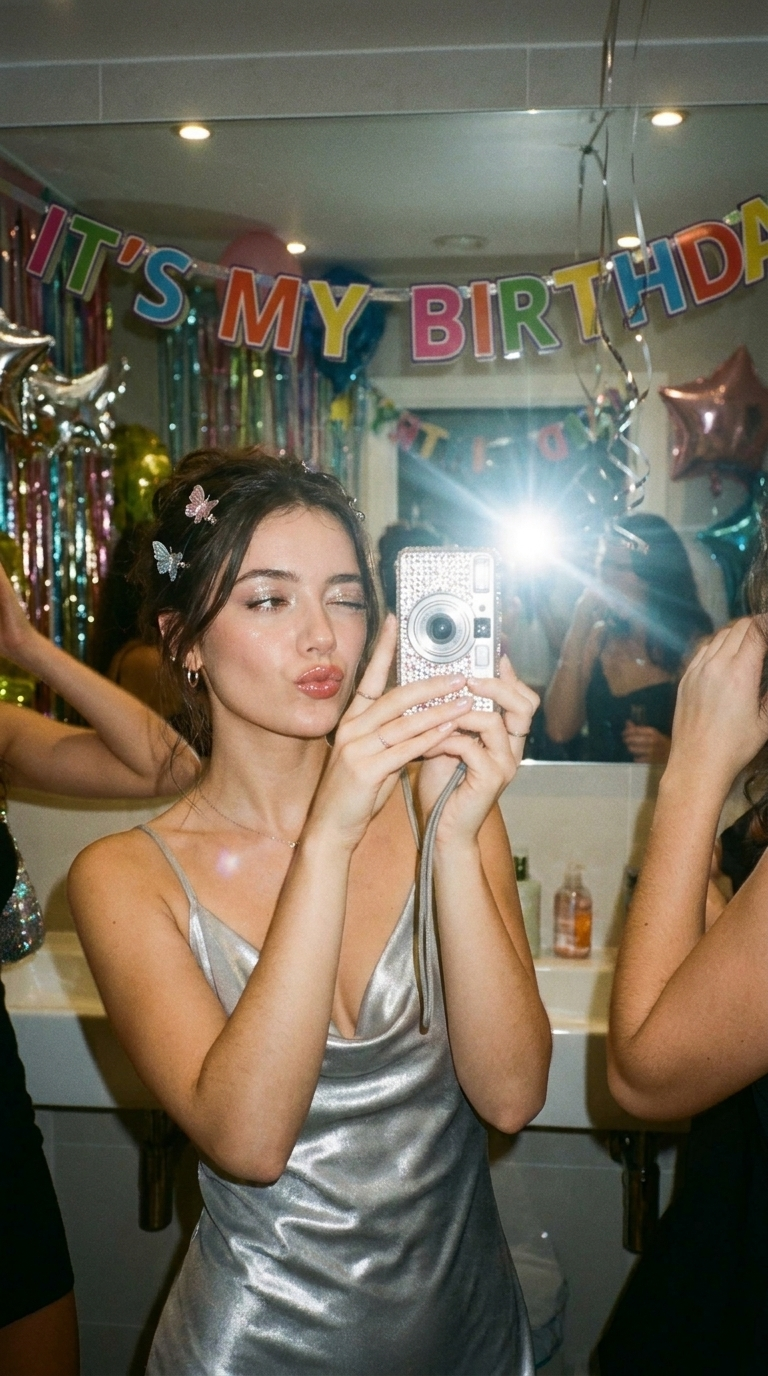
Skip the long caption. Try a date, an age if it feels right, or a short line such as made it another year. Let the clip carry the mood.
3. The cafe birthday soft launch
Not every birthday post needs balloons or a packed dance floor. A cafe portrait makes a softer Birthday Mode edit: pretty, quiet, and still clearly special. It is a good choice for a morning post before the bigger plans begin.
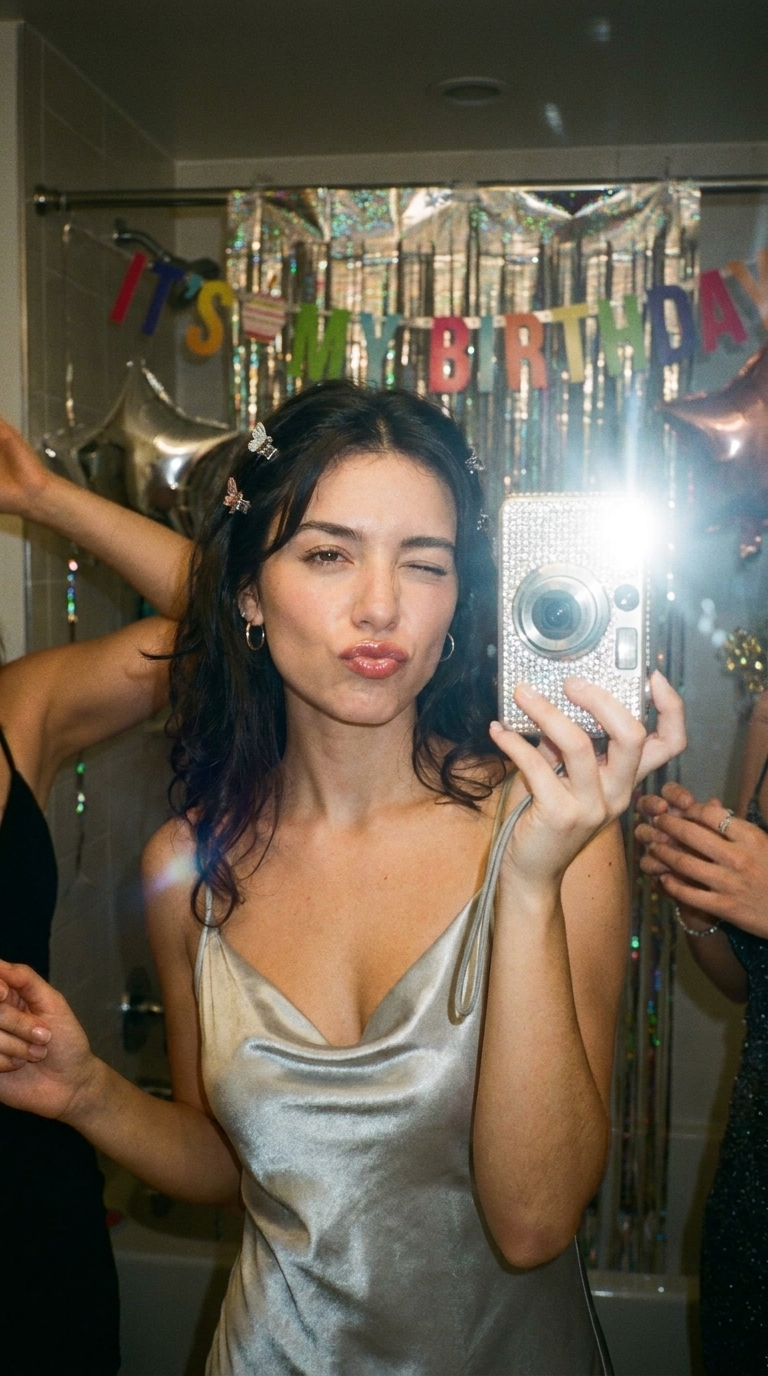
Choose a photo with window light and keep the crop vertical. This look pairs nicely with a close-up of cake, flowers, or coffee afterward.
4. The studio-color birthday drop
For a bolder post, start with a clean background and one saturated color. A red jacket, blue wall, or silver top gives Birthday Mode more contrast. The result feels close to a campaign image, but still starts with a regular photo.
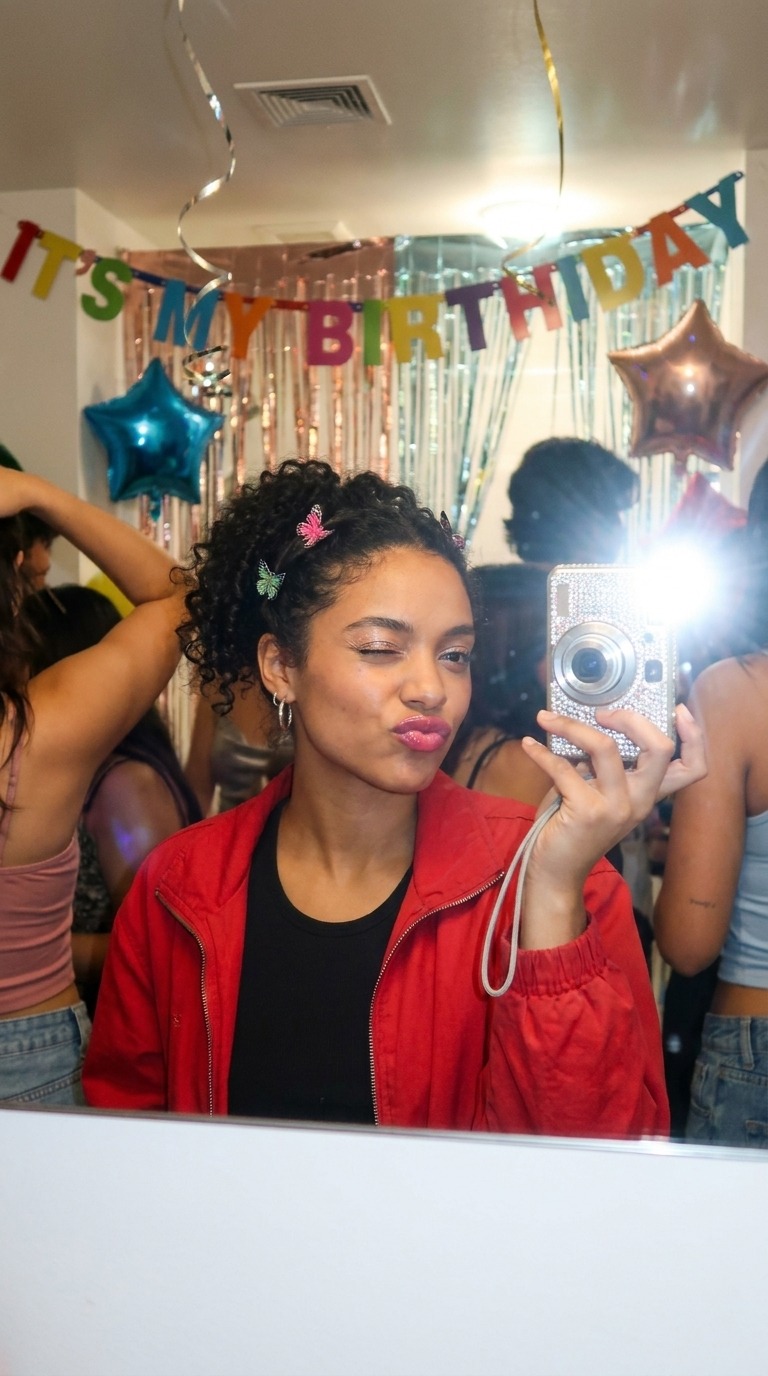
This is the harder setup. Avoid a tiny face or a dark image. Strong color helps, but a sharp portrait matters more.
How to make Birthday Mode look good
Use one portrait where the face is visible and not covered by sunglasses, a hand, or a drink. Stand near a window or outside before sunset. Natural light keeps skin tones believable after the effect is added.
Vertical photos work best for Reels and Stories. Leave room above the head, since interface text can cover the top edge. If the original photo feels formal, that is fine. Birthday Mode supplies the playfulness.
Pick one visual direction for the whole post. Mirror selfie for a getting-ready story. Warm light for a dinner recap. Strong color for a big birthday announcement. Mixing every style in one carousel can feel scattered.
Post it while it still feels like today
Make the Birthday Mode clip the opener, then follow it with two or three real moments: the cake, the table, the friends, the late-night blurry photo. That sequence keeps the edit from feeling staged. It says: here was the mood, and here is the night.
Save the same setup for friends, too. Matching birthday edits make a group post feel connected without forcing everyone into the same pose. Keep the original faces and personal details. That is what makes the effect worth sharing.
Create this effect in Bloom AI
Recreate these birthday effects on your own photos and videos – free to start.