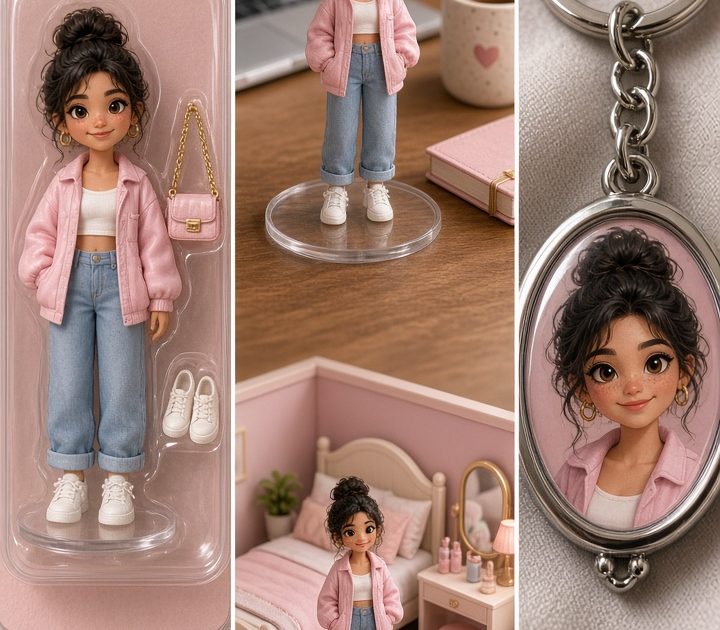
Collectible photo effect posts turn an everyday selfie into the tiny object people want to zoom in on. Think toy packaging, miniature rooms, chrome charms, and a version of you made for a shelf instead of a camera roll. The trick is not to make the image busy. Give the tiny scene one clear idea, then add details that reward a second look.
Why the collectible photo effect works
A collectible image has an instant premise. The viewer understands the scale in one beat, then starts scanning the accessories, label, lighting, and tiny set. That makes it a strong carousel opener, profile refresh, birthday post, or “this is my personality” Story. It also gives a regular portrait a setting without asking for a studio shoot.
Start with a photo where the face is sharp and uncovered. A chest-up portrait, mirror selfie, or clean full-body shot works best. Keep the pose simple. Looking at the camera, holding one prop, or standing with relaxed arms gives the effect room to build the miniature world around you.
4 collectible photo effect ideas to try
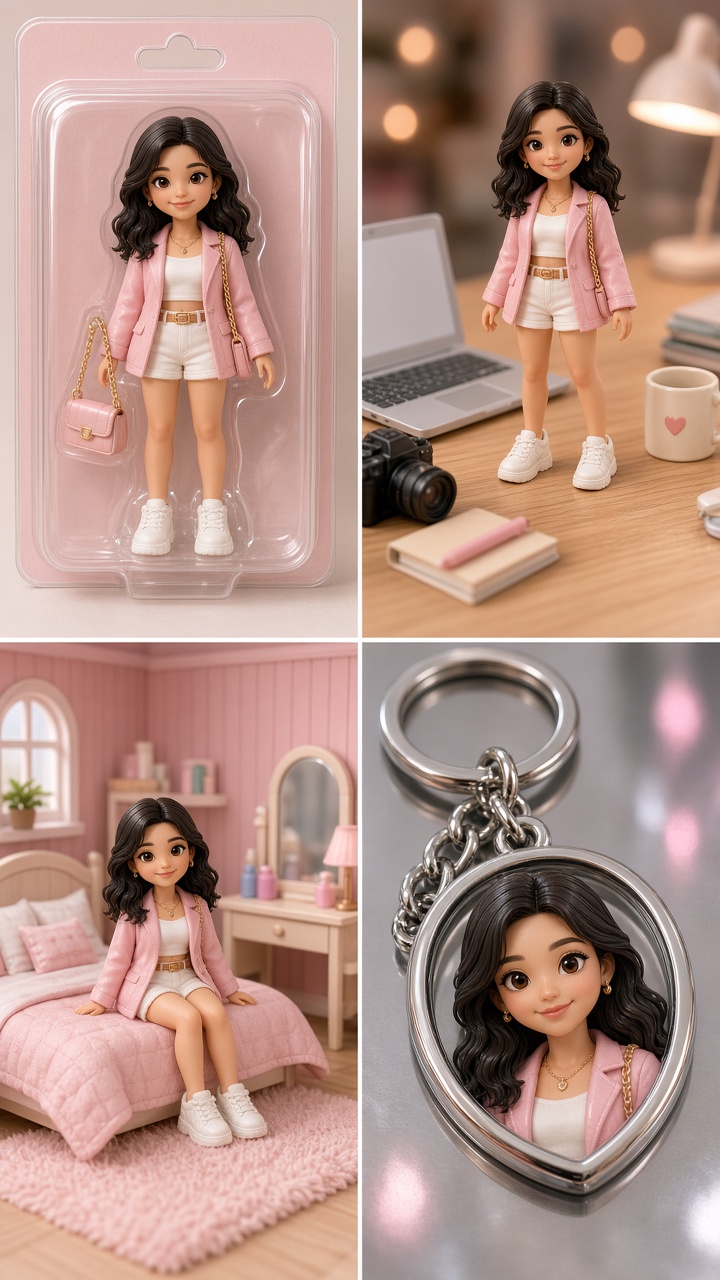
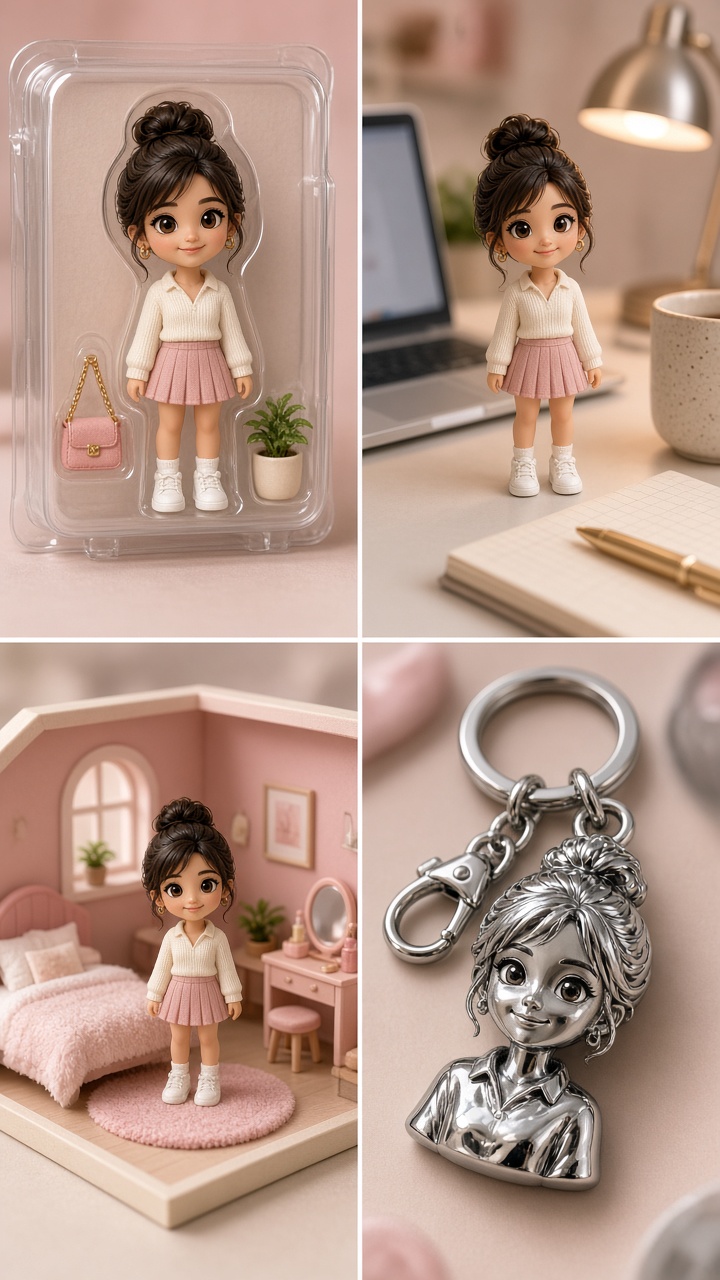
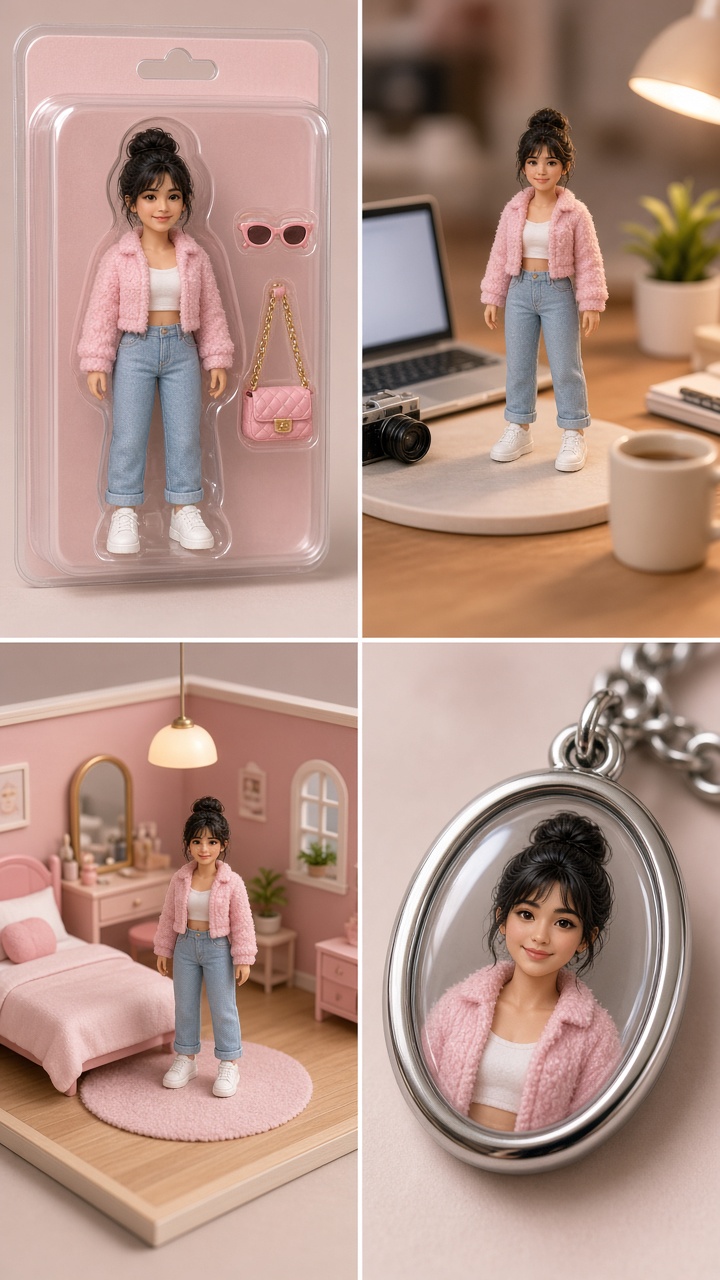
1. Boxed figurine
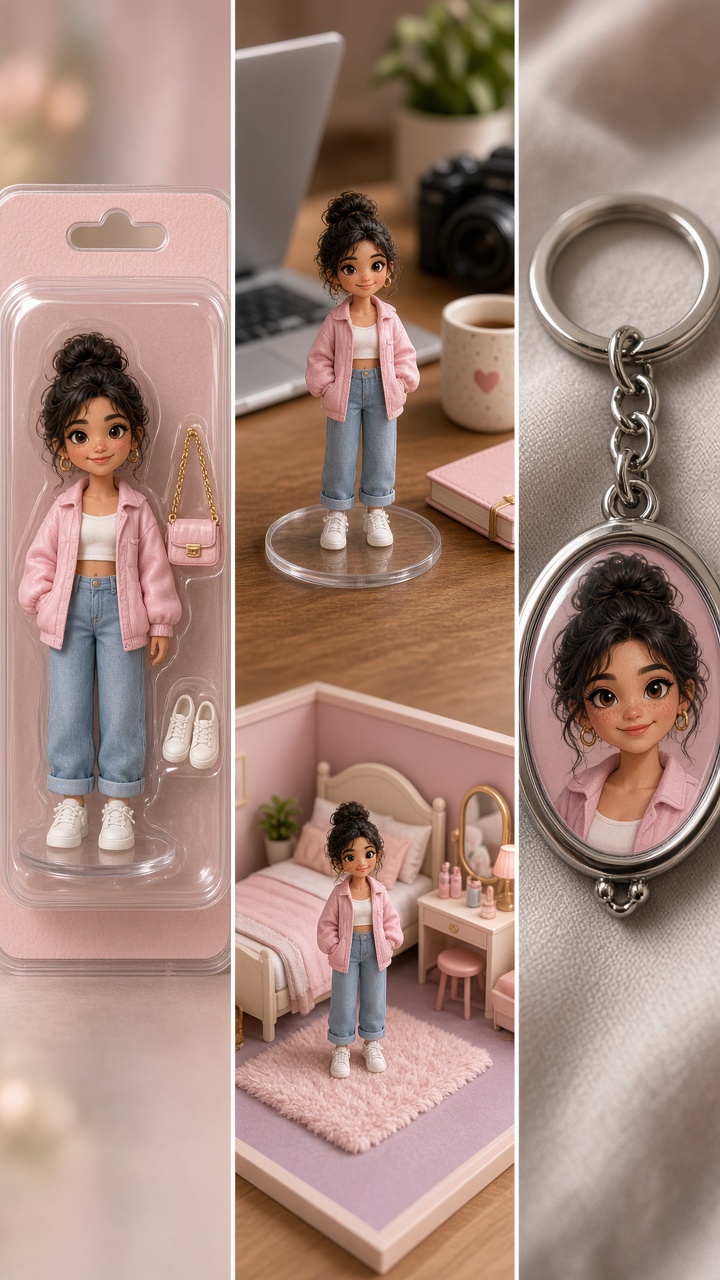
This is the classic toy-on-a-shelf version. Use a clean portrait, then turn the frame into a clear-front display box with a name card and two or three items that say something real about you. A camera, a matcha cup, headphones, skates, or a paperback all work better than random filler.
Try this prompt: “Turn this portrait into a premium boxed figurine. Keep the face recognizable and the outfit unchanged. Clear plastic display box, soft studio light, name card reading Weekend Editor, tiny camera and silver headphones as accessories, realistic product photography, vertical 4:5.”
Match the box color to one item in the outfit. A red jacket with a pale pink package can look accidental; a red label or warm neutral box feels deliberate. Use this version for an introduction carousel, a new-job post, or a funny “starter pack” caption.
2. Mini desk scene
A desk scene feels more lived-in than a package. Build a tiny workspace around a seated or standing portrait and choose objects with different heights: a monitor, cup, notebook, lamp, and one playful item. The best desk scenes have a small story. Maybe the miniature you is editing a Reel, planning a trip, or hiding behind a stack of magazines.
Try this prompt: “Create a miniature desk diorama around this person. Keep the same face, hairstyle, and outfit. Tiny cream desk, laptop showing a video edit timeline, disposable camera, iced coffee, warm lamp, realistic dollhouse scale, soft afternoon shadows, vertical 4:5.”
For a polished result, avoid asking for five tiny branded objects. Small lettering can turn messy fast. Use color and shape instead. This look suits creator updates, study content, work-from-cafe posts, and a behind-the-scenes carousel slide.
3. Dollhouse moment
Go soft and playful with a miniature room, tiny furniture, and a styled outfit. Pick one room only: bedroom, vanity corner, kitchen, or reading nook. A single room gives the picture a clear mood. Mixing a bedroom, cafe, and garden in one frame usually makes it feel more like a collage than a collectible.
Try this prompt: “Place this person in a pastel dollhouse bedroom as a miniature collectible. Preserve facial features and outfit. Tiny velvet chair, bedside lamp, fashion magazines, framed art with no readable text, gentle flash, detailed dollhouse materials, vertical 4:5.”
Pastels work for a sweet, dreamy frame. Dark wood, deep green, and brass make the same idea feel more grown-up. Use a dollhouse moment for outfit posts, beauty content, room inspiration, or a first slide before showing the real-life look.
4. Chrome keychain charm
For something quicker and sharper, crop closer and turn the portrait into a charm. The result should feel like a tiny polished object hanging from a bag, phone, or key ring. Keep the background plain so the reflective edge and face do the work.
Try this prompt: “Turn this close-up portrait into a glossy chrome keychain charm. Keep the face recognizable. Silver ring, translucent acrylic edge, soft reflected light, simple blurred background, cute collectible product photo, vertical 4:5.”
A bright top or a photo with clean side light helps the face stay readable at this scale. This is the easiest version to pair with a short caption, a music lyric, or a new profile picture. It also works as a sticker-style overlay on the first second of a Reel.
How to prompt a collectible photo effect without losing your face
Write the identity instructions first. Say what must stay the same: face, hair, skin tone, outfit, pose, or expression. Then name the collectible format, the set, the props, and the lighting. Finish with the crop. This order helps the image hold onto the person before it starts decorating the scene.
Use three props at most on the first try. If the image comes back flat, change one thing at a time. Add a stronger light direction, swap the package color, or make the camera angle lower. Don’t rewrite the entire prompt after every result. Small changes make it easier to spot what improved the image.
Skip real brand names on boxes and screens. They can pull attention away from the portrait or produce unreadable type. A simple role label, such as “Night Shift DJ” or “Sunday Baker,” lands better. If text matters, add it as a clean text layer after generating the image.
Styling and production tips before you post
Choose a vertical crop for Reels, Stories, and most carousels. Leave a little breathing room above the miniature set so interface buttons do not cover the best detail. For a carousel, lead with the full collectible image, then show a close crop of the accessories as slide two. That second frame gives people a reason to swipe.
Keep the caption light. Name the version, add one personal detail, and stop there: “Apparently the tiny me comes with coffee and a camera.” If the post includes a before-and-after, show the original image first for half a second in a Reel, then cut to the collectible version. The contrast makes the reveal land.
Want more ideas in the same lane? Browse Bloom AI’s trending effects for looks that start with an ordinary photo and take it somewhere unexpected. For platform-specific sharing and creator news, TikTok also publishes updates in its official newsroom.
Create this effect in Bloom AI
Recreate these effects on your own photos and videos – free to start.